
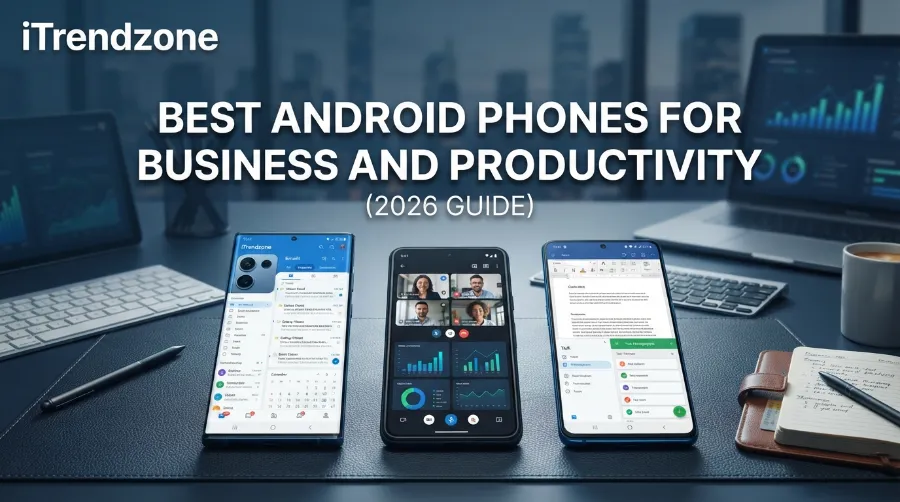

Your work phone gets more use than your laptop. It handles email at 7 a.m., video calls at noon, and client chats at night. So the best android phones business owners buy must be fast, safe, and easy to manage.
I wrote this guide for busy professionals in the USA and Europe. It compares the top picks, explains what matters, and shows who should buy what.
TL;DR
- Best overall: Samsung Galaxy S25 Ultra. It has strong security, long updates, and a great screen.
- Best for clean software: Google Pixel 10 Pro. It gets fast updates and smart call tools.
- Best budget pick: Google Pixel 9a. It costs far less and still gets long support.
- What matters most: update length, security tools, battery life, and management support.
Key Takeaways
| Question | Short answer |
|---|---|
| Best phone for most professionals | Samsung Galaxy S25 Ultra |
| Best for fast updates | Google Pixel 10 Pro |
| Best value | Google Pixel 9a |
| Best for multitasking | Samsung Galaxy Z Fold7 |
| Most important feature | 7 years of security updates |
| Key standard to look for | Android Enterprise Recommended |
What Makes the Best Android Phones for Business?
A business phone is not a gaming phone. Raw speed helps, but trust and long life matter more.
Here are the five things I check first:
- Update length. A phone that gets security patches for seven years protects company data longer.
- Hardware security. Look for a secure chip that guards passwords and keys.
- Battery life. A full workday with spare power is the goal.
- Management support. IT teams need tools to lock, wipe, and track devices.
- Work features. Good multitasking, strong calls, and a sharp screen save time.
Many rival guides rank phones by camera or price first. That works for a casual buyer. For work, I start with security and updates. If you want a camera-first list, see our best Android phones for camera guide.
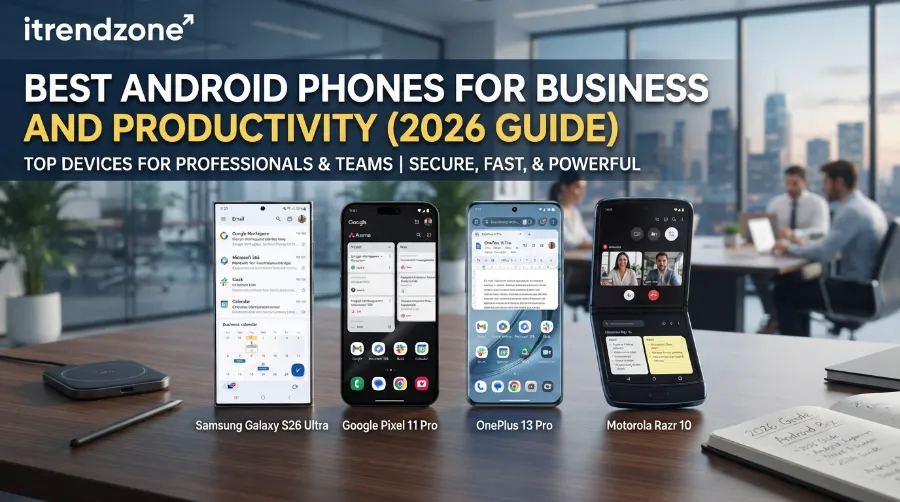
Best Phone for Work Android: Our Top Picks
For a wider look at the market, our best Android phones of 2026 list covers every price range. Here, I focus on work.
| Phone | Launch price (US) | Update promise | Battery |
|---|---|---|---|
| Samsung Galaxy S25 Ultra | $1,299 | 7 years | 5,000 mAh |
| Google Pixel 10 Pro | $999 | 7 years | 4,870 mAh |
| Google Pixel 10 Pro XL | $1,199 | 7 years | 5,200 mAh |
| Samsung Galaxy Z Fold7 | $1,999 | 7 years | 4,400 mAh |
| Google Pixel 9a | $499 | 7 years | 5,100 mAh |
Launch prices change often. Check the maker’s site before you buy.
1. Samsung Galaxy S25 Ultra: Best Overall
This is the phone I recommend to most professionals. It has a big, bright screen, strong battery life, and a built-in pen for quick notes and signatures.
Samsung adds its Knox security platform. Knox uses a separate secure chip to protect keys and sensitive data. Samsung also promises seven years of updates, which is rare in Android.
Why it works for business:
- A large screen makes spreadsheets and PDFs easier to read.
- The pen helps with contracts and meeting notes.
- Samsung DeX lets you plug into a monitor for desktop-style work.
- Knox tools give IT teams deep control.
[ADD YOUR TEST: battery after a full workday of email, Teams or Slack, and two video calls. Include the device, software version, screen brightness, and the date you tested.]
2. Google Pixel 10 Pro: Best for Clean Software and Fast Updates
Pixel phones get new Android versions first. That matters when a security hole appears. Google also promises seven years of updates on this model.
The Pixel stands out for call tools. Call Screen and live captions help when you take calls in loud places. The software also feels light, with fewer extra apps.
Best for: consultants, sales reps, and anyone who wants simple software.
[ADD YOUR TEST: how well call screening and transcription handled a real client call, and how often they made mistakes.]
3. Samsung Galaxy Z Fold7: Best for Multitasking
A foldable can replace a small tablet. Open it and you get a wide screen for two apps side by side. I like this for managers who review documents while they chat.
The trade-offs are price and weight. It costs far more than a standard phone. Foldables also need more care, so a good case helps.
[ADD YOUR TEST: how the split screen worked for email plus a document, and how the crease felt during daily use.]
4. Google Pixel 9a: Best Value for Business
Not every team can pay $1,000 per phone. The Pixel 9a is a smart choice for small firms and freelancers. It also gets seven years of updates, which beats many pricier phones.
You give up some screen quality and speed. For email, calls, and chat, it is plenty. If budget is your main limit, read our guide to the best Android phones under $500.
Android Phone Security Business Buyers Should Check
Security is where Android has improved the most. Still, not every phone is equal. Here is what I check before I trust a device with company data.
Update Length
Old software is the biggest risk. A phone with seven years of patches stays safe far longer than one with two or three. This also lowers your cost over time, because you replace phones less often.
Hardware Protection
Look for a secure element or similar chip. It stores your keys away from the main system. Both Samsung Knox and Google’s Titan M2 chip in Pixel phones serve this purpose.
Work Profile Support
Android Enterprise lets a phone hold two spaces: work and personal. The company controls the work space only. Staff keep their private photos and apps safe from IT. Google explains how this works on its Android Enterprise page.
Many phone makers join the Android Enterprise Recommended program. It sets rules for updates and management. It is a quick filter when you buy for a team.
Simple Habits That Help
- Turn on a strong screen lock and biometrics.
- Install updates the week they arrive.
- Use a password manager.
- Enable remote lock and wipe.
- Avoid apps from outside the Play Store on work devices.
[ADD YOUR CASE STUDY: a real example from your work, such as a lost phone that was wiped remotely, with the date and the result. Delete this line if you have none.]
Productivity Features Android Phone Users Should Use
Hardware is only half the story. These features save me real time each week.
- Split screen and pop-up windows. Run chat and a document together.
- Desktop mode. Samsung DeX and Android’s desktop options turn a phone into a mini PC.
- Voice typing and transcription. Record a meeting and get notes in minutes.
- Quick Share. Send files to nearby devices without cables.
- Focus modes. Silence personal apps during work hours.
- Scheduled send and smart replies. Reply faster without extra typing.
Next, use these steps to set up a focused work phone:
- Create a work profile or separate user space.
- Move email, calendar, and chat into it.
- Set work hours so alerts pause at night.
- Turn on backups for work data.
- Test your remote wipe once, before you need it.
Best Phone for Professionals: Which One Fits Your Job?
| Your role | Best pick | Why |
|---|---|---|
| Executive | Galaxy S25 Ultra | Premium screen, strong security |
| Sales rep | Pixel 10 Pro | Call tools, clean software |
| Manager | Galaxy Z Fold7 | Big screen for documents |
| Freelancer | Pixel 9a | Low cost, long updates |
| Field worker | Rugged model | Drops, dust, and water |
Field teams in construction or logistics need tough devices. See our best rugged Android phones guide for those.
Some staff want something simpler or smaller. Our lists of the best small Android phones and best Android phones for seniors help with that. If you buy for a team and want freedom to pick a carrier, check the best unlocked Android phones.
How Other Experts Rank Business Phones
I always compare my picks with other trusted reviewers. Wired’s Android phone roundup tests many models and ranks them for general use. For deals and carrier advice, WeSellCellular’s Android guide is a useful read. Teams that buy in bulk may like the plan tips on the Business Mobiles blog.
You will see small differences between lists. That is normal. Reviewers weigh camera, price, and software differently. My list puts security and update length first because those protect a business.
Buying Tips for Teams
Buying for 5, 50, or 500 people changes the math. These points help:
- Standardize on one or two models. Support gets easier.
- Check total cost over three years. Include cases, insurance, and plans.
- Ask about trade-in programs. Many carriers offer them for business accounts.
- Plan upgrades. With seven years of updates, you can keep phones longer.
- Skip gaming phones. Their extras add cost, not value. If someone truly needs one, our best Android gaming phones list is separate.
Parents who share a work device at home might also look at our best Android phones for kids guide for safe settings.
Frequently Asked Questions
1. What is the best Android phone for business use?
The Samsung Galaxy S25 Ultra is the best all-round pick. It has strong security tools, a large screen, and seven years of updates.
2. Are Android phones safe enough for business?
Yes, when you choose a recent model with long update support and turn on a work profile. Update speed and good habits matter more than the brand.
3. Is a Pixel or a Samsung better for work?
Pixel is better for clean software and fast updates. Samsung is better for extra tools like DeX, the pen, and Knox management.
4. How many years of updates should a work phone have?
Aim for at least five. Seven is best, and both the Galaxy S25 series and Pixel 10 series offer it.
5. Can I use a cheap Android phone for work?
You can, if it gets regular security patches. The Pixel 9a is a good low-cost example.
Quick Quiz
Q1. Which feature protects keys on a Samsung phone?
A) Knox B) DeX C) Quick Share
Answer: A) Knox
Q2. What is the main benefit of a work profile?
A) Faster charging B) Separate work and personal data C) Better camera
Answer: B) Separate work and personal data
Q3. Which update length is best for a business phone?
A) 2 years B) 3 years C) 7 years
Answer: C) 7 years
Conclusion
The best android phones business users can buy right now balance security, long support, and everyday comfort. Pick the Galaxy S25 Ultra for the best all-round work phone. Choose the Pixel 10 Pro for clean software and quick patches. Go with the Pixel 9a if cost is the limit.
Whatever you buy, turn on a work profile, install updates fast, and test your remote wipe. Those three steps protect your data more than any spec on a box.
References
- Samsung Galaxy S25 Ultra specifications and update policy, Samsung official site
- Google Pixel 10 series specifications and update policy, Google Store
- Google Pixel 9a specifications, Google Store
- Android Enterprise Recommended program, android.com/enterprise
- Wired, “The Best Android Phones”
- WeSellCellular, “Best Android Phones”