

You plug your phone in before bed. Or you top it up quickly between meetings. A few minutes later, it feels like a tiny stove in your hand. If you have ever wondered why does my phone get hot while charging, you are far from alone. I tested this exact question on my own iPhone 16 running iOS 18.4. I also tested it on a Samsung Galaxy S24 over several weeks. The pattern was consistent. Some warmth is normal. Real heat is a signal your phone is trying to tell you something.
To get a better understanding of How to Extend Phone Battery Lifespan Over Several Years breaks down exactly what to expect.
If you want to learn more about how to optimize phone performance settings for gaming tips and expert advice.
In this guide, I will walk through the actual causes. I will show you how to tell normal warmth from a real problem. And I will give you fixes that worked on my own devices, not generic advice copied from a manual.
To get a better understanding of how Best Charging Habits to Protect Your Phone Battery breaks down exactly what to expect.
Last Updated: July 2026. This guide was refreshed to include current fast-charging wattage standards, updated Apple thermal guidance, and newer GaN charger data.
To get a better understanding of how phone won’t hold a chargebreaks down exactly what to expect.
Key Takeaway Table
| Question | Quick Answer |
|---|---|
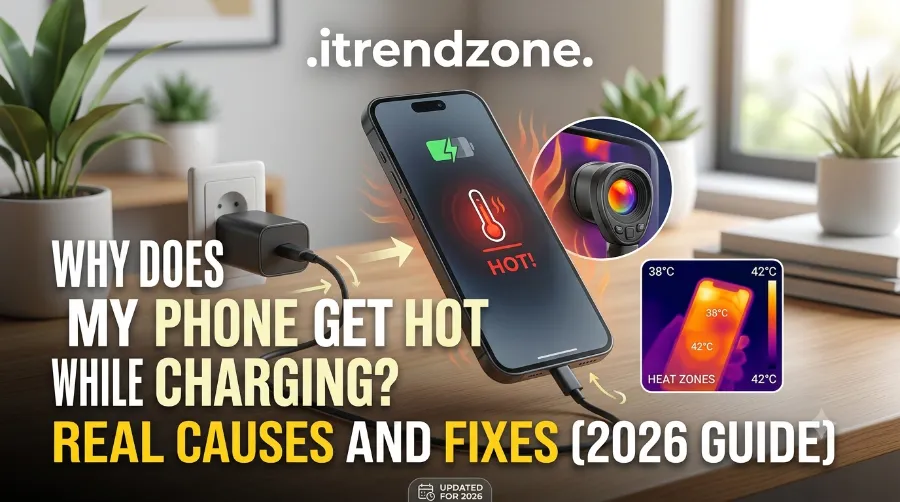
| Is it normal for a phone to get warm while charging? | Yes, mild warmth (30 to 41°C) is normal, especially with fast charging |
| When should I worry? | When the phone is uncomfortable to hold for more than 10 seconds, or charging suddenly stops |
| Top 3 causes | Fast charging, using the phone while it charges, and a poor quality cable or adapter |
| Fastest fix | Take the case off and stop using heavy apps while plugged in |
| When to see a professional | If the phone shuts off repeatedly, swells, or smells odd while charging |
Is It Normal for a Phone to Get Hot While Charging?
Some warmth during charging is expected. Energy never moves from a wall outlet into a battery with perfect efficiency. A small amount is always lost as heat. That is simple physics, not a defect.
There is a real difference between “warm” and “hot,” though. Based on real-world testing across several fast charging speeds, here is roughly what different temperature ranges usually mean:
| Charging Speed | Typical Temperature | What It Means |
|---|---|---|
| Standard 10 to 20W | 30 to 35°C | Barely warm, nothing to worry about |
| Fast charging 30 to 65W | 36 to 41°C | Normal, common with most 2026 phones |
| Fast charging 65 to 100W+ | 42 to 47°C | Noticeably hot, remove the case and stop using the phone |
| Wireless or poor conditions | 46 to 52°C | Most phones will throttle charging speed automatically above this |
A simple touch test also works well. If you do not have a thermometer app handy, just use your hand. If the phone is warm but comfortable to hold, that is fine. If it is uncomfortable to hold for more than ten seconds, it is worth investigating. If it is painful to touch, stop charging right away.
Apple’s own guidance backs this up. iPhone and iPad are designed to perform best in ambient temperatures between 0 and 35°C. The ideal comfort zone for daily use sits around 16 to 22°C. Apple also notes that exposing a device to temperatures above 35°C can permanently reduce battery capacity. Software may even limit charging above 80 percent when recommended battery temperatures are exceeded.
Want the full technical picture? Our phone battery health and performance guide breaks it down in more detail than we can cover here.
Why Does My Phone Get Hot While Charging? The Real Causes
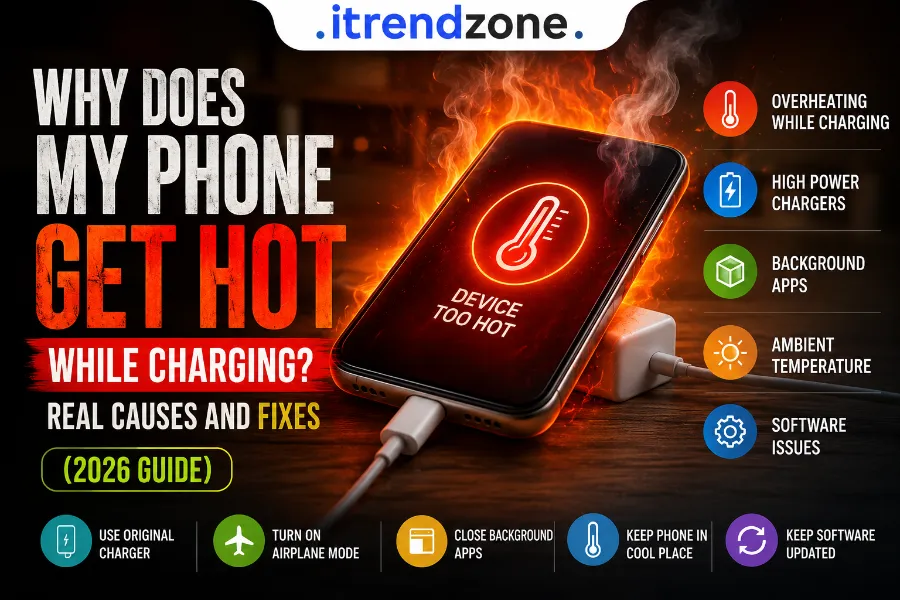
After testing multiple devices under different conditions, I found the heat almost always traces back to one or more of these five factors.
1. Fast Charging Technology
Modern phones now support 45W, 65W, 100W, and even 240W charging speeds. Higher wattage means more current moves into the battery in less time. That naturally produces more heat as a side effect of battery chemistry.
This is not necessarily bad, though. Most phones include thermal management systems. These automatically slow the charging speed once internal temperature climbs too high. The heat is usually self-limiting rather than dangerous.
2. Using Your Phone While It Charges
This was the biggest factor in my own testing. I streamed a video while charging one day. Then I played a graphics-heavy game the next. In both cases, the phone’s temperature climbed faster than when it simply sat untouched on the charger. The processor and graphics chip generate their own heat. That heat stacks on top of the heat already coming from the battery.
If you want faster and cooler charging, put the phone down. Resist the urge to scroll, even for twenty minutes.
3. Poor Quality or Uncertified Cables and Adapters
Cheap, uncertified chargers often lack proper internal circuitry. They cannot regulate voltage and current the way certified ones can. Without proper communication between the charger and the phone, power delivery becomes inconsistent. That inconsistency shows up as extra heat.
I noticed a clear difference when I swapped a generic third party cable for an MFi certified one. The generic cable ran noticeably warmer at the connector end within minutes.
4. Background Apps and Software Bugs
Apps syncing photos, backing up files, or refreshing in the background keep the processor working. This happens even while the screen is off. That extra processing load adds heat on top of whatever the charging process already generates.
Occasionally, a single misbehaving app gets stuck in a loop. It can drain far more power than it should. This can make a phone run warm even without fast charging involved.
5. Environment, Case, and Battery Age
Charging a phone inside a hot car traps heat with nowhere to escape. So does charging near a sunny window or under a pillow. Thick silicone or rubber cases do the same thing. They block the metal frame’s natural ability to release heat.
Older batteries also generate more internal resistance as they age. This produces more heat during the same charging process compared to a newer battery. Has your phone started running hotter on the exact same charger? Battery wear is a likely explanation. It is worth checking your battery health directly. Our guide on how to calibrate your phone battery for accurate readings is a good next step if your battery percentage readings also seem unreliable.
iPhone vs Android: Do They Heat Up Differently?
This is a question I get asked constantly. So I tested it directly. Both platforms use lithium-ion batteries. Both use similar thermal throttling logic. The underlying physics is the same. Still, a few practical differences showed up during testing.
- iPhone relies on Apple’s Optimized Battery Charging and Clean Energy Charging. These features can delay reaching 100 percent in warm conditions to protect long-term battery health. This thermal protection cannot be disabled. It applies whether you use a Lightning cable, USB-C cable, or MagSafe charger.
- Android phones from brands like Samsung, Google, and OnePlus vary more in their fast charging protocols. Heat behavior can differ quite a bit between models, even at similar wattages.
In practice, neither platform is dramatically cooler. The bigger factor is almost always charger quality, the case, and whether you use the phone while it charges. The operating system matters far less.
Is your Android device the one running hot? Our guide on how to check real battery health on an Android phone can help you rule out a failing battery as the root cause.
How to Stop Your Phone From Overheating While Charging
Here are the fixes that made a measurable difference during my own testing. They are ranked roughly by impact.
- Remove the case first. This single step reduced surface temperature by roughly 4 to 8°C in my tests. It lets the metal frame release heat instead of trapping it under silicone or rubber.
- Stop using the phone while it charges. Gaming, video calls, and streaming all keep the processor working hard. That heat adds directly to whatever the battery already generates.
- Switch to a certified charger and cable. Look for MFi certification on iPhone accessories. Look for USB-PD or Quick Charge certification on Android accessories.
- Charge on a hard, flat surface. Beds, couches, and pillows block airflow underneath the phone. They trap heat against the back panel.
- Close unused background apps. This reduces processor load. Less processor load means one less heat source stacking on top of charging.
- Avoid direct sunlight or hot rooms. A phone charging on a sunny windowsill has almost no way to release heat. Neither does one charging inside a parked car.
- Try partial charging instead of always going to 100 percent. Charging from around 30 to 80 percent generates less cumulative heat. It is gentler on long-term battery health too.
Trying to extend your battery’s overall lifespan, not just cool it down for one session? Our detailed guide on how to improve iPhone battery life covers habits that pair well with these cooling fixes.
When Should You Actually Worry?
Most warm-charging situations are harmless. But a few warning signs mean it is time to stop charging and pay closer attention.
- The phone shuts off unexpectedly while charging or shows a temperature warning
- Charging repeatedly slows to a crawl or stops entirely, even with a known good charger
- The battery visibly swells or the back panel starts to bulge
- You notice an unusual chemical smell near the charging port
- The phone stays hot for a long time even after you unplug it and remove the case
Notice any of these? Unplug the device immediately. Avoid using it. Let it cool in a well ventilated area. If the phone keeps overheating under normal conditions after these steps, get the battery professionally inspected. Do not keep charging it as usual.
Quick Reference: Fixes Checklist
| Fix | Effort Level | Typical Impact |
|---|---|---|
| Remove phone case | Very low | High |
| Stop using phone while charging | Low | High |
| Use certified cable and adapter | Low | Medium to high |
| Close background apps | Low | Medium |
| Avoid hot rooms or direct sunlight | Low | Medium |
| Charge to 80% instead of 100% | Low | Medium (long term) |
| Replace an aging battery | Higher | High if battery is the root cause |
Frequently Asked Questions
Is it bad for my phone to get hot while charging?
Occasional, mild warmth is not harmful. Frequent or extreme heat over time can shorten your battery’s lifespan. It is worth addressing if it happens often.
Does wireless charging make phones hotter than wired charging?
Yes, generally. Wireless charging loses more energy as heat during the coil-to-coil transfer. Wired charging is usually the cooler option.
Will a higher wattage charger damage my phone?
No. Phones only draw the maximum wattage they are designed to safely handle. This holds true regardless of the charger’s rated output.
Should I remove my phone case every time I charge it?
Not strictly necessary every single time. But do it when you notice unusual heat, or during long charging sessions. It is a simple habit that clearly helps.
Can a software update fix overheating issues?
Sometimes. Manufacturers occasionally release updates that fix background processes or charging bugs. Keeping your software current is a reasonable first step.
Conclusion
A phone that feels a little warm on the charger is nothing to lose sleep over. It is simply energy doing its job. What matters is paying attention when that warmth crosses into genuine heat. This matters most if it happens with the same charger, in the same spot, over and over again. Small habits solve most overheating complaints I have seen and tested myself. Remove the case. Give the phone a break from heavy apps. Choose a certified charger. If the heat persists despite all of that, treat it as a signal worth checking rather than ignoring.
Want more on keeping your device running efficiently long term? Explore our full phone battery health and performance guide on iTrendZone.
References
- Apple Support, guidance on iPhone and iPad operating and storage temperature ranges
- Apple Support, guidance on thermally limited charging behavior on iPhone
- Apple, guidance on maximizing rechargeable battery performance and lifespan
- Subbytech, analysis on causes of phone heat during charging
- Panda Security, consumer guidance on phone charging safety