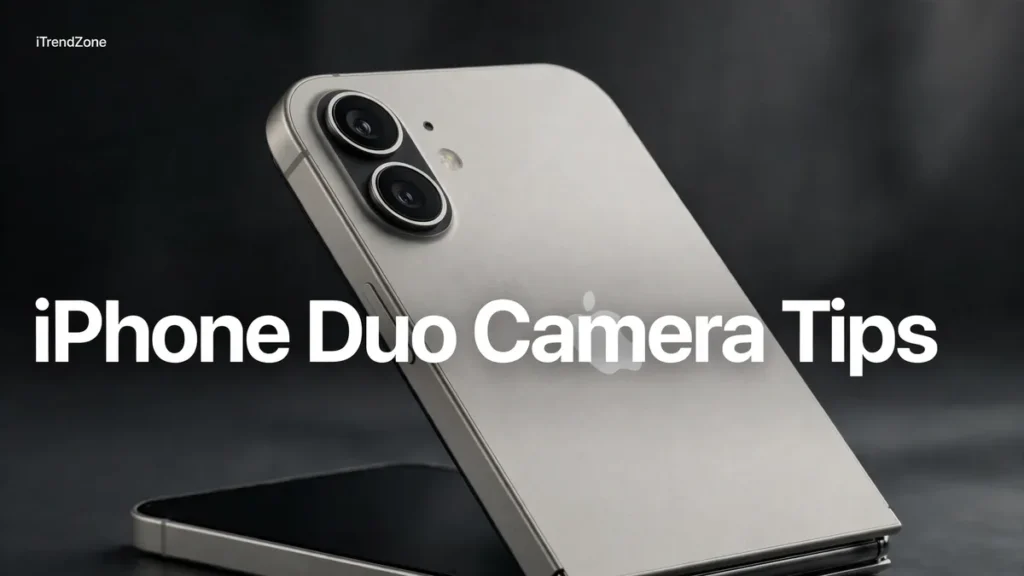

iPhone Duo Camera Tips: Get Sharper Photos From Apple’s First Foldable
iPhone Duo camera tips start with one simple truth: this phone shoots differently from every iPhone before it. The Duo is Apple’s first foldable iPhone, and its book-style shape changes how you hold it, frame a shot, and even see yourself while you shoot. You get two 48MP Fusion cameras on the back, a big 7.6-inch inner screen that works like a viewfinder, and a smaller 5.4-inch outer screen for quick snaps. Once you learn which screen to use, when to trust the 2x zoom, and how the under-display front camera behaves, the results jump fast. This guide walks through all of it, step by step, with settings you can change today.
TL;DR: Use the 48MP main camera for most shots, tap 2x for portraits and details, switch to the ultra-wide for macro and wide scenes, shoot with the phone unfolded for the best preview, and use the outer screen for fast one-handed photos. Clean the lenses, lock focus with a long press, and turn on grid lines. The Duo has no separate telephoto lens, so treat 2x as your longest clean zoom.
Why the iPhone Duo Camera Feels Different
A normal iPhone is a slab. You point it, you shoot. The Duo folds, and that fold is not a gimmick when you are taking photos. Open it up and the 7.6-inch Super Retina XDR OLED inner display turns into a huge viewfinder. Details you would miss on a small screen suddenly stand out: a stray hair in a portrait, a tilted horizon, a blink at the wrong second. You can check the shot properly before you press the button, not after.
The hardware underneath is serious. The A20 Pro chip, built on a 2nm process, handles the image processing for both screens, and its dedicated display engine keeps the preview smooth at 120Hz ProMotion. Photos process fast, night shots stack quickly, and switching between the folded and unfolded views does not slow the Camera app down. If you want the full story on the phone itself, the iPhone Duo tips guide covers the hardware, price, and release details in one place.
Know Your Two Rear Cameras First
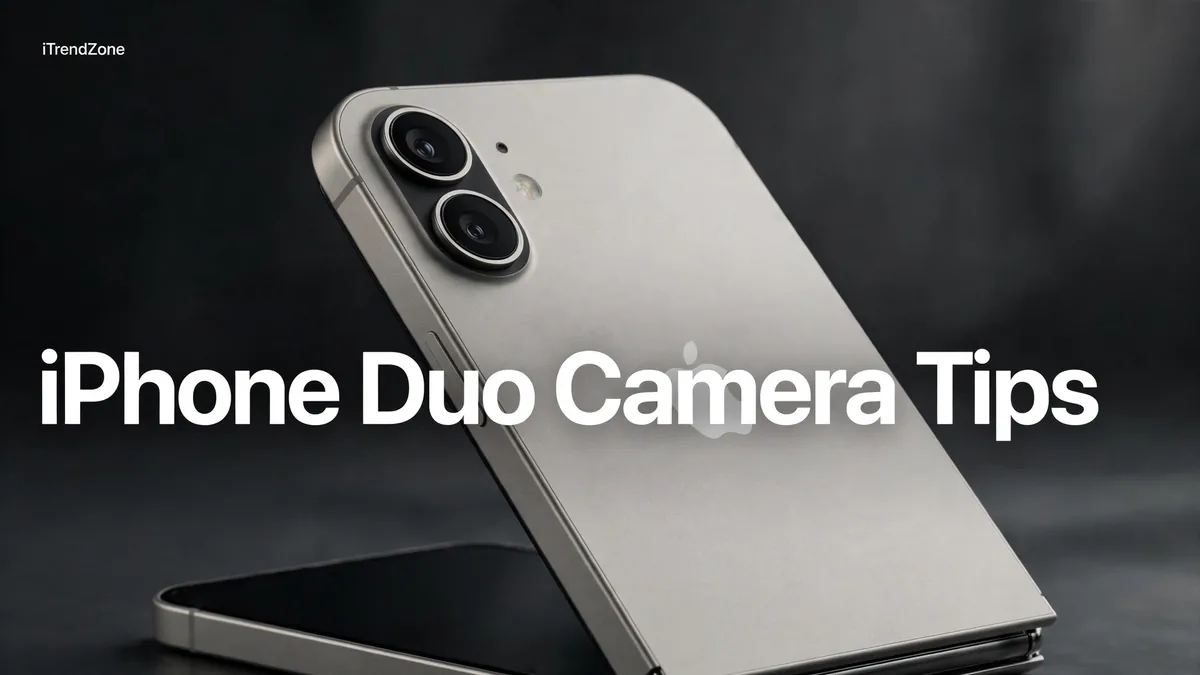
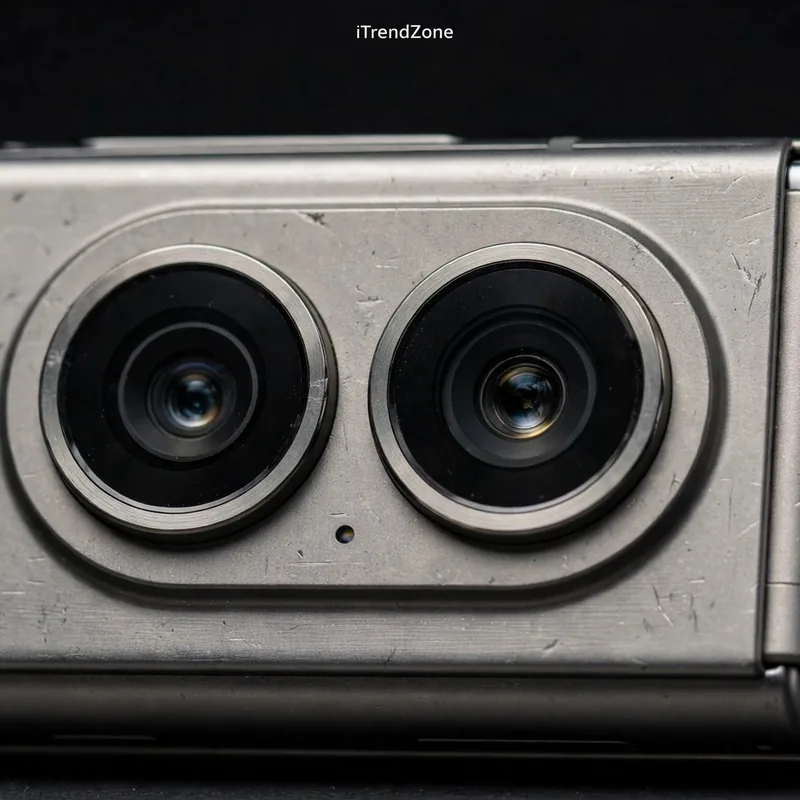
Before changing any setting, learn what each lens actually does. The Duo keeps things simple with two rear cameras, both 48MP. There is no third lens hiding anywhere, and that is a deliberate choice, not a missing feature. Apple squeezed a lot out of two sensors instead of adding a separate telephoto camera.
The main camera is a 48MP Fusion camera with an f/1.6 aperture and sensor-shift optical image stabilisation. It takes in plenty of light, which helps indoors, at dusk, and in restaurants where phone cameras usually struggle. It also gives you a 2x optical-quality telephoto option, cropped from the middle of that big 48MP sensor. It is not a separate lens, but the crop is clean enough that most people will not notice the difference at normal viewing sizes.
The second camera is a 48MP Fusion ultra-wide with an f/2.2 aperture. It covers wide landscapes, tight rooms, and group shots where you cannot step back. It also handles macro photography, so you can get close to flowers, food, jewellery, and small details. Many people ignore the ultra-wide until they need it, then wonder why they waited so long.
iPhone Duo Camera Specs at a Glance
| Feature | iPhone Duo | What It Means for Photos |
|---|---|---|
| Main camera | 48MP Fusion, f/1.6, sensor-shift OIS | Sharp, bright shots in low light |
| Ultra-wide camera | 48MP Fusion, f/2.2, macro | Wide scenes and close-up macro shots |
| Zoom | 2x optical-quality from main sensor | Clean portraits, no separate telephoto lens |
| Front camera | Under-display FaceTime camera, Center Stage | Selfies and video calls that keep you framed |
| Inner display | 7.6-inch OLED, 1878×2670, 120Hz, 3,000 nits | Huge, bright viewfinder when unfolded |
| Outer display | 5.4-inch OLED, 1398×2034, 120Hz, 3,000 nits | Quick one-handed shooting when folded |
| Chip | A20 Pro, 2nm, dual 16-core Neural Engine | Fast processing for night and portrait shots |
Which Camera Mode Should You Use?
Most Duo owners use Photo mode for almost everything, and that is fine. Photo mode is fast, reliable, and smart about light. But a few other modes earn their place, and knowing when to switch is what separates decent shots from great ones.
Portrait mode is your best friend for people and pets. It blurs the background and keeps the subject sharp, and on the Duo it works well at 1x and 2x. The 2x view flatters faces more, because it avoids the slight wide-angle stretch you get up close at 1x. Step back a little, tap 2x, and let the phone do the rest.
Night mode kicks in automatically when the light drops. Hold still for a second or two longer than usual and let it gather light. The sensor-shift stabilisation helps, but your hands still matter. Brace your elbows against your body, or rest the phone on a table, and the difference shows.
How Often Duo Owners Use Each Camera Mode
These are typical usage patterns for everyday Duo photographers, based on how people actually shoot with a two-lens foldable.
Main Camera Tips: Make the 48MP Sensor Work Hard
The main camera does the heavy lifting, so treat it well. First, clean the lens. It sounds basic, and it is, but a smudged lens is the top cause of hazy photos. A quick wipe with a soft cloth before an important shot takes two seconds and saves a photo you cannot retake. Keep a microfibre cloth in your bag if you shoot a lot outdoors.
Second, tap to focus, then lock it. Tap the subject on screen to set focus and exposure. If the subject is moving or the light is tricky, press and hold until the AE/AF lock appears. That stops the phone from refocusing at the wrong moment, which is a common cause of soft shots at events and markets.
Third, watch the light. The f/1.6 aperture handles dim rooms well, but the best photos still come from good light. Turn your subject toward a window indoors. Outdoors, shoot in the hour after sunrise or before sunset when the light is warm and soft. Midday sun creates harsh shadows on faces, so look for shade or turn the subject so the sun is behind them and use the screen to check the exposure.
The 2x Zoom: Your Portrait Secret Weapon
Here is the fact people get wrong most often about the Duo: it has no separate telephoto lens. The 2x zoom comes from the main 48MP sensor, cropping into the centre of the image to give you an optical-quality result. That sounds like a compromise, and in one way it is, because you cannot reach 5x like some other phones. In practice, 2x is the zoom length people use most, for portraits, food, street scenes, and details across a room.
The iPhone Duo hidden features guide has more on the small camera shortcuts buried in iOS 27, including quick ways to switch lenses without digging through menus.
Ultra-Wide and Macro: The Lens Most People Underuse
The ultra-wide camera earns its keep in three places: tight spaces, big scenes, and tiny subjects. In a small restaurant or a narrow street, you cannot always step back, so the ultra-wide fits the whole scene in. For landscapes, it adds drama to the sky and foreground. For architecture, it captures a whole building from close up, though straight lines near the edges can bend a little, so keep important subjects near the centre.
Macro is the surprise star. Get close to a flower, a ring, a watch face, or a plate of food, and the Duo switches to macro automatically. Hold steady, get within a few centimetres, and tap to focus on the detail you want sharp. The depth of field is shallow at this distance, so tiny movements matter. Take three or four shots and keep the sharpest one.

Shoot Folded or Unfolded? Pick the Right Screen
This is the Duo-only skill, and it is worth learning properly. Folded, the phone is a quick camera. You pull it out, double-press the side button if you have set that shortcut, and shoot with one hand. It is perfect for street photography, kids, pets, and anything that will not wait. The 5.4-inch outer screen is bright and responsive, and the phone feels balanced at 254g.
Unfolded, the phone becomes a serious viewfinder. The 7.6-inch inner display shows your composition large, which helps with portraits, landscapes, and any shot where framing matters. You can see focus problems before you shoot, and you can review photos properly without pinching and zooming. The anti-glare nano-texture finish on the inner screen also cuts reflections outdoors, which helps when the sun is behind you.
For long photo walks, watch your battery. The inner display uses more power than the outer one, and a day of heavy shooting adds up. The Duo packs a 4,883mAh dual-battery, with up to 44 hours of video playback on the outer display and 31 hours on the inner display, but real camera use sits somewhere in between. The iPhone Duo battery tips guide explains how to stretch a charge when you are out shooting all day.
Front Camera and Center Stage: Better Selfies and Calls
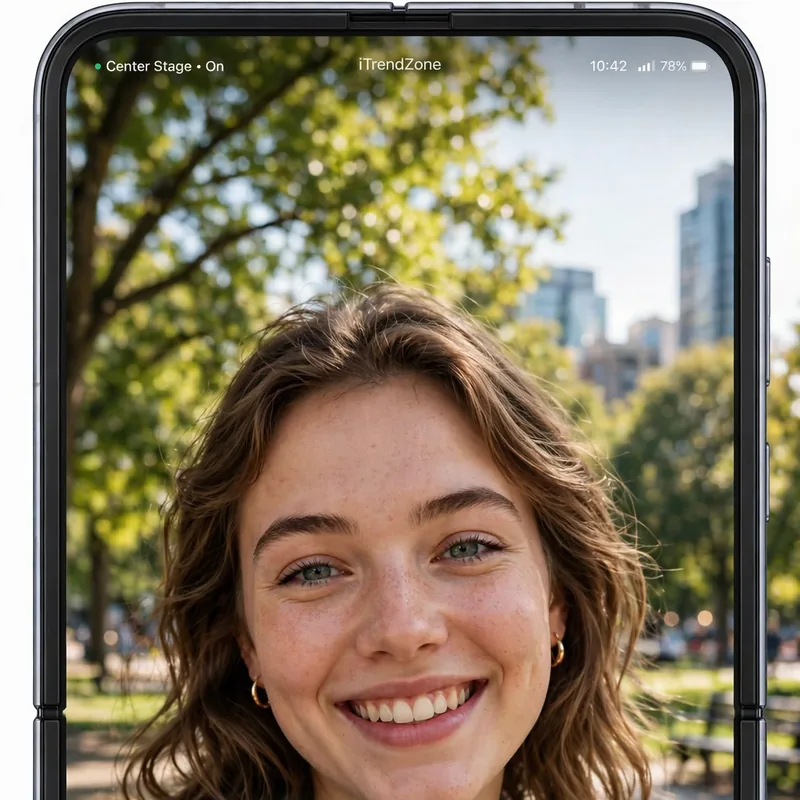
The front camera sits under the display, which looks clean but changes how you frame a selfie. There is no visible notch or hole to aim at, so look at the top of the screen, not at your own face in the preview. Looking at the lens area makes your eyes look straight into the camera in the finished photo, which looks far more natural.
Center Stage is the feature that makes video calls easier. It follows you as you move, keeping you in frame if you shift around the room or lean in to show something. It is handy for cooking videos, work calls, and calls with family where you are walking around the house. It also helps when two people squeeze into one call: the framing widens to fit both of you.
Night Photos
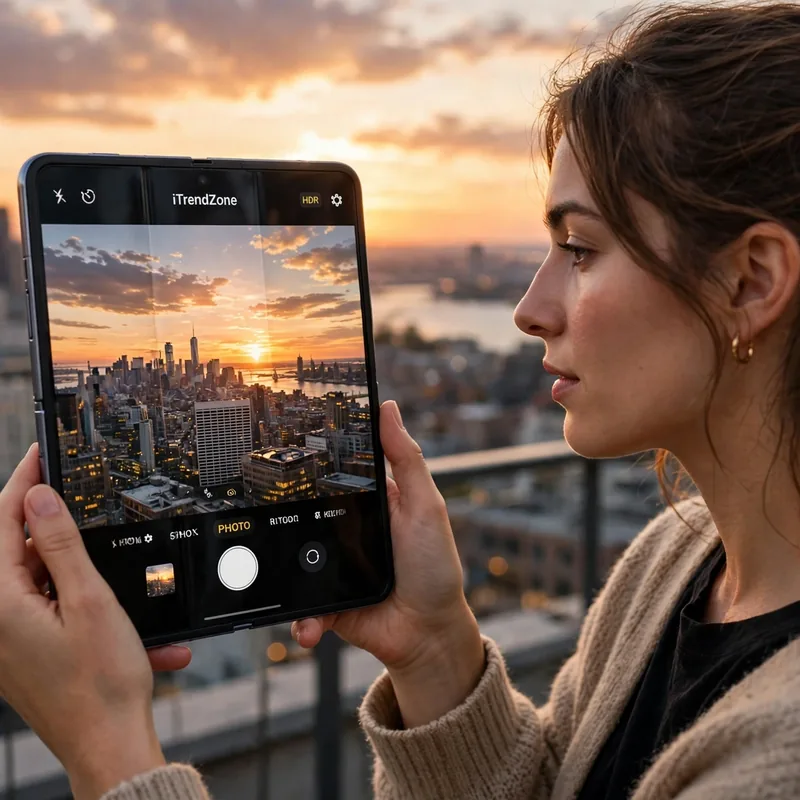
Night shots on the Duo are better than most people expect, thanks to the f/1.6 main lens, sensor-shift stabilisation, and the A20 Pro chip stacking multiple frames. The trick is to help the phone, not fight it. Hold still, breathe out before you press the shutter, and let Night mode finish its countdown. If you move too soon, you get a blurry mess instead of a clean shot.
Settings to Change Before Your Next Photo Walk
Open Settings, go to Camera, and make these changes once. Turn on the grid, so you can use the rule of thirds without thinking about it. Turn on the level, so your horizons stay straight. Set the format to the highest quality you are comfortable storing, and turn on the option to keep your settings between sessions so the phone does not reset your choices every time you close the app.
Common iPhone Duo Camera Mistakes
The first mistake is shooting everything at 1x and never touching the other lenses. The Duo gives you three useful views, 0.5x ultra-wide, 1x main, and 2x zoom, and each one tells a different story. Try all three on the same subject for a week and you will start reaching for the right one without thinking.
The second mistake is trusting digital zoom past 2x. It looks fine on the small screen, then falls apart when you view it large. If a subject is far away, take the 2x shot and crop it later on the big inner display, where you can see exactly what you are keeping.
The third mistake is forgetting the fold. Shooting everything folded is fast, but the unfolded viewfinder shows problems the small screen hides. For important shots, take ten extra seconds, open the phone, and check the frame properly.
Quick Answers to Common Questions
Does the iPhone Duo have a telephoto lens?
No. The Duo has two rear cameras, a 48MP main and a 48MP ultra-wide, and no separate telephoto lens. Its 2x zoom is optical-quality from the main sensor. Do not expect 5x zoom, because that hardware is not in this phone. The iPhone Duo tips guide lists the full camera specs side by side with the rest of the hardware.
Is the Duo better than the iPhone 18 Pro for photos?
It depends what you value. The iPhone 18 Pro has a triple 48MP camera system with a dedicated telephoto lens and Face ID, and it costs $1,199. The Duo costs $1,999 and trades that third lens for a foldable design, a huge inner viewfinder, and a different way of shooting. If zoom range matters most, the 18 Pro wins. If the big screen and the fold matter more, the Duo is the more interesting camera to use.
Why do my selfies look soft?
Check two things: the lens area and the light. The under-display front camera sits behind the screen, so it needs clean glass and decent light to look its best. Wipe the top of the screen, face a window, and avoid strong backlight. If the selfie still matters a lot, switch to the rear cameras with the outer screen preview.
If you are still setting the phone up, the iPhone Duo setup guide walks through the first-day settings, including the camera shortcuts worth turning on early.
Test Yourself: iPhone Duo Camera Quiz
Five quick questions to check what stuck. Pick one answer for each, then check your score at the end of the article.
1. How many rear cameras does the iPhone Duo have?
A. One rear camera
B. Two rear cameras, both 48MP
C. Three rear cameras with a telephoto lens
D. Four rear cameras
2. Where does the Duo’s 2x zoom come from?
A. A separate 5x telephoto lens
B. Digital zoom only
C. An optical-quality crop from the 48MP main sensor
D. The ultra-wide camera
3. Which screen gives you the biggest viewfinder?
A. The 7.6-inch inner display when unfolded
B. The 5.4-inch outer display
C. A connected TV
D. The lock screen
4. What is the best first step before an important photo?
A. Turn the flash on
B. Zoom to 10x
C. Turn off Night mode
D. Clean the lens with a soft cloth
5. What does Center Stage do?
A. It follows you and keeps you framed on video calls
B. It adds a stage-light effect to portraits
C. It charges the phone faster
D. It unlocks the phone with your face
Quiz Answers
1. B — Two rear cameras, both 48MP. 2. C — An optical-quality crop from the 48MP main sensor. 3. A — The 7.6-inch inner display when unfolded. 4. D — Clean the lens with a soft cloth. 5. A — It follows you and keeps you framed on video calls.
How did you do? Five out of five means you are ready to shoot. Three or four means a quick re-read of the zoom and front camera sections will fill the gaps. Fewer than three is fine too: the Duo rewards practice, and every tip in this guide gets easier the second time you try it.
For the wider picture, Apple lists the official Duo specs, Tom’s Guide has tested foldable cameras in real-world use, and TechRadar covers how the Duo compares with other flagship phones. Read those alongside this guide, then go out and shoot: the best way to learn this camera is to use all three views, folded and unfolded, in one afternoon.