
iPhone Duo Performance & Gaming Guide
Here is the honest truth about the iPhone Duo: it is fast, it is fun to play games on, and it is also a first-generation foldable, so it comes with a few quirks you should know about before you spend $1,999 on one. I have spent enough time digging into what this phone actually does — not what the launch video promised — to tell you where it shines and where you will need to work around it. The Duo was announced on September 9, 2026, went on sale on October 23, 2026, and it is still the most talked-about gaming phone of the year, partly because it is so different from anything Apple has made before.
TL;DR: iPhone Duo performance is strong thanks to the A20 Pro chip, dual 120Hz screens, and a 4,883mAh dual battery, making it a genuinely good gaming phone — especially unfolded on the 7.6-inch inner display. Keep sessions sensible, play on the outer screen for quick games to save battery, use a controller for longer sessions, and remember it unlocks with Touch ID, not Face ID. At $1,999, it is a luxury gaming foldable, not a budget pick.
What the A20 Pro Chip Actually Means for You
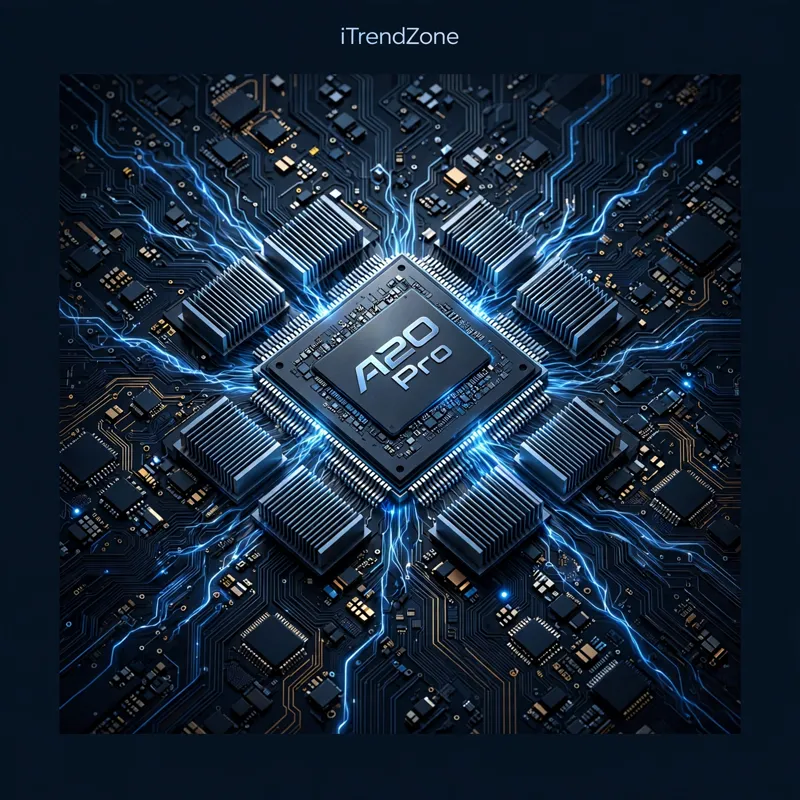
Every conversation about iPhone Duo performance starts with the chip, because everything else hangs off it. The Duo runs Apple’s A20 Pro, built on a 2nm process, with a 6-core CPU, a 7-core GPU, a Dual 16-core Neural Engine, and a dedicated display engine that drives both screens.
In everyday use, that translates to apps opening quickly, games loading without the long black screen stare, and multitasking that does not stutter when you have a game on one side and a chat or a walkthrough on the other. The Dual 16-core Neural Engine handles the machine-learning work in the background — things like image processing and on-device smarts in iOS 27 — so the main cores are free to focus on the game in front of you.
There is one honest caveat, and it comes from the early reviews. XDA scored the Duo 7 out of 10, and while the hardware impressed them, they noted that third-party app support is still improving. That is normal for a brand-new form factor. Some apps were built for a normal phone screen and have not fully caught up with a folding one yet. Most big games will be fine, but check that your favourites behave before you commit.
Gaming on the 7.6-Inch Unfolded Screen
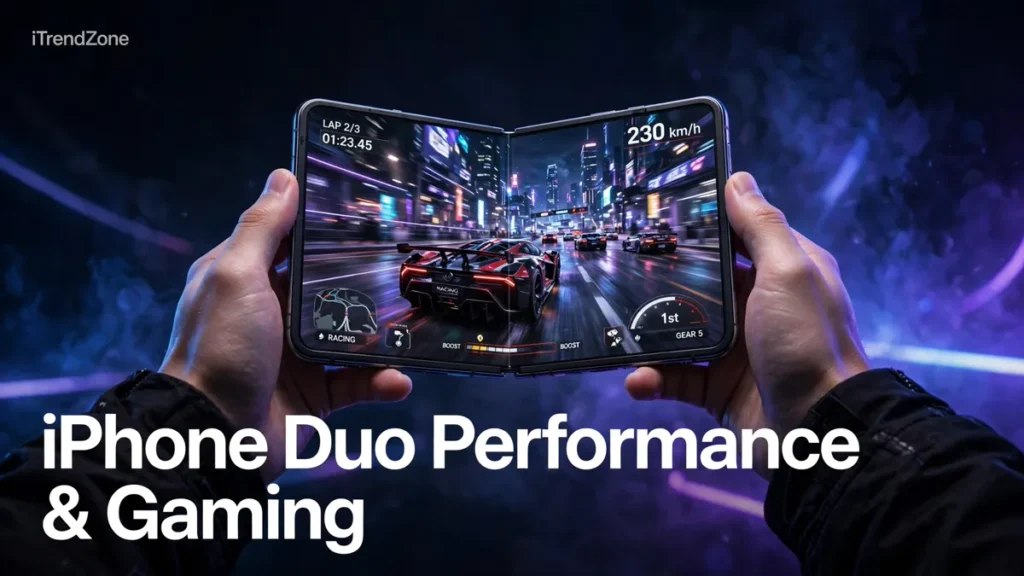
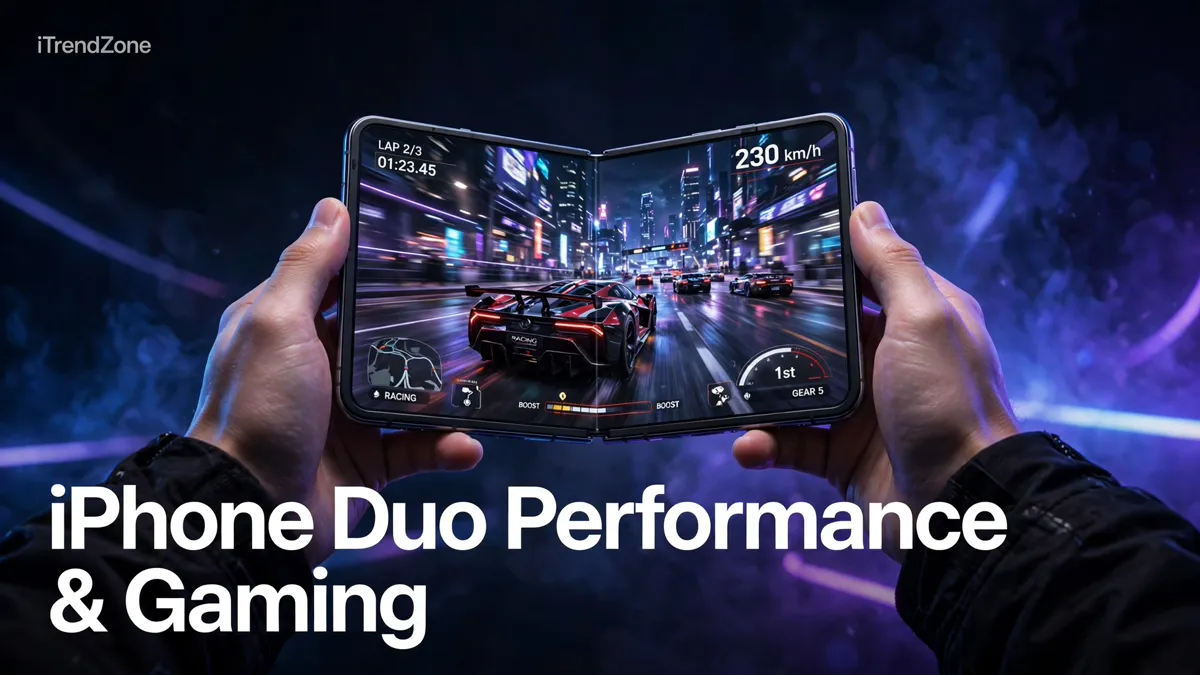
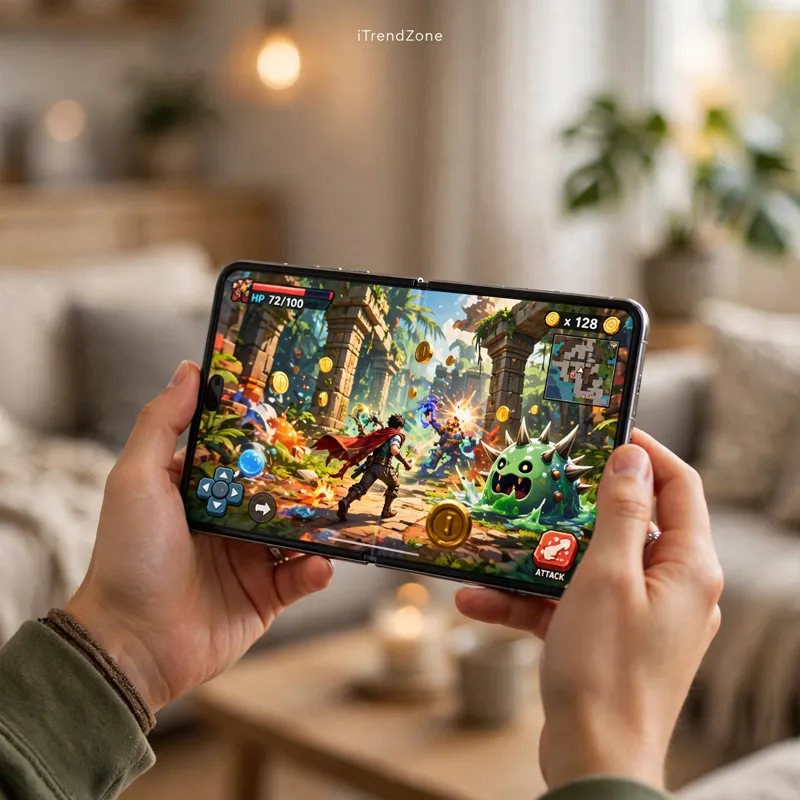
This is the part that sells the phone. Folded, the Duo is a normal-ish phone with a 5.4-inch outer display. Unfolded, it opens into a 7.6-inch Super Retina XDR OLED screen at 1878×2670, and that is where gaming stops feeling like phone gaming. Racing games get wider, strategy games get roomier, and you can actually see the minimap without squinting.
The inner display is bright, too — up to 3,000 nits peak — with an anti-glare nano-texture finish. Play outside on a bright day and you will still see what is happening, which is more than you can say for a lot of phones. Colours on the OLED panel are rich without looking cartoonish, and dark scenes in games hold their detail instead of turning into a grey smudge.
Here is a practical tip that took me a while to settle on: do not unfold the phone for everything. Quick games — a round or two while you wait for a coffee — are better on the outer screen. It is faster, it uses less battery, and you are not opening and closing the hinge fifty times a day. Save the big screen for the sessions that deserve it: longer play, games with lots of on-screen controls, or anything where seeing more of the map actually helps you win. Our iPhone Duo display tips go deeper on getting both screens set up the way you like them.
120Hz ProMotion: Smooth, But Know What You Are Getting
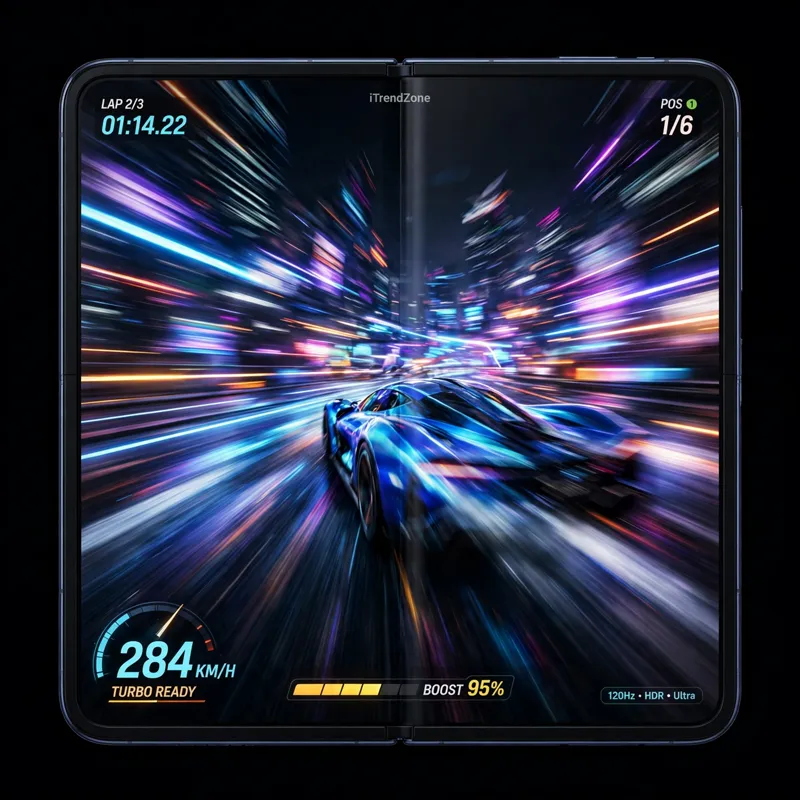
Both screens run ProMotion at 120Hz, and that is one of the best things about this phone for gaming. Scrolling is smooth, animations are clean, and fast-moving games feel more responsive because the screen is refreshing twice as often as a standard 60Hz display.
A word of realism, though. A 120Hz screen does not magically make every game run at 120 frames per second. The screen can refresh that fast; whether a game does depends on the game itself and how demanding it is. Well-optimised games will feel buttery. Heavy, graphically intense games may run at lower frame rates, and that is fine — they will still look good, just not at the absolute maximum smoothness.
ProMotion is also adaptive, which helps battery life. When nothing much is moving on screen, the refresh rate drops back down, so the phone is not burning power refreshing a static menu 120 times a second. When the action picks up, it ramps back up.
Heat, Long Sessions, and Staying Comfortable
Any phone gets warm during a long gaming session. The Duo is no exception, and its shape makes the heat story a little different from a normal phone. It is 5.2mm thick when unfolded and 11.3mm when folded, with a battery cell on each side, and at 254g it is heavier than a regular iPhone.
The good news is that the A20 Pro is built on a 2nm process, which is more efficient than older chips, so it does more work for less heat and less power than you might expect. Expect it to get warm and ease off a little on very long sessions at full brightness.
A few habits help a lot. Take the case off for long sessions if you use a thick one, because a case traps heat. Play somewhere with a bit of airflow rather than under a blanket. Turn the brightness down a notch from maximum — the screen is bright enough at 3,000 nits peak that you have room to spare, and lower brightness is the single easiest way to cut heat and save battery at the same time. If your phone ever feels unusually hot or a game starts misbehaving, our iPhone Duo not working fix guide walks through the basic checks before you assume the worst.
Battery Life While Gaming: The Numbers That Matter
Gaming is the hardest thing you can ask a phone battery to do, so let us be straight about the numbers Apple gives for the Duo. The battery is 4,883mAh, split into two cells, one on each side of the fold. Apple rates video playback at up to 44 hours on the outer display, 31 hours on the inner display, and 24 hours of typical use.
So plan around that. A long session on the big screen will eat noticeably more battery than the same game on the outer display, and that is the trade-off for the bigger, brighter picture. Charging is quick when you need it — about 50% in around 20 minutes with a 60W or higher charger, or 50% in 30 minutes with 35W or higher MagSafe — so a short top-up before a session goes a long way. Our iPhone Duo battery tips cover charging habits that keep the battery healthy over months, not just days.
iPhone Duo Battery Life Compared
Gaming drains the battery faster than video playback, so treat these as a guide to how the two screens compare, not as gaming hours.
| Feature | iPhone Duo | iPhone 18 Pro |
|---|---|---|
| Chip | A20 Pro (2nm) | A20 Pro (2nm) |
| Main display | 7.6-inch foldable OLED, 120Hz | 6.3-inch OLED, 120Hz |
| Outer display | 5.4-inch OLED, 120Hz | None — single screen |
| Video playback | Up to 44h (outer), 31h (inner) | Not rated the same way |
| Unlock | Touch ID in power button | Face ID |
| Starting price | $1,999 (256GB) | $1,199 |
Settings That Actually Make a Difference
You do not need to become a settings expert to enjoy games on the Duo, but a few minutes of setup pays off every time you play. Start with brightness. The screens go up to 3,000 nits, which is wonderful outdoors and wasteful indoors. Let auto-brightness do its job, or set it manually a little below maximum when you are inside.
Keep the Phone Updated and the Storage Free
This sounds boring, and it is, but it matters. iOS 27 updates on a foldable are not just security patches — they include fixes for how apps behave across the two screens, and that third-party support the reviewers flagged is exactly the kind of thing that improves with updates. Install them when they arrive. Also keep some storage free. The Duo starts at 256GB, with 512GB at $2,199, 1TB at $2,599, and 2TB at $3,199, so most people will have room, but big games are large, and a nearly full phone slows down.
Use the Right Screen for the Right Game
Not every game benefits from the big screen, and being honest about that saves battery. Fast arcade games and quick puzzle rounds are perfect on the 5.4-inch outer display. Big strategy games, role-playing games with crowded menus, and anything where you need to see a wide area are where the 7.6-inch inner display earns its keep. For more on living with both screens day to day, see our iPhone Duo multitasking tips, which cover running a game alongside other apps without the whole thing falling over.
Controllers, Accessories, and Playing Properly
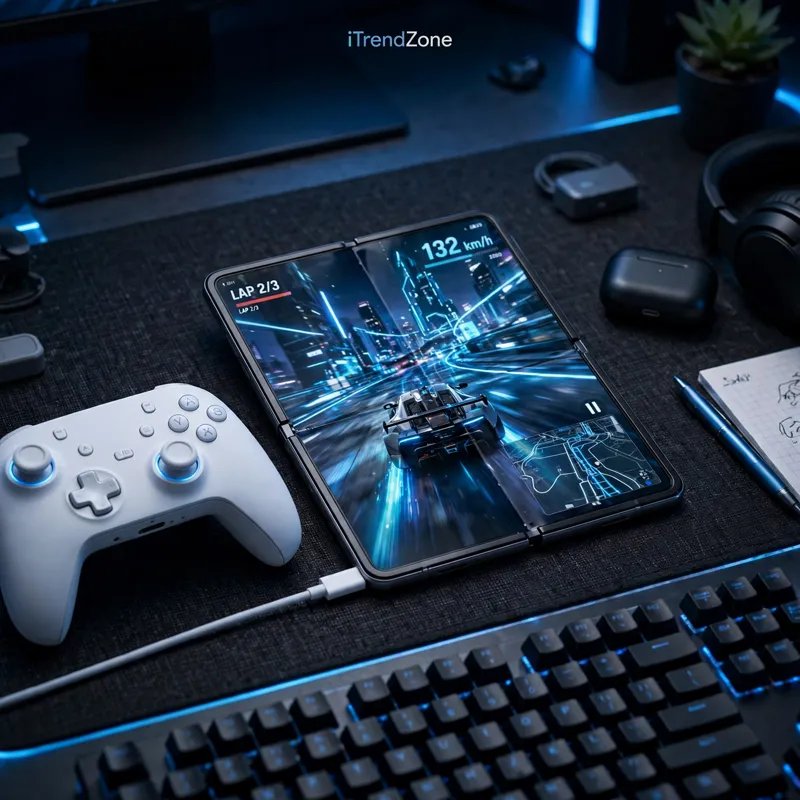
Touch controls on a big screen are good. A proper controller is better, especially for longer sessions. Pair a Bluetooth controller and the Duo becomes a genuinely comfortable handheld console, with the added bonus that your hands are not covering the screen at all. That matters more on a foldable than on a normal phone, because the whole point of the big screen is seeing it. A controller also helps with heat — your hands are not wrapped around the warmest part of the phone — and with fatigue, because you are holding a controller shaped for the job instead of a flat slab.
If you play with a controller regularly, a simple stand or case that props the unfolded phone up is worth having, so you can set the Duo on a table and play hands-free. A power bank in your bag removes battery anxiety on the go.
iPhone Duo vs iPhone 18 Pro for Gaming
People keep asking whether to buy the Duo or the iPhone 18 Pro for gaming, so let us settle it plainly. Both phones use the same A20 Pro chip, so raw speed is not the deciding factor. The 18 Pro has a 6.3-inch OLED screen at 120Hz, a triple 48MP camera system, Face ID, and a starting price of $1,199. The Duo has the folding 7.6-inch inner screen, the 5.4-inch outer screen, Touch ID in the power button instead of Face ID, dual 48MP cameras with no separate telephoto lens, and a starting price of $1,999.
For pure gaming, the Duo wins on screen size and flexibility, and loses on price and simplicity. The 18 Pro is the sensible pick if you want the same chip, a normal phone shape, Face ID, and $800 left in your pocket. The Duo is the pick if the big unfolded screen genuinely changes how you play — and for strategy games, long sessions, and playing with a controller, it does. Check the latest coverage on Tom’s Guide and TechRadar if you want independent takes before you decide, and Apple lists the full official specifications for both phones.
Who Should Buy the Duo for Gaming?
Buy it if you play a lot, you love big screens, and you can afford the $1,999 starting price without stretching yourself. It is at its best for people who game daily, watch a lot of video on the big screen, and like the idea of a phone that turns into a small tablet. The T-Mobile Black Friday offer of up to $1,200 off with trade-in is worth checking if you are on the fence, because it changes the maths considerably.
Do not buy it if you mostly play quick games on the go, you want the cheapest way to get A20 Pro speed, or you need Face ID. The Duo has Touch ID in the power button and no Face ID at all, and while the XDA review noted Touch ID can be slow at times, it works — it is just a different habit to build. Some shipments have been pushed to early 2027, so check availability first. If you are still weighing it up, our iPhone Duo complete guide and iPhone Duo hidden features guide will help you see the whole phone, not just the gaming side.
Quick Wins for Your Next Session
If you take nothing else from this guide, take these five habits. Charge the phone before a long session rather than starting at 20% and hoping for the best. Play quick games on the outer screen and save the big screen for the games that deserve it. Turn the brightness down one notch indoors — you will barely notice the difference, and your battery will. Pair a controller for anything longer than half an hour, because your hands stay cooler and you can see the whole screen. And restart the phone once in a while, especially after a big iOS 27 update, so stray background apps are not quietly eating performance while you play.
None of this is complicated, and none of it needs a special app or accessory. It is just the boring stuff that separates a smooth evening of gaming from one where the phone gets hot, the battery dies mid-match, and you end up blaming the hardware for a problem a five-minute habit would have fixed. The Duo is powerful enough that it rarely needs your help. Give it a little anyway, and it pays you back every session.
Final Verdict
iPhone Duo performance is genuinely impressive where it counts: the A20 Pro is fast and efficient, the 120Hz screens are smooth, and the unfolded 7.6-inch display makes games feel bigger in a way a normal phone cannot match. The battery holds up well if you use the right screen for the right session, and charging is fast enough that a quick top-up fixes most problems. The downsides are real but manageable — third-party app support is still catching up, Touch ID takes getting used to, and $1,999 is a lot of money for a phone. If you go in with your eyes open, play on the outer screen for quick games, use the big screen for the sessions that matter, and pair a controller for long evenings, the Duo is a joy to game on.
Test Your iPhone Duo Performance Knowledge
1. What chip powers the iPhone Duo?
A) A19 Pro
B) A20 Pro
C) A18 Pro
D) M4
2. How large is the Duo’s inner display when unfolded?
A) 6.3 inches
B) 5.4 inches
C) 6.9 inches
D) 7.6 inches
3. What is the peak brightness of both Duo displays?
A) 3,000 nits
B) 1,200 nits
C) 2,000 nits
D) 800 nits
4. How does the iPhone Duo unlock?
A) Face ID
B) Passcode only
C) Touch ID in the power button
D) Iris scan
5. How long does Apple rate video playback on the Duo’s outer display?
A) 24 hours
B) Up to 44 hours
C) 31 hours
D) 18 hours
Quiz Answers
1. B — A20 Pro. 2. D — 7.6 inches. 3. A — 3,000 nits. 4. C — Touch ID in the power button. 5. B — Up to 44 hours.