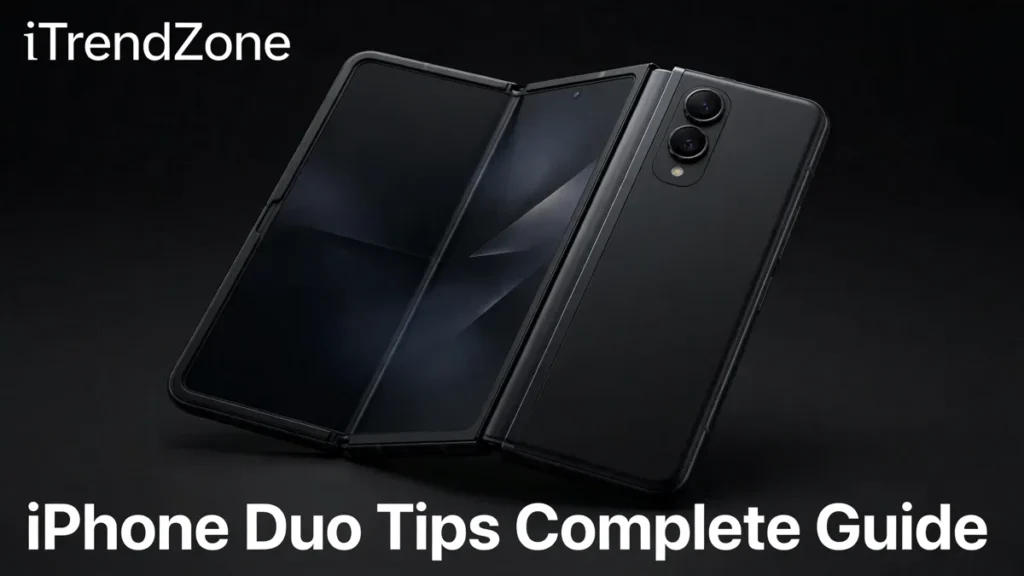

iPhone Duo Tips Complete Guide
iPhone Duo tips start with one simple idea: this phone changes shape, so your habits have to change with it. Apple announced its first foldable iPhone on September 9, 2026, opened pre-orders on October 16, 2026, and put it on sale on October 23, 2026 in more than 70 countries. It folds shut like a book and opens into a small tablet. That sounds like a party trick until you use it for a week. Then the two screens stop feeling like a novelty and start feeling like a workflow. You check a message on the small outer screen, flip it open to answer properly, and keep a video playing on one side while you look something up on the other. Most new owners do the opposite. They open it for everything, drain the battery faster, and wonder why a phone that costs $1,999 feels awkward in one hand. This guide fixes that. It walks through the price, the two displays, the A20 Pro chip, the cameras, the 4,883mAh battery, Touch ID, iOS 27 multitasking, setup, and the daily habits that make the Duo worth its price. Every tip here comes from the verified specs and early reviews.
TL;DR: iPhone Duo tips in short: use the 5.4-inch outer display for quick checks and the 7.6-inch inner display for real work, keep brightness in check because both screens hit 3,000 nits, charge with a 60W or higher charger for 50% in about 20 minutes, set up Touch ID with two fingers on each hand, learn split-screen multitasking in iOS 27, and remember there is no Face ID and no physical SIM. The 256GB model costs $1,999, and the phone weighs 254g.
What the iPhone Duo Actually Is
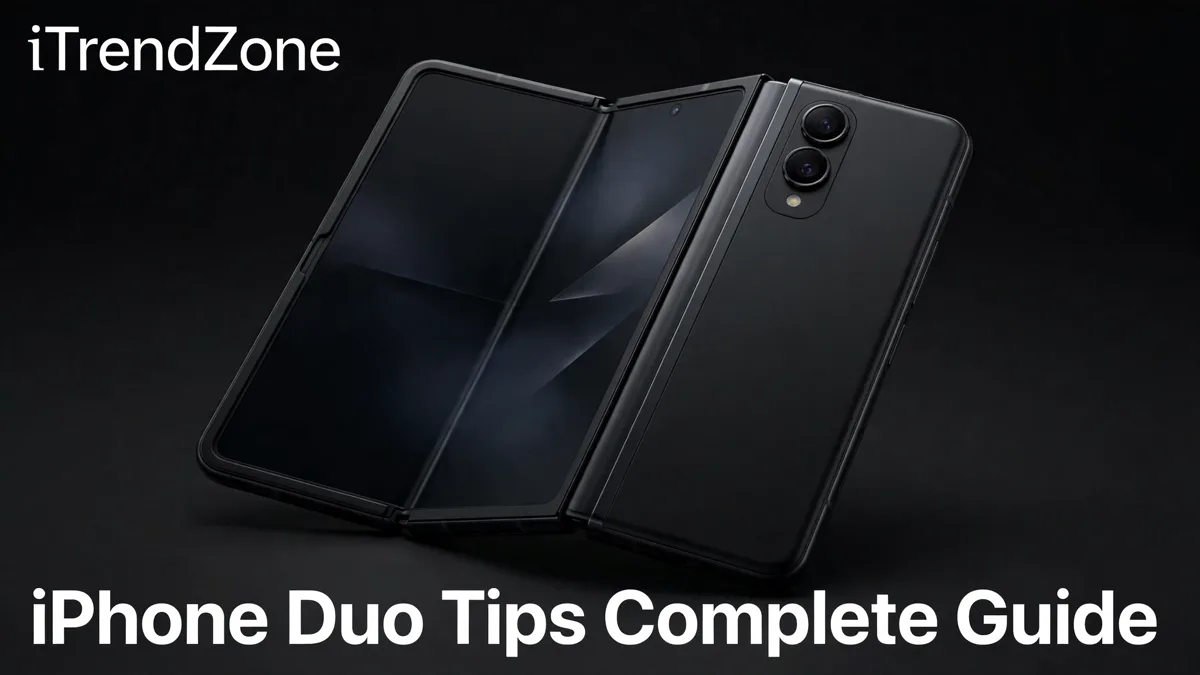
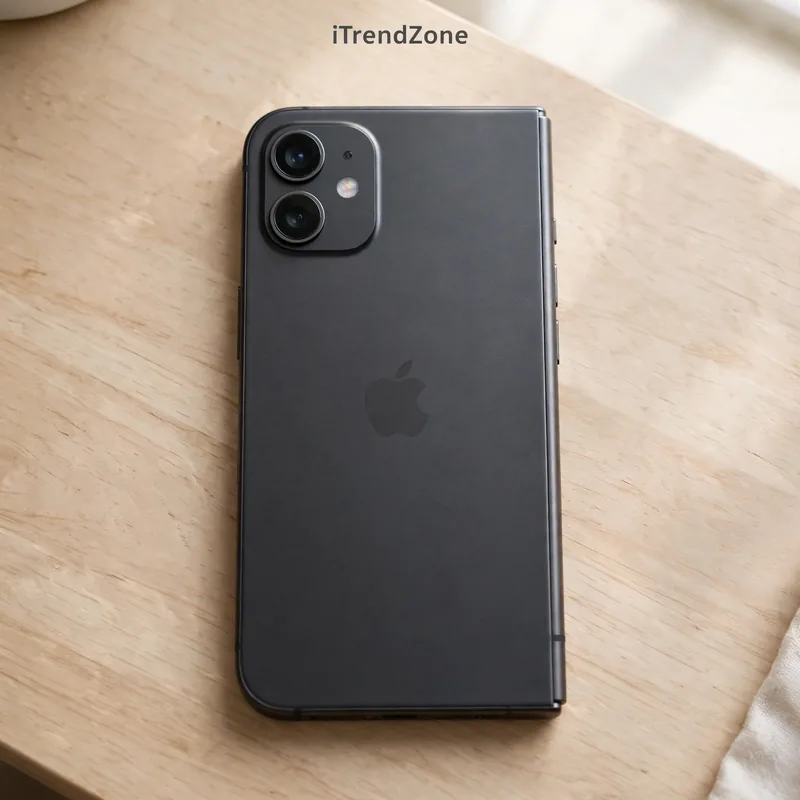
Apple waited years to make a foldable, and the Duo shows why. It is a book-style foldable, which means it closes flat, opens flat, and gives you two genuinely useful screens instead of one screen that happens to bend. Folded, it is 117.8 x 84.1 x 11.3mm. That is thick by normal iPhone standards, and you feel it in a pocket. Unfolded, it is 117.8 x 164.6 x 5.2mm, which is thin, wide, and much closer to a small tablet than a phone. At 254g, it is heavy. You notice that weight on a long call if you hold it open with one hand. You notice it less if you rest it on a table or hold it with two hands, which is how the Duo wants to be used. Open the hinge slowly the first few times. It should move smoothly, with no crunch and no wobble. Do not force it past its stop, and do not flick it open one-handed.
The Duo runs iOS 27, and that matters more than the hardware on paper. A foldable lives or dies on software. Apple built foldable multitasking into iOS 27, so apps can move between the outer and inner screens, sit side by side, and keep their place when you fold and unfold. Start a message on the outer screen, open the phone, and the same message is there, bigger. Watch a video on the inner screen, close the phone, and the video keeps playing on the outer screen. When that handoff works, the Duo feels like one device with two sizes. When an app has not been updated for the foldable, it can feel cramped or stretched. Early reviews flagged that. The XDA review scored the Duo 7 out of 10, praising the hardware while noting that third-party app support is still improving and that Touch ID can be slow. That is honest, useful context. It tells you to expect a great Apple app experience on day one and a mixed third-party experience that should get better with updates. Update your apps, update iOS 27 when a new version lands, and re-check the apps that felt awkward at first. Many of them will improve without you doing anything else. Apple introduced the iPhone Duo as its first foldable, and the launch coverage matches the picture in this guide: strong hardware, new software habits to learn.
One more thing to get straight before you buy or set one up: the iPhone Duo is a different device from the iPhone 18 Pro. They share the A20 Pro chip, but they are not the same phone. The iPhone 18 Pro is a regular 6.3-inch phone with a triple 48MP camera system, Face ID, and a $1,199 price. The Duo is a foldable with two 48MP cameras, no separate telephoto lens, Touch ID instead of Face ID, and a $1,999 starting price. If a shop, a video, or a friend mixes them up, trust the specs in this guide. The Duo is for people who want a phone and a small tablet in one pocket. The iPhone 18 Pro is for people who want a top-tier regular iPhone. Both are good. They solve different problems.
iPhone Duo Price, Storage, and Deals
Price is the first real decision, because the Duo starts at $1,999 for 256GB. The 512GB model costs $2,199, the 1TB model costs $2,599, and the 2TB model costs $3,199. Apple also lists it at $83.29 per month for 24 months, which is the monthly view of that same $1,999 starting price. Before you pick a size, look at your current phone. Check how much storage you actually use, not how much you think you use. If you are at 180GB on a 256GB phone, the base Duo will feel tight within a year, because photos, videos, and apps only grow. If you are at 90GB, 256GB is fine. Video is the deciding factor. If you shoot a lot of 4K video, jump to 512GB. If you shoot in ProRes or keep full-resolution video on the device, 1TB starts to make sense. The 2TB model is for a small group: people who edit video on the phone, keep huge offline libraries, or simply never want to think about storage again. For most buyers, 512GB is the sweet spot. It costs $200 more than the base model and buys real breathing room.
Trade-in changes the math a lot. T-Mobile ran a Black Friday offer of up to $1,200 off with trade-in, which is the kind of deal that turns a $1,999 phone into a much more reasonable purchase. Always check carrier offers before you buy direct from Apple, and always check what your old phone is actually worth in trade. A cracked screen or a tired battery can cut the trade value sharply, so get a quote with the real condition of your phone, not the condition you wish it was in. Also check the small print. Carrier deals often spread the discount as monthly credits over 24 months, which means you need to stay with that carrier to get the full saving. That is fine if you were staying anyway. It is a trap if you planned to switch in six months. Ask three questions before you sign: how much do I pay today, how much per month, and what happens if I leave early. If the answers are clear, the deal is real. If they are vague, walk away and compare again. Some shipments were pushed to early 2027, so if your size is out of stock, do not pay a scalper markup. Use the wait to sort your backup, eSIM transfer, and a case that protects the hinge.
iPhone Duo Specs at a Glance
The table below puts the key numbers in one place. Keep it open while you read the rest of the guide, because every tip that follows ties back to one of these rows. The two displays, the chip, the battery, and the cameras are the four things that shape daily use.
| Feature | iPhone Duo | What it means for you |
|---|---|---|
| Inner display | 7.6-inch Super Retina XDR OLED, 1878×2670, 120Hz, 3,000 nits | Tablet-size screen for reading, video, and split-screen work |
| Outer display | 5.4-inch Super Retina XDR OLED, 1398×2034, 120Hz, 3,000 nits | Full phone screen for quick tasks while folded |
| Chip | A20 Pro (2nm), 6-core CPU, 7-core GPU | Fast performance on both screens at once |
| Rear cameras | 48MP Fusion main + 48MP Fusion ultra-wide | Sharp photos, macro, and 2x optical-quality zoom with no separate telephoto |
| Battery | 4,883mAh dual-battery, up to 44h video on outer display | Long life if you use the outer screen for light tasks |
| Unlock | Touch ID in power button, no Face ID | Register several fingers for reliable unlocking |
| SIM | eSIM-only, no physical SIM | Transfer your eSIM before you sell or trade your old phone |
| Price | From $1,999 (256GB) to $3,199 (2TB) | 512GB at $2,199 is the best value for most buyers |
The Two Displays: How to Use Each One Well
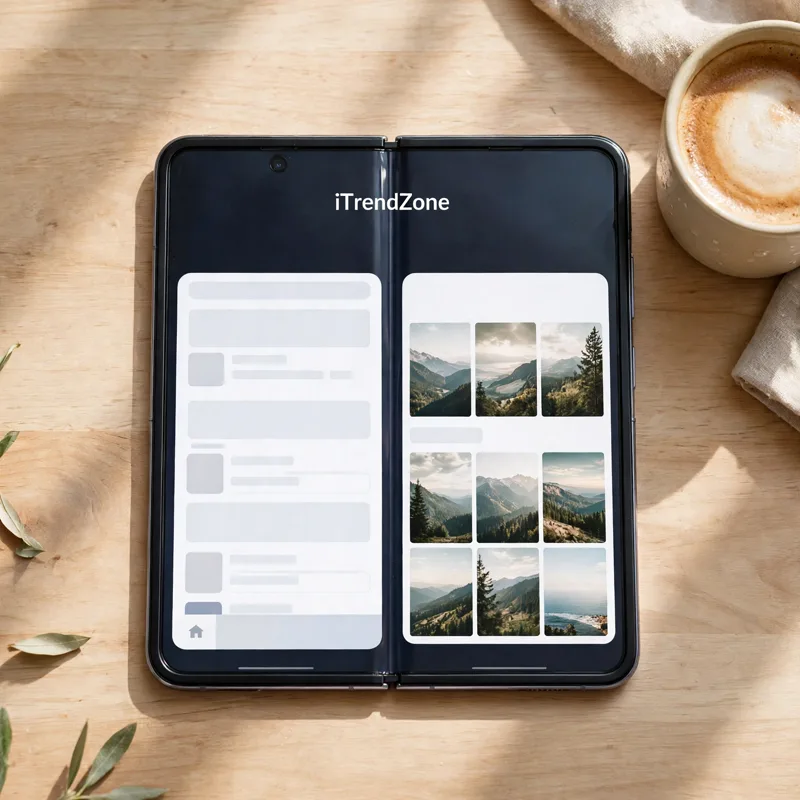
The Duo has two Super Retina XDR OLED displays, and both run at ProMotion 120Hz with a peak brightness of 3,000 nits. That last number matters outdoors. A 3,000-nit peak means the screen stays readable in bright sunlight, which is where cheaper foldables wash out. The inner display is 7.6 inches at 1878×2670 resolution. The outer display is 5.4 inches at 1398×2034. Both are sharp, both are smooth, and the inner screen has an anti-glare nano-texture finish that cuts reflections. That finish is a real help if you read a lot. It softens glare from windows and overhead lights without making the screen look dull. It also shows fingerprints a little differently, so keep a microfibre cloth in your bag. A quick wipe once a day keeps the inner screen looking new.
Here is the habit that makes the biggest difference: use the outer display as your default, and open the phone only when the task earns the bigger screen. Quick checks belong on the outer screen. Reply to a short message, check the time, skip a song, glance at a notification, check a map direction, or take a quick photo. Those jobs are faster folded, they use less battery, and they keep the inner screen safe from dust and scratches. Open the phone for reading, email, documents, video, photo editing, browsing with several tabs, and anything with two apps side by side. That split saves battery in a way that surprises new owners. Video playback lasts up to 44 hours on the outer display and 31 hours on the inner display, and typical use lands around 24 hours. The gap is not a flaw. It is the price of lighting a much larger screen. If you watch video on the inner screen all day, expect the shorter number. If you mix folded and unfolded use, expect something in between.
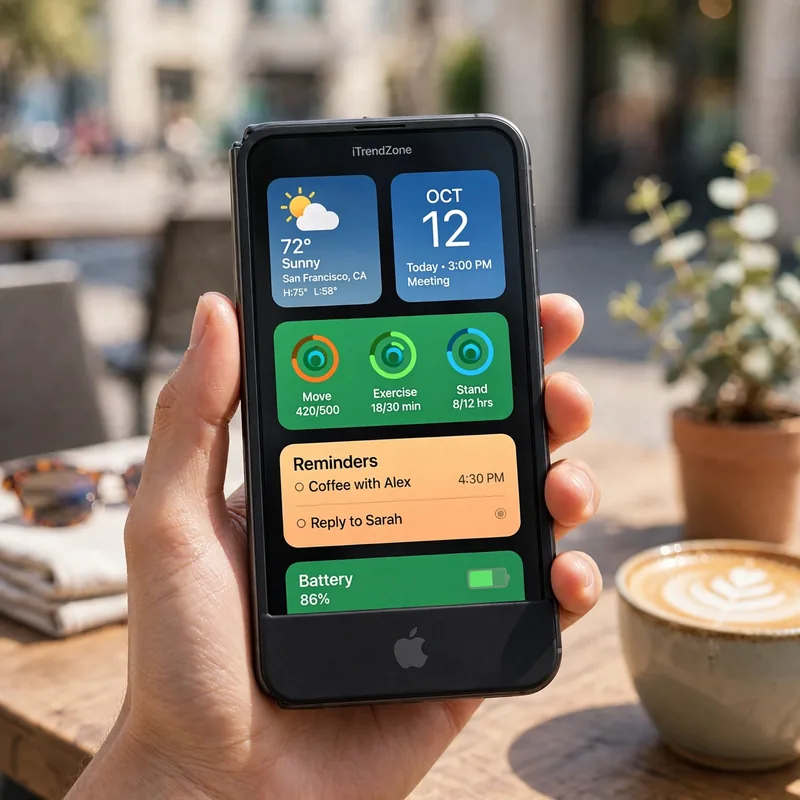
Brightness is the other lever. Turn on auto-brightness and only push it up manually in direct sun. Leave ProMotion on: the 120Hz rate makes scrolling smooth, and the phone drops it when nothing moves. Cut widgets that refresh every few minutes.
Protect the inner screen: it is the most expensive part to fix. Never pocket it with keys or coins, and never close it with a crumb trapped inside. Clean it with a dry microfibre cloth only, never glass cleaner, alcohol wipes, or paper towels. Buy a protector made for the Duo specifically, and open it with two hands when you can.
Outer Display Tips That Save Time
Set up the outer display like a dashboard, not a second home screen. Put calendar, weather, battery, and one messaging widget on it. Keep the app list short: Phone, Messages, Camera, Maps, Music, and Wallet cover most quick jobs. Silence notifications that do not matter, and use Focus modes for work and evenings. Double-press the side button to open the camera fast.
Inner Display Tips for Reading and Video
The inner screen shines when you give it room. Hold it like a book for reading, with the crease in the middle and your thumbs on the edges. Most reading apps handle the crease well, and after a day you stop noticing it. For video, prop the phone half-open like a tent on a table. The Duo can sit at an angle, which turns it into its own stand. That is one of the best hidden perks of a book-style foldable, and new owners often miss it for weeks. For browsing, open two tabs side by side instead of switching back and forth. For email, keep the inbox on one side and the message you are writing on the other. For maps, keep the map on one side and the directions list on the other. Each of these is a small win. Together, they are why the inner screen exists. If you only ever use it as a bigger version of the outer screen, you are paying tablet money for a phone experience.
A20 Pro Performance: What the Chip Does for You
The A20 Pro is built on a 2nm process, with a 6-core CPU, a 7-core GPU, a dual 16-core Neural Engine, and a dedicated display engine for both screens. Here is what that means in plain terms. The phone stays fast when both screens are busy. You can run a video call on one side, take notes on the other, and get a notification on the outer screen without the phone stuttering. The dedicated display engine is the quiet hero here. It drives two high-refresh screens at once, which is a job a normal phone chip would struggle with. The dual Neural Engine handles on-device AI jobs, like photo processing and voice features. Those jobs run on the phone, not in the cloud, so they are quick and private. For gaming, the 7-core GPU keeps frame rates steady at 120Hz in most titles, and the larger inner screen gives you more room for controls. It also gives the phone more room to spread heat, so long gaming sessions throttle less than they do on a small phone.
Keep software current and storage from filling up: a phone with 5GB free runs slower than one with 50GB free. Delete apps you have not opened in three months, turn on automatic iOS updates, and restart once a week. If an app feels slow on the inner screen, force-close it and reopen it unfolded so it reloads at the right size.
iPhone Duo Camera Tips: Two Lenses, Done Well
The Duo has two rear cameras, both 48MP Fusion. The main camera is 48MP at f/1.6 with sensor-shift optical image stabilisation, and it also gives you 2x optical-quality telephoto through cropping the large sensor. The ultra-wide is 48MP at f/2.2 and handles macro shots. There is no separate telephoto lens. That is the fact to remember, because it shapes how you shoot. You get a clean 2x zoom that looks like a real telephoto shot, but you do not get a 5x zoom. If you try to pinch-zoom to 5x or 10x, the image will soften. Use 2x when you want a closer portrait or a tighter landscape. Step closer with your feet for anything beyond that. Your photos will thank you.
The main camera is the one to use most of the time. It is fast, sharp, and good in low light thanks to the f/1.6 aperture and sensor-shift stabilisation, which moves the sensor to cancel shake. Hold still for half a second after you tap the shutter in low light. The ultra-wide is for tight rooms, big landscapes, and group shots. It also does macro: move close to the subject, and tap the flower icon to lock macro on if it flickers.
Selfies work differently here. The under-display FaceTime camera sits under the inner screen, and Center Stage keeps you in frame on video calls. For the best selfie, use the rear cameras: open the phone, turn it around, and use the outer display as a preview. You get the 48MP main camera, which beats any front camera. For calls, sit back a little so Center Stage can see your shoulders.
Video is strong too. Shoot in 4K at 30 frames per second for everyday clips. It looks great, it edits easily, and it does not fill your storage as fast as 60 frames per second. Save 60 frames per second for sport, kids, pets, or anything that moves fast. Use the inner screen as a big viewfinder when you are filming something you want to frame carefully, like a landscape or an interview. The larger preview helps you spot a tilted horizon or a distracting object in the background before you press record. Clean the lenses. Two 48MP cameras collect fingerprints fast, especially when the phone folds and unfolds in your pocket. A quick wipe before an important shot is the cheapest photo upgrade there is. For a deeper camera walkthrough, read our iPhone Duo camera tips guide, which covers settings, modes, and low-light shooting in full.
Camera Settings to Change on Day One
Open Settings, go to Camera, and change four things. First, turn on the grid. It helps you line up horizons and place people using the rule of thirds. Second, set video to 4K at 30 frames per second, as above, and turn on lock white balance if you film indoors under mixed lighting. That stops the colour shifting when you move from a window to a lamp. Third, turn on the level indicator if you shoot landscapes. It is a small line that tells you when the phone is straight, and it saves a lot of cropping later. Fourth, leave Photonic Engine and Smart HDR at their defaults. They do a good job without your help. None of these settings make you a better photographer on their own. They remove the small mistakes that make good photos look careless.
Battery Life: How to Get a Full Day
The Duo has a 4,883mAh dual-battery, one cell on each side of the fold. That split balances the weight and keeps both halves thin. Expect up to 44 hours of video on the outer display, 31 hours on the inner display, and 24 hours of typical mixed use. With a 60W or higher charger, it reaches 50% in about 20 minutes; with 35W or higher MagSafe, about 30 minutes. Do not use an old 5W charger. Overnight, use optimised charging, and keep the phone cool. For more detail, read our iPhone Duo battery tips guide.
iPhone Duo battery life by screen
Video playback on the outer display: 44 hours
Video playback on the inner display: 31 hours
Typical mixed use: 24 hours
Touch ID, Security, and Multitasking
The Duo uses Touch ID in the power button. There is no Face ID. Register the same finger twice, once at a normal angle and once at a slight tilt, and register two fingers on each hand. That gives you four ways in. Register fingers when your hands are dry and clean, because a damp finger is the most common reason Touch ID fails. The XDA review noted Touch ID can be slow, and clean setup is the best fix. Use Touch ID for Apple Pay, App Store purchases, and password autofill. If it fails twice, try a different finger instead of a third failed scan. Clean the power button once a week with a dry cloth. Privacy needs one extra habit: the inner screen is big, so turn on notification previews only when unlocked, and use the outer screen for private messages in a crowd. Remember the Duo is eSIM-only, with no physical SIM. Transfer your eSIM before you wipe your old phone.
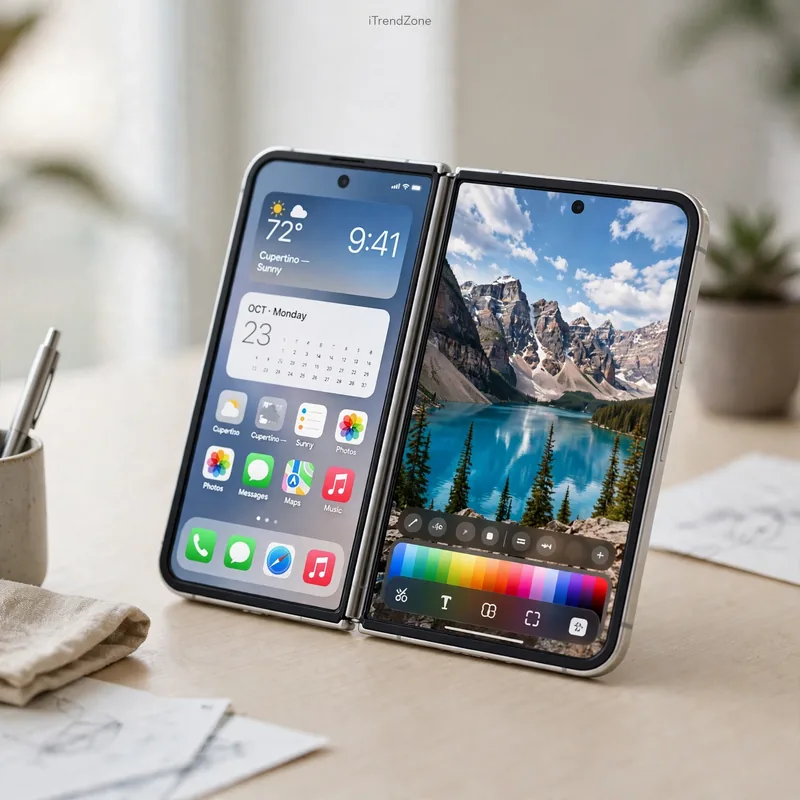
iOS 27 multitasking is where the Duo earns its price. Open one app, then drag a second app from the Dock to the side. Try Mail and Calendar, Notes and Safari, Photos and Messages, and Maps and Music. Start something on the outer screen and open the phone to keep going. Close it mid-video and the video moves to the outer screen. If an app does not follow you across the fold, update it. Keep your eight most-used apps in the Dock. For more tricks, read our iPhone Duo hidden features guide. The Tom’s Guide iPhone Duo review praises the design and split-screen work, while the PhoneArena iPhone Duo review warns first-generation foldables still need work.
Setup, Everyday Use, and the iPhone 18 Pro Choice
On day one, transfer your eSIM first, restore from a backup made today, turn on Find My, set up Touch ID with four fingers, and set up Apple Pay. Test a call, a message, a photo, and split screen. Then build the habits: fold it shut in your pocket, use the outer screen for quick jobs, wipe the inner screen daily, and buy a case that covers the hinge. Give yourself two weeks before you judge it. Our iPhone Duo setup guide walks through the first hour step by step.
Choose the Duo if you read a lot, work with two apps at once, watch video on the go, or want one device instead of a phone and a tablet. Choose the iPhone 18 Pro if you want a real telephoto lens, Face ID, a lighter pocket, or to save $800. It costs $1,199, has a 6.3-inch display, a triple 48MP camera system, the same A20 Pro chip, and Face ID. The Duo costs $1,999 for the same chip with two screens and two cameras. Speed is not the deciding factor. The screens and the cameras are. Common problems are mostly fixable: re-register Touch ID fingers, update stretched apps, check battery use in Settings, and use Low Power Mode early on long days. The XDA score of 7 out of 10 is fair for a first foldable with great hardware and software still catching up.
More iPhone Duo Tips for Daily Life
Carrying a foldable changes small things. A 254g phone in a loose pocket will swing and bump, so use a pocket with a zip or a button, or a bag pocket. Look for a case with a raised edge around both screens, so a face-down drop lands on the case, not the glass. Do not stick a magnetic mount on the back without checking it first. Some mounts press on the hinge or stop the phone closing flat. Test any mount at home before you trust it in a car. When you travel, the Duo is a strong companion. The big inner screen makes boarding passes, maps, and hotel bookings easy to read, and the outer screen is quick for a gate change or a taxi booking. Download maps and entertainment before you fly, because a foldable is no help if you have no signal. Keep your charger in your bag, not in your suitcase, and carry the 60W charger if you only take one. A twenty-minute top-up at a cafe can carry you through the afternoon.
Photo habits matter too. Clean the lenses before an important shot, because two 48MP cameras collect fingerprints fast when the phone folds in your pocket. Shoot in 4K at 30 frames per second for everyday clips, and save 60 frames per second for sport, kids, and pets. Back up your photos weekly, not monthly. A foldable holds a tablet-sized library, and losing it hurts twice as much. Turn on iCloud Photos or back up to a computer, and check once that the backup actually ran. If an app crashes when you fold or unfold, update the app, restart the phone, and try again. If it still crashes, report it to the developer. Foldable support improves fastest when developers hear from real users. The crease is visible at an angle in bright light, and that is normal. It fades when you look straight on, and most owners stop noticing it after a few days. If it ever feels raised, contact Apple support and do not press it flat yourself.
iPhone Duo Tips Quiz
Test what you learned. Pick one answer for each question.
1. What is the starting price of the iPhone Duo 256GB model?
A) $1,199
B) $1,999
C) $2,599
D) $3,199
2. How do you unlock the iPhone Duo?
A) Face ID
B) A physical SIM PIN only
C) A passcode only
D) Touch ID in the power button
3. How long does video playback last on the outer display?
A) Up to 44 hours
B) Up to 31 hours
C) Up to 24 hours
D) Up to 20 hours
4. Which camera zoom does the Duo offer?
A) 5x separate telephoto
B) 10x zoom
C) 2x optical-quality telephoto
D) No zoom at all
5. What is the inner display size?
A) 5.4 inches
B) 6.3 inches
C) 7.6 inches
D) 8.0 inches
Quiz answers: 1-B, 2-D, 3-A, 4-C, 5-C.
Use the outer screen for quick jobs, open up for real work, and let the Duo earn its price one fold at a time.