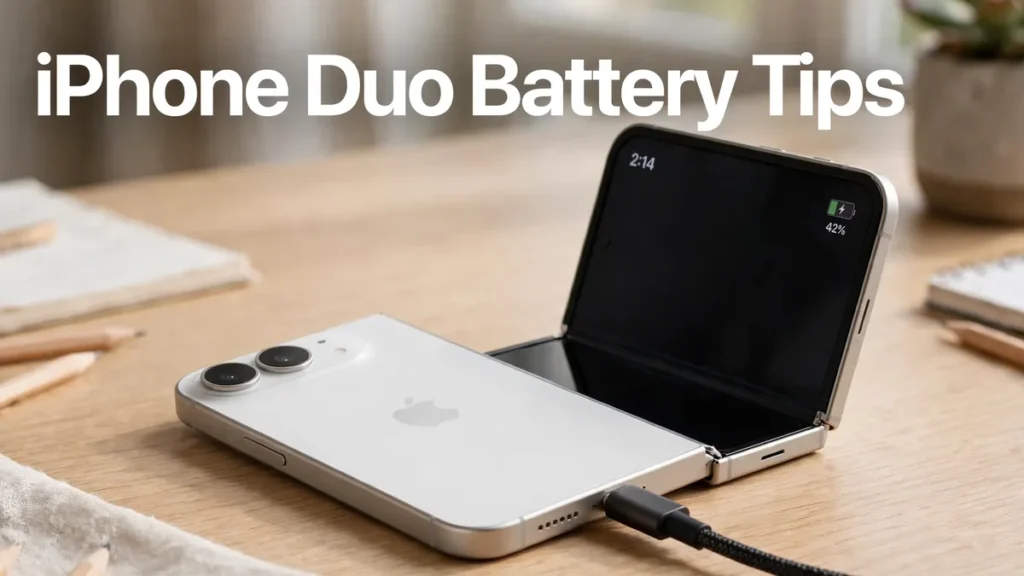

iPhone Duo battery tips that actually stretch a full day and beyond
Buying a foldable changes the way you think about battery life. You are not just charging one phone. You are charging a pocket phone and a small tablet that share one body, one chip, and one 4,883mAh dual-battery system. That is why the same iPhone Duo can last so long on some days and feel thirsty on others. The screen you pick, the brightness you run, and the way you charge it matter far more here than they did on a regular slab phone. Get those three choices right and the Duo becomes one of the easiest phones to live with. Get them wrong and you will be hunting for a plug by dinner, even though the battery inside is a big one.
TL;DR: Use the 5.4-inch outer display for quick tasks and you can get up to 44 hours of video playback. Open the 7.6-inch inner display only when the bigger screen earns it, because video there drops to up to 31 hours. Expect around 24 hours in typical use. Charge with a 60W or stronger wired charger for 50% in about 20 minutes, or a 35W or stronger MagSafe charger for 50% in about 30 minutes. Keep brightness sensible, since both screens can hit 3,000 nits at peak, and let iOS 27 handle the background work.
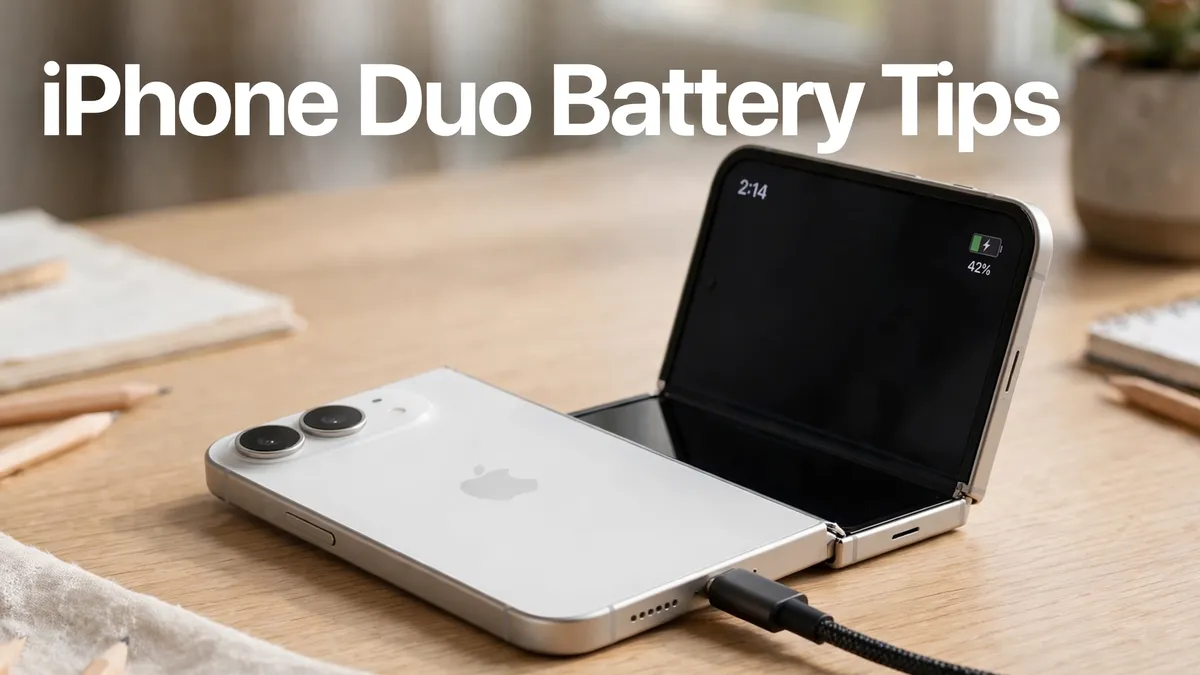
The iPhone Duo is Apple’s first foldable iPhone, with a book-style fold. Apple announced it on September 9, 2026, opened pre-orders on October 16, 2026, and put it on sale on October 23, 2026 in more than 70 countries. It starts at $1,999 for 256GB, with 512GB at $2,199, 1TB at $2,599, and 2TB at $3,199, or $83.29 a month for 24 months. T-Mobile ran a Black Friday offer of up to $1,200 off with trade-in.
Inside is the A20 Pro chip, built on a 2nm process, with a 6-core CPU, a 7-core GPU, a Dual 16-core Neural Engine, and a dedicated display engine for both screens. It runs iOS 27 with foldable multitasking. The inner display is a 7.6-inch Super Retina XDR OLED foldable panel at 1878×2670, with ProMotion 120Hz, 3,000 nits peak brightness, and an anti-glare nano-texture finish. The outer display is a 5.4-inch Super Retina XDR OLED at 1398×2034, also with ProMotion 120Hz and 3,000 nits peak. Two screens, one chip, and a battery split into one cell on each side.
Why the iPhone Duo battery behaves differently from a normal iPhone
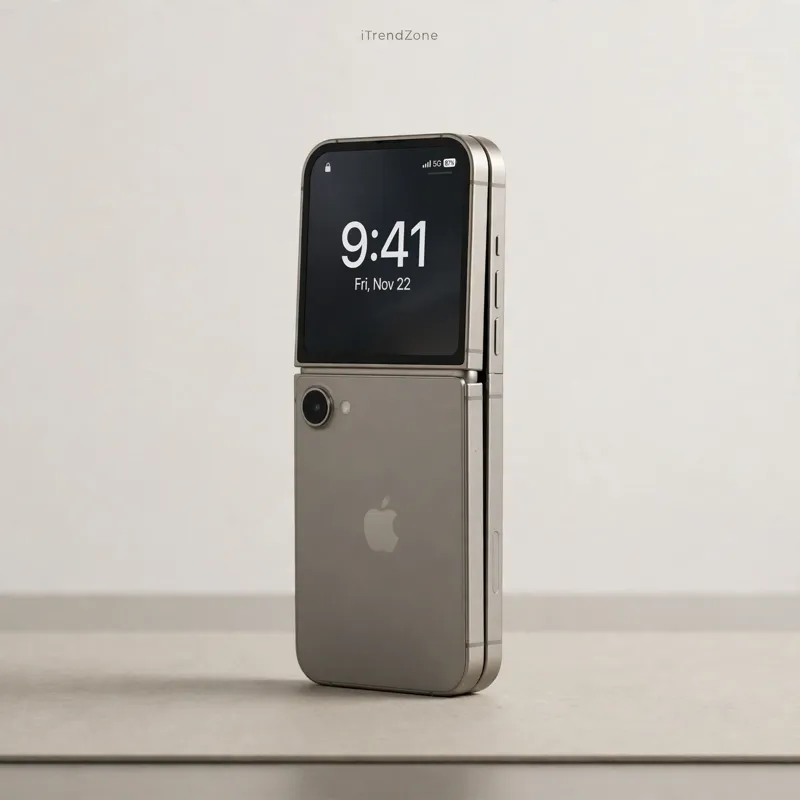
A normal phone has one screen and one battery. The Duo has two screens and a dual-battery design, with one cell on each side of the fold. That design is clever. It balances the weight across the hinge, and it lets Apple fit a 4,883mAh battery into a device that is only 5.2mm thick when unfolded and 11.3mm thick when folded. It weighs 254g. Folded, it measures 117.8 x 84.1 x 11.3mm. Unfolded, it measures 117.8 x 164.6 x 5.2mm. Those numbers matter for battery life because the phone you carry is thin, light for a foldable, and always choosing between two very different screens.
Think of the outer display as your everyday screen and the inner display as your big-screen treat. The outer screen is 5.4 inches, for messages, calls, maps, music, and quick checks. The inner screen is 7.6 inches, for reading, video, documents, and side-by-side apps. The bigger screen shows more, and it asks more from the battery. Use the small screen a lot. Use the big screen on purpose.
The A20 Pro helps here too. A 2nm chip does more work with less power, and the dedicated display engine drives both screens without wasting energy. Give it the right job: light work on the outer screen, heavy work on the inner screen, and charging that matches the speeds Apple quotes.
Outer display first: the easiest win in this whole guide
If you take one habit from this article, make it this one. Do the small stuff folded. Reply to a text folded. Check the weather folded. Skip a song folded. Glance at a notification folded. Every minute on the 5.4-inch outer display costs less battery than the same minute on the 7.6-inch inner display. Over a day, those minutes add up to hours. The headline number tells the story plainly: up to 44 hours of video playback on the outer display, against up to 31 hours on the inner display. That is a 13-hour gap, and it comes from the screen alone.
Most of us unfold a foldable out of habit, not need. We open it to read a two-line message or check a delivery time. Try a simple rule for a week. If the task takes less than a minute, stay folded. If it needs a big screen, open it. A folded Duo is a pocket phone. An unfolded Duo is a small tablet. Use each one for what it is good at.
This habit also helps on busy days. Folded use for messages, calls, and music keeps the battery high through the afternoon. Then, in the evening, you can open the inner display for a show or a long read without worrying that you spent the battery on nothing. The outer display is your saver. The inner display is your reward.
When the big inner display is worth the battery
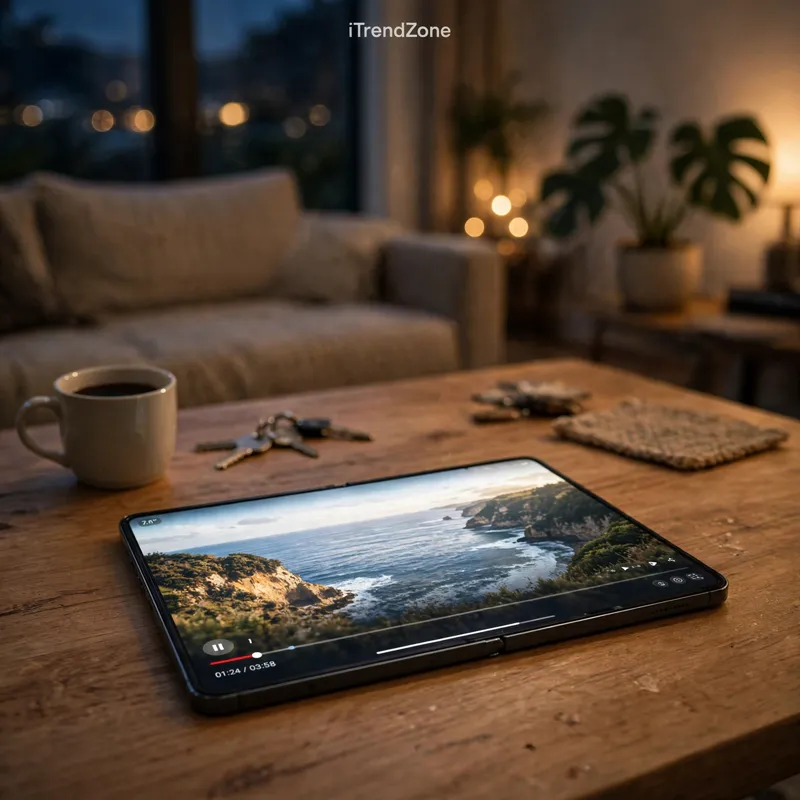
None of this means you should fear the inner display. Apple built it to be used, and at 7.6 inches with a nano-texture finish it is a lovely screen for video, reading, and working with two apps side by side. The point is to open it when the bigger screen changes the task. Watching a film? Open it. Reading a long article? Open it. Comparing two documents in iOS 27 multitasking? Open it. Scrolling a feed you could have read folded? That is the moment to stay closed.
Video is the clearest example. Up to 31 hours of video playback on the inner display is still a huge number. You could watch several films back to back and still have charge left. A quick clip while you wait for a bus is an outer-display job. A full episode on the sofa is an inner-display job. Match the screen to the task and you stop paying big-screen battery prices for small-screen jobs.
Reading works the same way. A long read feels better on 7.6 inches, and the nano-texture finish cuts glare, so you can read at lower brightness in bright rooms. Small screen for quick jobs, big screen for long jobs. The battery gap between the two screens is real, and it is measured in hours, not minutes.
Brightness: both screens hit 3,000 nits, so do not run them flat out
Both Duo screens can reach 3,000 nits at peak. That is very bright. It is what makes the phone readable in sunlight, and it is also what can eat your battery if you leave brightness high all day. You do not need peak brightness indoors. You do not need it in a dim room. You need it for a few minutes in harsh sun, and then you can bring it back down. The screens are OLED, so darker pixels use less power, and a lower brightness setting saves energy across every app you open.
Let the phone adjust brightness for you most of the time, and step in only when it gets it wrong. Indoors, a moderate level is plenty on a Super Retina XDR OLED panel. Outdoors, let it climb so you can see, then let it fall again when you step back inside. If you are reading on the inner display, the anti-glare nano-texture finish helps you read at a lower brightness than a glossy screen would need. A small drop in brightness, held all day, saves more than a big drop for ten minutes.
Video is where brightness hurts most, because you stare at the screen for a long stretch. If you are watching on the inner display at night, bring it down until the picture still looks good, then leave it there. Bright enough to read is enough. Brighter than that is just battery leaving the phone for no reason.
Both screens run ProMotion at up to 120Hz, and the display engine in the A20 Pro handles the refresh rate for you. The screen only uses power while it is on, so shorter screen time is the most honest battery tip there is. Read what you opened, then put the phone down.
Charging: use the right wattage and the Duo fills up fast
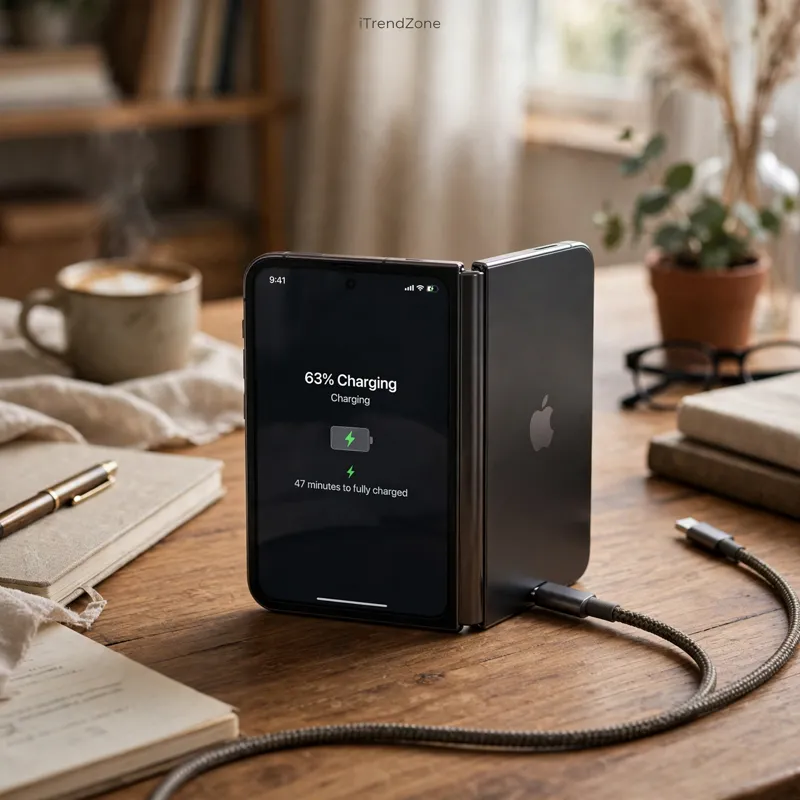
The Duo charges quickly when you give it the power it is built for. With a 60W or stronger wired charger, you can reach 50% in about 20 minutes. With a 35W or stronger MagSafe charger, you can reach 50% in about 30 minutes. Those are the two numbers to remember. A weak old charger will still work, but it will take longer, and a slow top-up before you leave the house may not give you the charge you expected. Keep a 60W or stronger wired charger where you charge most often, and keep a MagSafe charger by the bed or on your desk for easy top-ups.
Short, well-timed charges beat long, careless ones. If you have 20 minutes before you head out, plug in with the wired charger and you will leave with half a battery. That is enough for hours of folded use. If you are working at a desk, set the phone on MagSafe and let it sip power while you work. You do not need to wait for 100% every time. The Duo is built for quick fills, so use them. A top-up at lunch can carry you through the evening without a second thought.
iOS 27 power management and multitasking without waste
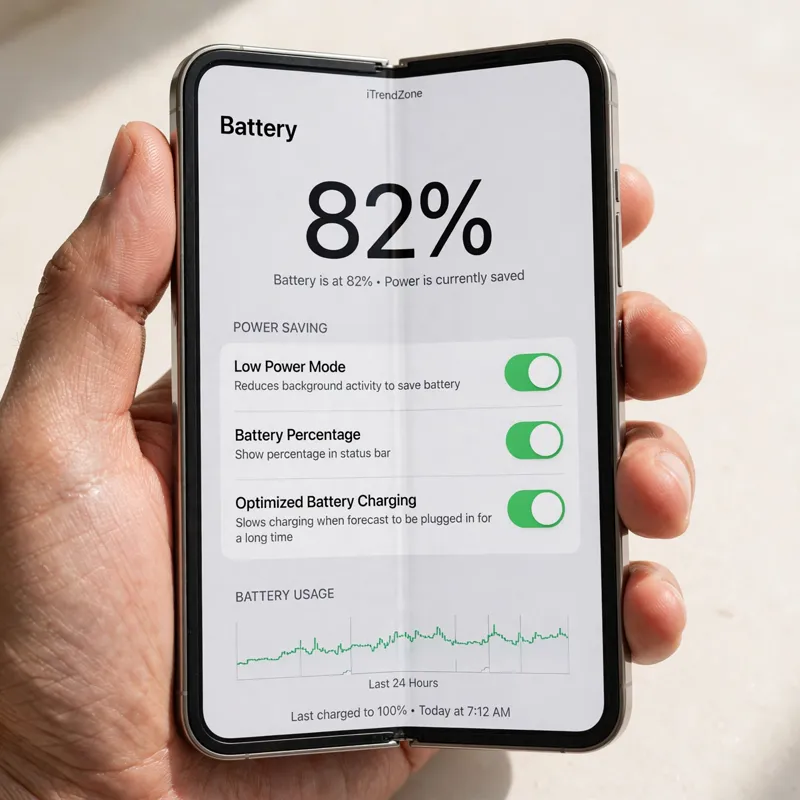
iOS 27 on the Duo is made for a foldable. It handles the two screens, the hinge, and the dual battery as one system, and its power management works in the background to keep the phone efficient. You do not need to micromanage it. What helps is giving it a fair chance: close the apps you are truly done with on the big screen, and do not leave two heavy apps running side by side on the inner display when you have finished with them. Foldable multitasking is a gift when you are working. It is a drain when you forget it is still running.
One more habit pays off here. When you finish a big-screen task, fold the phone. That single move tells the Duo you are done with the 7.6-inch display. It also protects the inner screen in your pocket or bag. If you want to go deeper into the software side, our iPhone Duo tips guide covers the full setup, and the iPhone Duo hidden features guide walks through the tricks most owners miss. For camera days, when the 48MP main and ultra-wide cameras are working hard, the iPhone Duo camera tips guide pairs well with this one, and new owners should read the iPhone Duo setup guide first.
A simple day plan that hits the 24-hour mark
Here is a day that works. Morning: folded use for messages, news, and music on the way to work. Midday: a 20-minute wired top-up if you are below half, or a MagSafe top-up at your desk. Afternoon: outer display for calls and quick checks, inner display only for real work. Evening: open the Duo for a show or a long read, at a comfortable brightness, and enjoy the big screen you paid for. Night: charge with MagSafe or wired, whichever you have, and start the next day full. That routine respects the 24-hour typical-use figure instead of fighting it.
On travel days, the same plan holds, with one change. Charge before you leave, not after you arrive. A 20-minute wired charge at home is worth more than an hour of hunting for a plug at an airport. The Duo is eSIM-only, with no physical SIM, and it unlocks with Touch ID on the power button, not Face ID. That matters for travel because you set up your eSIM before you go, and you unlock with a finger, folded or unfolded. Keep the phone folded on the move, and save the inner display for the hotel room or the plane seat, where you can sit back and watch properly.
What the numbers say: outer, inner, and typical use
Apple gives three battery numbers for the Duo, and they are the backbone of every tip in this guide. The table below puts them side by side with the charging speeds, so you can see the trade-offs at a glance. Keep these figures in mind when you choose a screen. They are the reason the outer display is your saver and the inner display is your treat.
| Use or charge | Figure | What it means for you |
|---|---|---|
| Video playback, outer display | Up to 44 hours | Best battery life, for quick tasks and video |
| Video playback, inner display | Up to 31 hours | Big-screen video, still very long |
| Typical use | Up to 24 hours | A full day of mixed folded and open use |
| Wired charging, 60W or stronger | 50% in about 20 minutes | Fastest top-up before you leave |
| MagSafe charging, 35W or stronger | 50% in about 30 minutes | Easy wireless top-up at a desk or bedside |
| Battery | 4,883mAh dual-battery | One cell on each side of the fold |
Battery life at a glance
The chart below shows the three headline figures in hours. The outer display leads by a wide margin, the inner display sits in the middle, and typical mixed use lands at 24 hours. That gap is the whole guide in one picture.
Test yourself: iPhone Duo battery quiz
1. How long can the Duo play video on its outer display?
A) Up to 24 hours
B) Up to 44 hours
C) Up to 31 hours
D) Up to 20 hours
2. How fast does a 60W or stronger wired charger fill the Duo?
A) 50% in about 30 minutes
B) 50% in about 10 minutes
C) 100% in about 20 minutes
D) 50% in about 20 minutes
3. What is the Duo battery capacity?
A) 4,883mAh dual-battery
B) 3,000mAh single battery
C) 5,000mAh dual-battery
D) 4,000mAh single battery
4. How long does a 35W or stronger MagSafe charger take to reach 50%?
A) About 20 minutes
B) About 45 minutes
C) About 30 minutes
D) About 60 minutes
5. What is typical use battery life on the Duo?
A) Up to 44 hours
B) Up to 24 hours
C) Up to 31 hours
D) Up to 12 hours
Quiz answers: 1-B, 2-D, 3-A, 4-C, 5-B.
Bottom line
The Duo rewards simple habits. Stay folded for quick jobs, open the big screen when it earns it, keep brightness sensible, and charge with the right wattage. Do that, and the 4,883mAh dual-battery, the A20 Pro, and iOS 27 will carry you through a full day with room to spare. For more on the phone itself, see Apple, PhoneArena, Tom’s Guide, TechRadar, and TechRepublic for the latest foldable coverage.