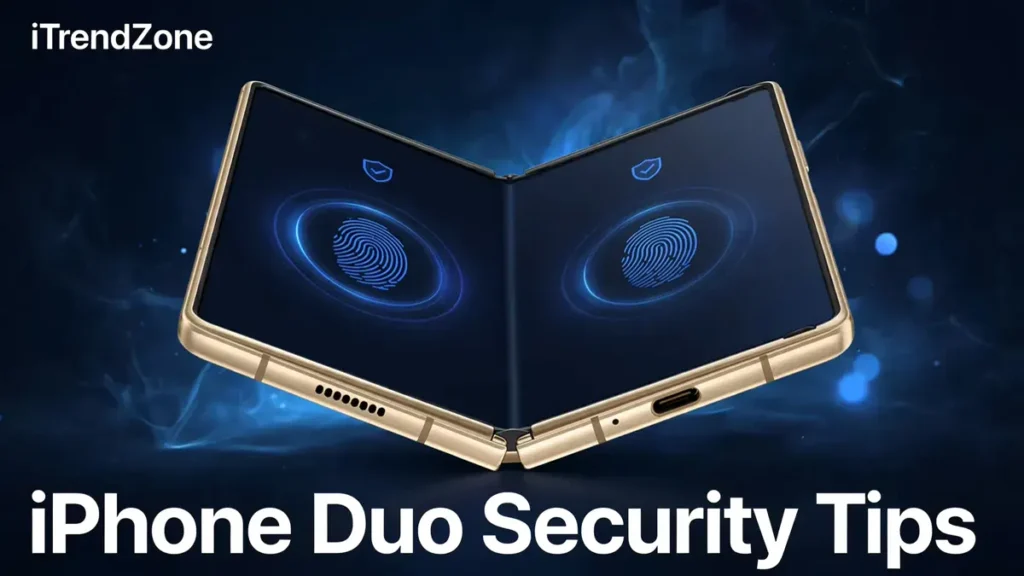

iPhone Duo Security Tips: Protect Your Foldable iPhone and Your Privacy
Here’s the thing nobody tells you when you unbox a $1,999 phone: the fancier the phone, the more interesting it is to everyone else. The iPhone Duo is Apple’s first foldable iPhone, a book-style device that opens into a 7.6-inch screen, and it turns heads everywhere you use it. Then you notice how much of your life sits on that big inner display — messages, banking, photos — and how easy it is for someone behind you to read it all. These iPhone Duo security tips are written for the way this phone actually works: Touch ID instead of Face ID, an eSIM instead of a plastic SIM, and two screens that both need looking after.
TL;DR: Set up Touch ID with two fingers, use a strong alphanumeric passcode, hide notification previews on the lock screen, audit app permissions once a month, lock down your eSIM with a carrier PIN, and turn on Find My before you need it. The Duo has no Face ID and no SIM tray, so the settings that protect you differ a little from other iPhones — but they take about twenty minutes to sort out.
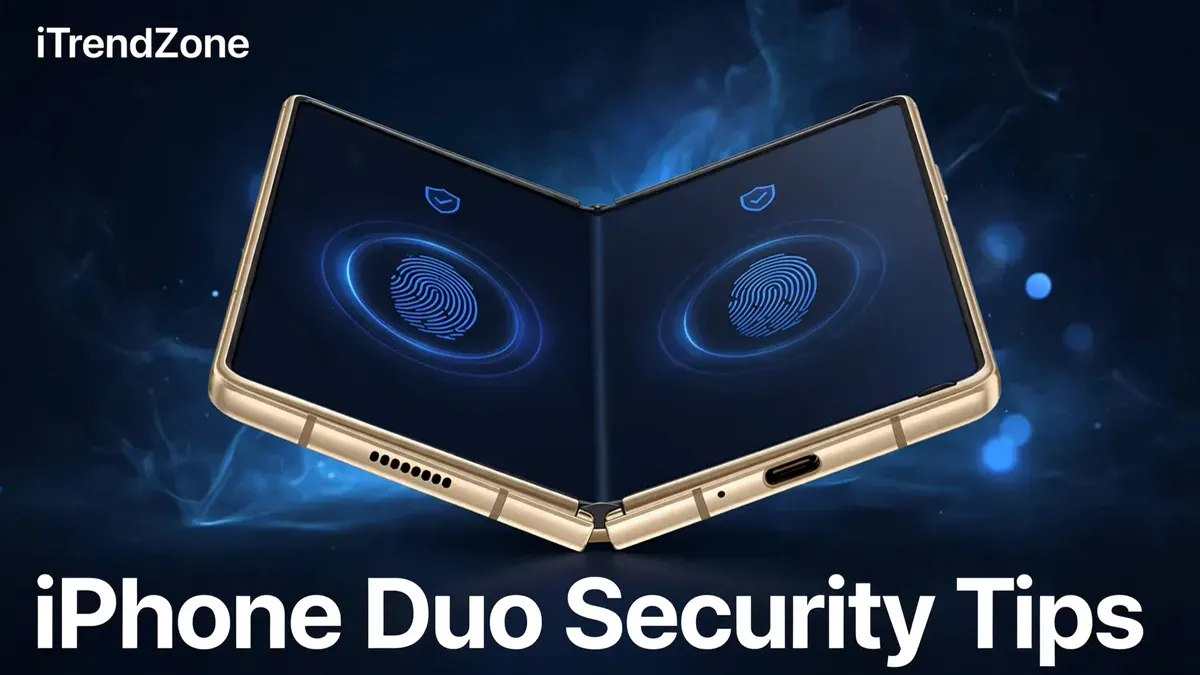
Why the iPhone Duo Needs a Different Security Routine
Most iPhone security advice assumes you have Face ID. The Duo doesn’t. It unlocks with Touch ID in the power button, and that one change ripples through everything — how fast you get in, what happens when your hands are wet, and what a thief can do if they grab the phone while it’s open. Then there’s the fold. Folded, the Duo is a compact 117.8 x 84.1 x 11.3mm slab with a 5.4-inch outer display. Unfolded, it’s 117.8 x 164.6mm of screen, just 5.2mm thin, and everything you’re doing is on display in a way a normal phone never is.
Then there’s the price. At $1,999 for 256GB — $2,199 for 512GB, $2,599 for 1TB, and $3,199 for 2TB — this is the most expensive iPhone Apple has ever sold. A phone that costs two grand and folds open into a tablet is a magnet for thieves and a nightmare to replace. Some shipments were already pushed into early 2027, so a stolen Duo might take months to replace. It runs iOS 27, so the privacy tools are the same as other modern iPhones — the hardware is just different.
Set Up Touch ID Properly — It’s Your Only Biometric
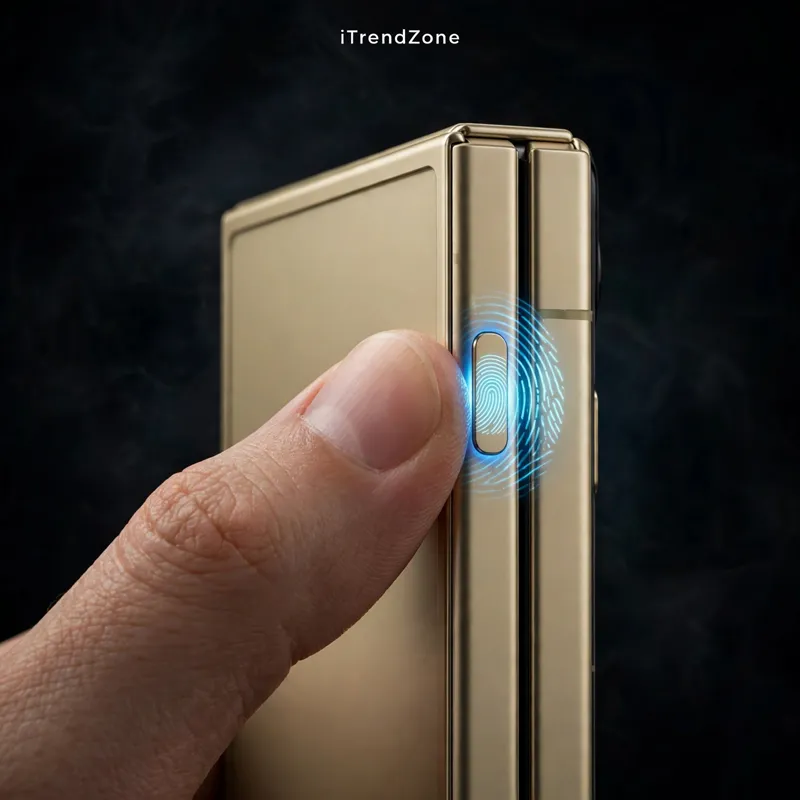
There’s no Face ID on the iPhone Duo. The under-display camera handles FaceTime calls with Center Stage, but it will never unlock your phone. Touch ID in the power button is the only biometric you’ve got, and the XDA review that scored the Duo 7 out of 10 specifically called Touch ID out as sometimes slow. Enrol each finger slowly, letting the phone see the edges of your fingertip, then enrol a second finger straight away — your other thumb, or your dominant index finger. You hold the phone differently folded and unfolded, so the finger that works when it’s closed might not reach the sensor when it’s open.
Use a Real Passcode, Not 123456
A four-digit PIN on a $1,999 phone is like a bike lock on a sports car. Change it to a custom alphanumeric code: six digits minimum, a short passphrase if you can manage it. You’ll type it more than you’d like, because Touch ID can be slow and sometimes you’ll just reach for the code. That’s fine — a passcode you type ten times a day is still doing its job. While you’re on that screen, switch on the option to erase the phone after ten failed passcode attempts. Ten wrong guesses and everything wipes. If you have a backup, losing the phone is annoying; losing your data to a stranger is far worse.
Lock Down the Lock Screen
Your lock screen is the shop window of your phone. On the Duo it’s two shop windows: the 5.4-inch outer display and the 7.6-inch inner display, both hitting 3,000 nits of peak brightness. That brightness is gorgeous outdoors — and it means your notifications are readable from three seats away. Start with notification previews: set them to show only when unlocked, so a preview never gives away a two-factor code, a bank alert, or a private message. Then ask of every app: does this one need to shout from the lock screen at all? Your banking app doesn’t. Turn lock-screen notifications off for anything financial or medical.
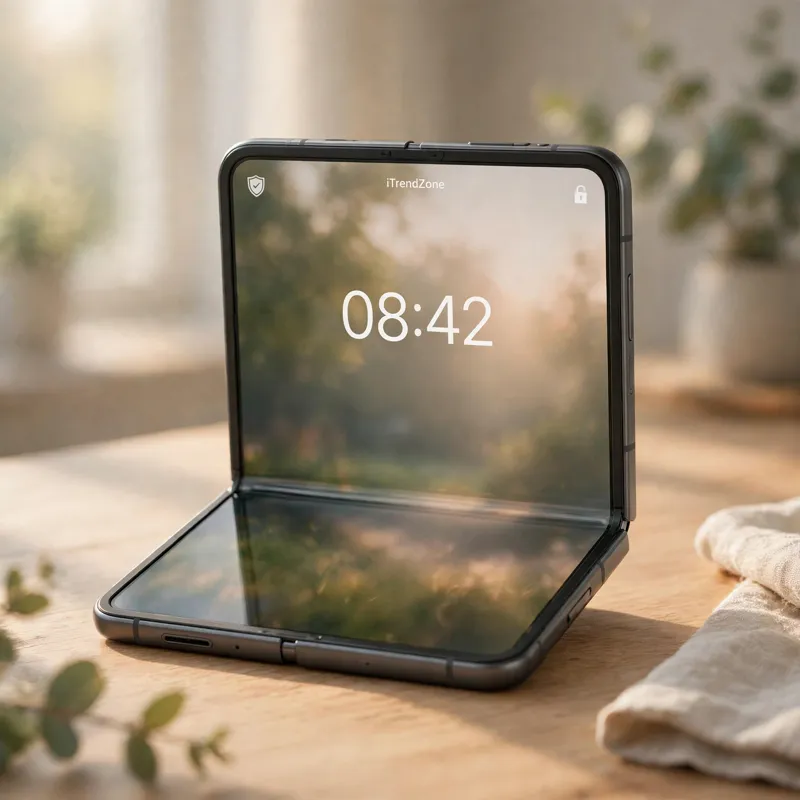
The outer display is the one strangers see when your phone sits on a table, folded shut. Keep it boring: a plain wallpaper, the time, nothing else. Save the widgets and calendar appointments for the inner display, which at least faces you when it’s open. And set auto-lock to 30 seconds. It’s annoying when you’re reading and the screen keeps going dark, but an unlocked phone left open on a desk is an open book.
Privacy Settings Worth Checking on Day One
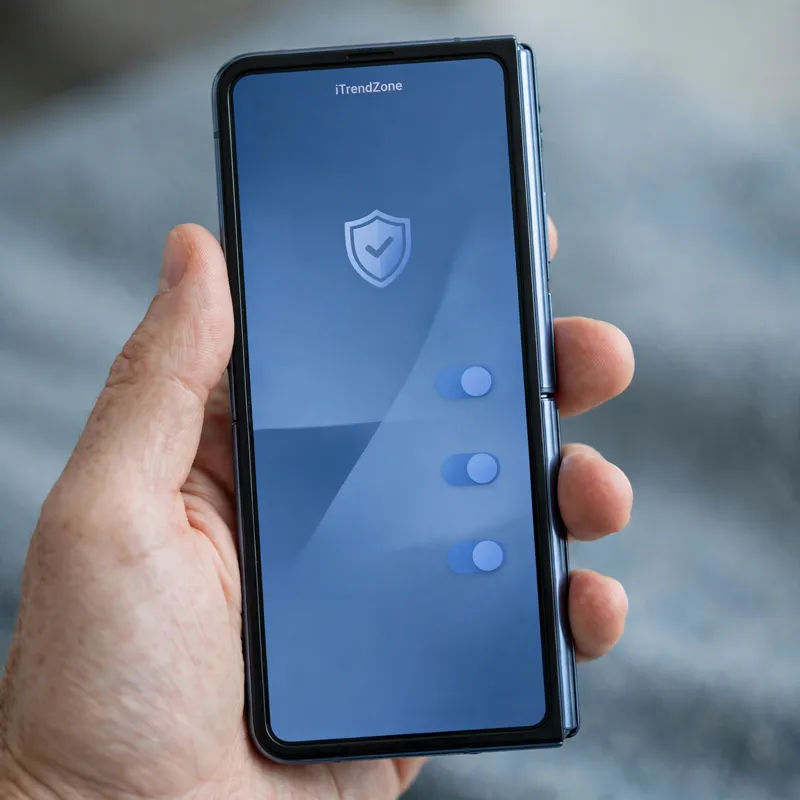
iOS 27 asks permission before apps take things. The problem is that most of us tap “Allow” without thinking, usually because we’re in a hurry. Once a month, spend five minutes in Settings > Privacy & Security and work through the list. It’s the highest-value privacy habit on any iPhone, and it matters more on the Duo because you’re doing more on it: two apps side by side, more photos, more everything.
Location, Photos, Microphone and Camera
Almost no app needs your precise location all the time. Set most apps to “While Using” and the rest to “Never.” Check System Services too — there’s a surprising amount running in the background, and some of it you can switch off without losing anything.
Photos access is the big one. Apps often ask for your entire library when they need a single picture — give them selected-photos access instead. It takes ten seconds, and a random editing app never sees your screenshots or documents. Same logic for the microphone and camera. The Duo has two 48MP rear cameras — a Fusion main with sensor-shift stabilisation and a Fusion ultra-wide with macro — plus the under-display front camera, and every app that can reach them can watch you. Watch the indicator dots: green means the camera is active, orange means the microphone. If you see one and don’t know why, find the app and revoke its access. Our iPhone Duo camera guide covers the hardware in detail.
Stop Apps Tracking You Across Other Apps
When an app asks to track you, the answer is almost always no. Tapping “Ask App Not to Track” doesn’t break anything — the app still works, it just can’t follow you around the internet building a profile. Go to Settings > Privacy & Security > Tracking and switch off “Allow Apps to Request to Track” entirely. One switch, done forever. Apple’s own privacy pages explain what stays on your device and what doesn’t, and they’re worth a read.
eSIM Security: Your Number Lives in Software Now
The iPhone Duo is eSIM-only. No SIM tray, no plastic card, no way to move your number by swapping a chip. That’s mostly good news — a thief can’t pull your SIM out and put it in another phone to receive your two-factor codes. But your number is now just data, and data can be moved with a phone call. The attack to know about is SIM swapping: someone rings your carrier, pretends to be you, and gets your number transferred to a SIM they control. Then your password-reset codes go to them.
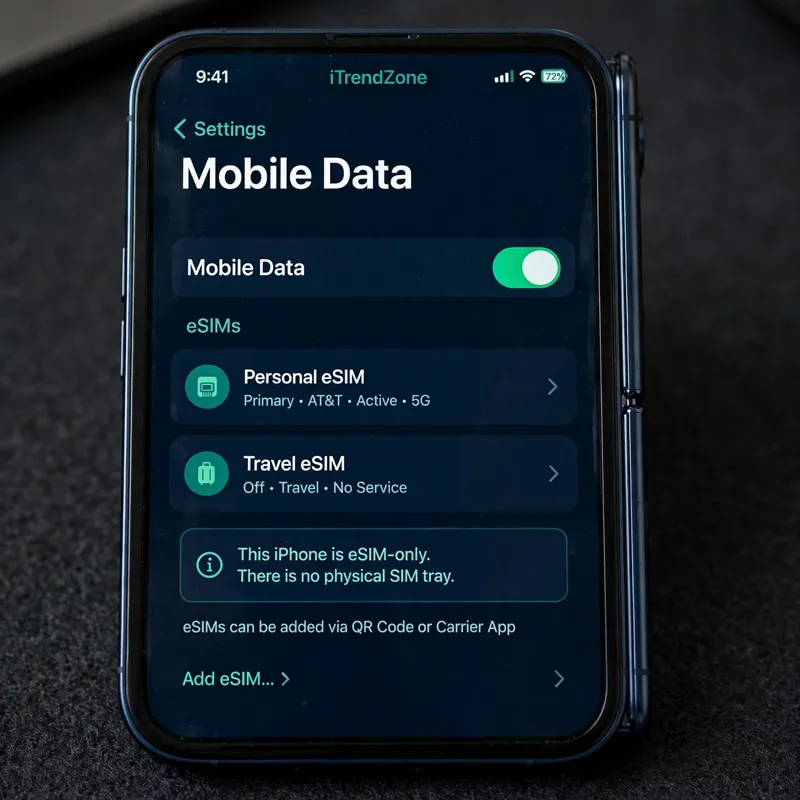
The defence is boring but effective. Call your carrier, set up a transfer PIN, and ask for a port-out block on the line. Most carriers offer it if you ask — do it this week, not after something goes wrong. When you upgrade or need a replacement, the eSIM transfer happens through your carrier’s app or a QR code and takes a few minutes. And if you ever sell or trade in the Duo, erase the eSIM as part of the wipe, in Settings > General > Transfer or Reset iPhone. T-Mobile was offering up to $1,200 off with a trade-in around Black Friday, so plenty of Duos will change hands.
The Two-Screen Problem: What People Can See
The inner display is 7.6 inches across at 1878 x 2670 resolution. Wonderful for reading and split-screen work — and wonderful for anyone sitting next to you. The Duo is the first iPhone where shoulder surfing is a genuine daily risk. Foldable multitasking makes it worse in a good way: your banking app on one side, a chat on the other, two sensitive things on screen at once. iOS 27 handles the multitasking smoothly, and the A20 Pro’s dedicated display engine keeps both screens at 120Hz, but neither screen knows what’s private. You have to decide that. Angle the inner screen toward your chest in cafés and on planes, and don’t open sensitive apps on the outer screen and then unfold — they jump to the big screen instantly.
iPhone Duo Security Features at a Glance
Here’s the whole picture in one place, so you can check off what you’ve done and spot what you’ve missed.
| Feature | How It Works on the Duo | What You Should Do |
|---|---|---|
| Touch ID | Fingerprint sensor in the power button; no Face ID | Enrol two fingers and add the main thumb twice |
| Passcode | Fallback when Touch ID fails or after a restart | Use a six-digit or alphanumeric code, not four digits |
| eSIM | eSIM-only, no physical SIM tray | Set a carrier transfer PIN and a port-out block |
| Lock screen | Outer 5.4-inch and inner 7.6-inch displays, both 3,000 nits | Hide notification previews and keep the outer display plain |
| Find My | Location tracking with Send Last Location | Turn it on and add a recovery contact |
| App permissions | iOS 27 per-app controls for location, photos, mic and camera | Audit them monthly and give selected-photos access only |
Which Security Habits Matter Most
Not every setting is worth the same effort. If you only have ten minutes, start at the top of this list — these are ranked by how much protection they actually give you on the Duo.
Lost or Stolen? What to Do in the First Ten Minutes
It happens to careful people too. Phones get left in taxis and snatched from tables. The first ten minutes matter more than the next ten hours, so know the steps before you need them. First, mark the phone as lost in Find My from another device — that locks it, suspends Apple Pay, and shows your contact number on screen. Second, if you’re sure it’s stolen, erase it remotely; you’ll lose tracking after that, so only erase once it’s not coming back. Third, call your carrier and suspend the line, since there’s no SIM card to remove. Fourth, change your email and banking passwords from another device — those are the accounts a thief tries first.
Before any of that, make sure Find My is actually on: Settings > your name > Find My > Find My iPhone, plus Send Last Location, so the phone reports its position one last time before the battery dies. The battery still runs down eventually, even with up to 44 hours of video on the outer display. Apple Support has the full lost-device checklist if you want to save it now, while you’re calm.
iPhone Duo vs iPhone 18 Pro: The Security Differences
People keep mixing these two phones up. The iPhone 18 Pro is a different device: a 6.3-inch slab with a triple 48MP camera system, a $1,199 starting price, and Face ID. The Duo costs $1,999, folds in half, and has no Face ID at all. Both run the same A20 Pro chip and iOS 27, so the software protections are identical — the difference is entirely in how you get in. Face ID works with wet hands, gloves, or a coffee in your hand. Touch ID doesn’t, which is why Duo owners lean on their passcode far more than other iPhone owners, and why the passcode advice above matters so much here. If you want the full picture, Apple’s iPhone pages lay out both models side by side.
Five Mistakes Duo Owners Keep Making
First, using the same passcode as their old phone — or worse, their birthday. Second, leaving notification previews on full, so messages broadcast from a 3,000-nit screen in a crowded lift. Third, giving every app full photo library access because it’s faster than choosing selected photos. Fourth, never setting a carrier PIN, because the eSIM “just worked” at setup and they never thought about it again. And fifth, skipping Find My because they assumed it was on by default. Usually it is. “Usually” is not a security strategy — check it. And one more for foldables: leaving the phone unfolded and unlocked on a desk while you walk to the kitchen. Folded, it’s locked and pocket-sized and nobody can see what’s on it.
Test Yourself: iPhone Duo Security Quiz
Five quick questions. Get them all right and your Duo is in good shape — miss one and the answer key at the end tells you which section to re-read.
1. How do you unlock the iPhone Duo with biometrics?
A) Face ID using the under-display camera
B) Touch ID in the power button
C) An iris scanner in the hinge
D) Voice recognition
2. The iPhone Duo is eSIM-only. What is the best protection against SIM swapping?
A) Removing the SIM tray when you go out
B) Using a longer phone number
C) Turning off mobile data at night
D) Setting a carrier transfer PIN and a port-out block
3. What should you do with notification previews on the lock screen?
A) Set them to show only when unlocked
B) Leave them on full so you never miss a message
C) Turn off all notifications completely
D) Show previews only for banking apps
4. How long does the Duo’s battery last for video playback on the outer display?
A) 24 hours
B) 31 hours
C) 44 hours
D) 12 hours
5. Your Duo is stolen. What should you do first?
A) Buy a replacement immediately
B) Mark it as lost in Find My to lock it and suspend Apple Pay
C) Wait a day to see if it turns up
D) Change your phone’s wallpaper from another device
Quiz Answers
1 — B: Touch ID in the power button. The Duo has no Face ID. 2 — D: A carrier transfer PIN and port-out block stop someone moving your number to their own SIM. 3 — A: Show previews only when unlocked, so codes and private messages stay private. 4 — C: Up to 44 hours of video playback on the outer display, 31 hours on the inner display. 5 — B: Mark it as lost in Find My first, then suspend the line with your carrier.
Final Word
The iPhone Duo doesn’t need you to become a security expert. It needs about twenty minutes of setup and a handful of habits: a strong passcode, two enrolled fingers, hidden notification previews, a monthly permission check, and a carrier PIN. Do those and the most expensive iPhone Apple has ever made becomes a very hard phone to get into — which is exactly what you want from something that folds open to reveal your entire life. Start with our iPhone Duo complete guide for the full overview, and if Touch ID ever stops responding, our iPhone Duo not working fix guide covers the common problems. Stay safe out there, and fold it shut when you walk away.