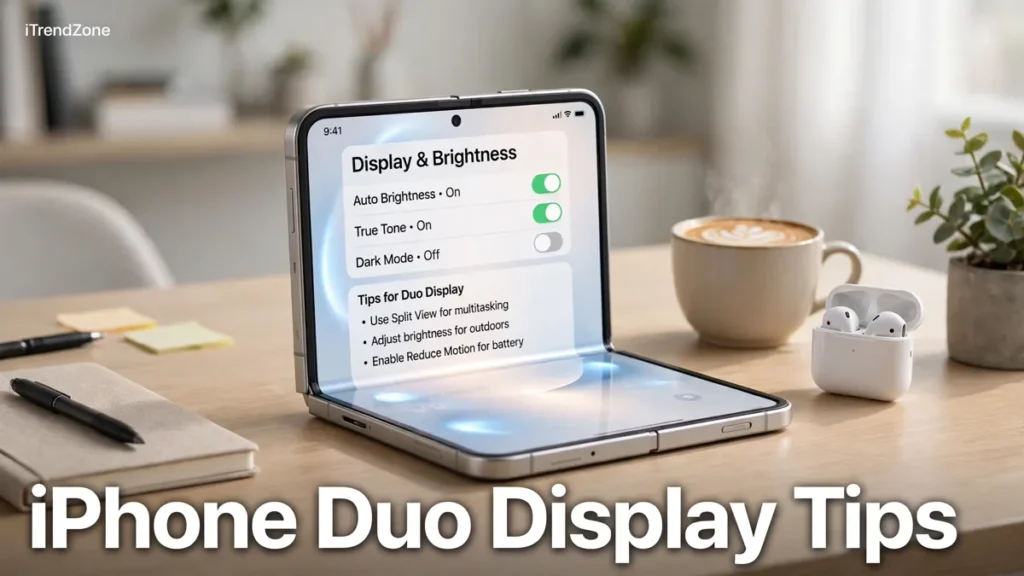

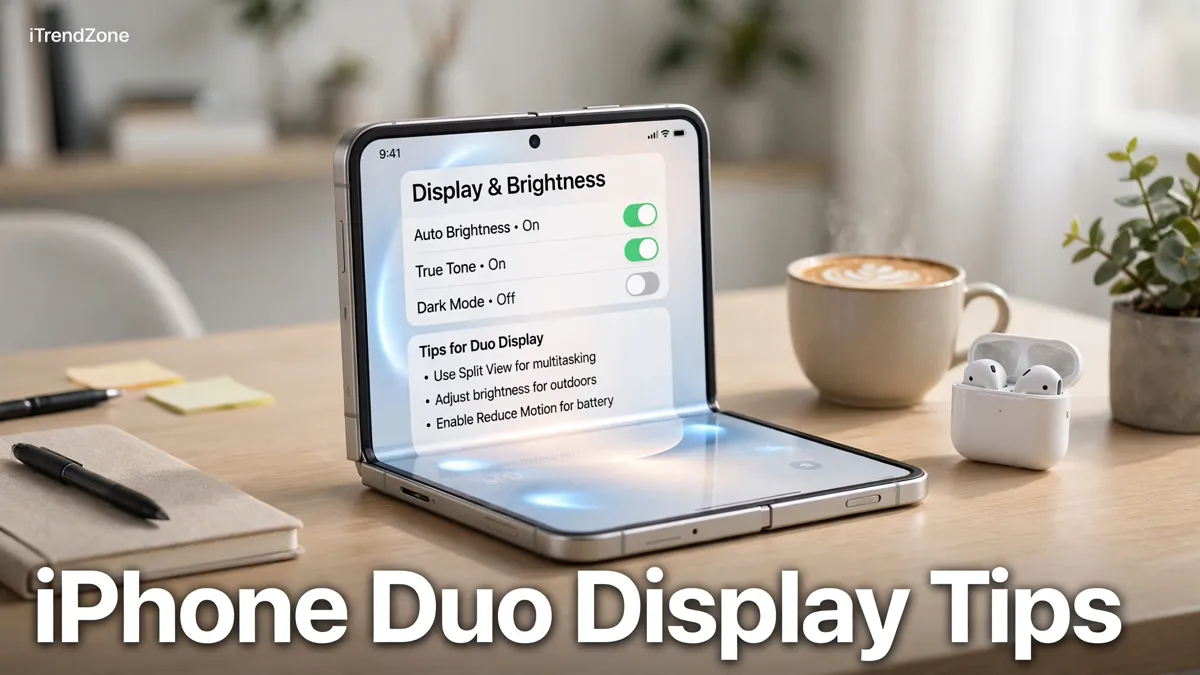
iPhone Duo Display Tips Guide
iPhone Duo display tips start with one simple idea: this phone has two screens, and they are not meant to be used the same way. The iPhone Duo is Apple’s first foldable iPhone, a book-style foldable. I spent my first week with it doing everything wrong — watching long videos on the small outer screen, answering quick messages on the big inner screen while standing in a queue, and leaving the brightness on full. That was my mistake, not the phone’s.
TL;DR: Use the 5.4-inch outer display for quick jobs — messages, calls, music, checking the time — and open the 7.6-inch inner display for reading, video, maps, and anything that needs two apps side by side. Keep auto-brightness on, let ProMotion do its 120Hz work, and remember that video lasts up to 44 hours on the outer display but 31 hours on the inner one, so the screen you pick changes your battery as much as anything else.
Two Screens, Two Jobs
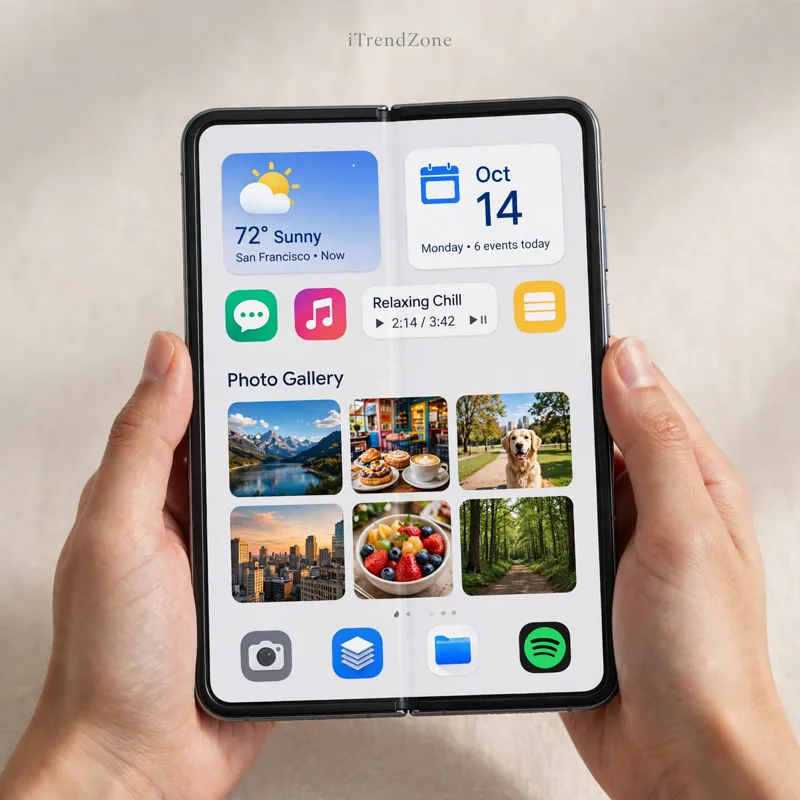
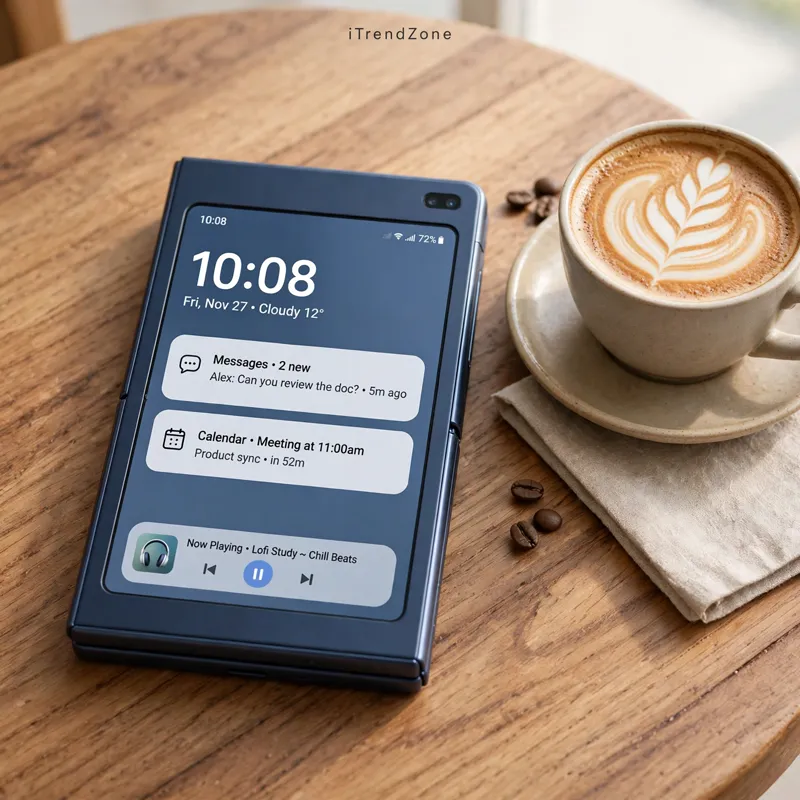
The Duo does not have a main screen and a spare screen. It has two proper Super Retina XDR OLED displays, and both run at ProMotion 120Hz, and both reach 3,000 nits peak brightness. The difference is size and purpose. The outer display is 5.4 inches, with a resolution of 1398×2034. The inner display is 7.6 inches, with a resolution of 1878×2670. Same quality, different job.
Folded shut, it is 117.8 x 84.1 x 11.3mm and weighs 254g — chunky, but still a phone you can hold in one hand. Open it up and it becomes 117.8 x 164.6 x 5.2mm of screen. My rule: if the job takes less than thirty seconds, stay on the outer screen. If it takes longer, open it up. The A20 Pro chip has a dedicated display engine for both screens, so content hands over smoothly when you open or close the phone — though some third-party apps are still catching up, and support is still improving.
The 7.6-Inch Inner Display: Your Big Screen
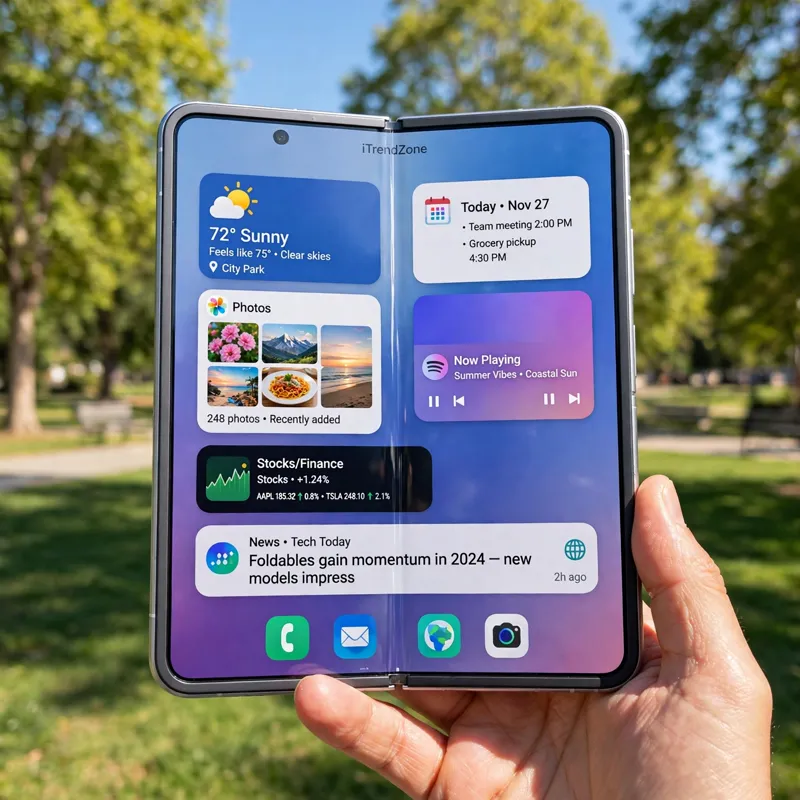
Open the Duo and the first thing you notice is how much room there is. A 7.6-inch OLED at 1878×2670 is not just a bigger phone screen. It changes what you can do without switching apps every few seconds. A web page shows more of the article, and a video fills a space that is genuinely pleasant to watch, not just tolerable.
The best use I have found for it is reading. Long articles, ebooks, recipes — anything where a normal phone makes you scroll every few seconds. On the inner display you read whole paragraphs at a glance. It is also the screen for photos: the 48MP Fusion main camera and 48MP Fusion ultra-wide camera deserve a screen that shows what they captured, so review and edit your photos unfolded. One practical tip: hold it with both hands when you can. At 254g it is not heavy for a foldable, but one-handed use on the big screen gets tiring, so rest it on a table or use two thumbs.
The 5.4-Inch Outer Display: Small, Fast, and Underrated
Most new owners treat the outer display like a waiting room on the way to the real screen. That is the wrong way to look at it. The outer display is a complete 5.4-inch Super Retina XDR OLED at 1398×2034, with the same 120Hz ProMotion and the same 3,000 nits peak brightness as the big screen. It is not lesser — it is faster, getting you in and out of small jobs without unfolding the phone.
Most of your day is small jobs. A message comes in, you reply in ten seconds. A call comes in, you answer it. You change the song or check the next train. Doing that on the inner display means opening the phone dozens of times a day for no reason. Folded, your battery lasts longer and the inner screen stays protected. Video playback lasts up to 44 hours on the outer display and 31 hours on the inner display, with 24 hours of typical use across the 4,883mAh dual-battery system, one cell on each side of the fold. On a long day out, do quick jobs folded and save the big screen for when you sit down.
Brightness: 3,000 Nits and How to Actually Use It
Both Duo displays reach 3,000 nits peak brightness, which is a number that only means something when you are standing in direct sunlight trying to read a map. A dim screen outdoors is a phone you cannot use. The Duo does not have that problem — outdoors, let the brightness go high.
The setting that makes the biggest difference is the simplest one: leave auto-brightness on. It reacts fast when you walk from a dark room into bright daylight or step into shade, and manually dragging the slider all day usually ends with the screen brighter than it needs to be indoors, which wastes battery. In a normal living room, around a third to half brightness is plenty, and at night go lower still. The OLED panels show deep blacks, so dark content stays readable even at low brightness. Give the phone a second to adjust outdoors before reaching for the slider.
The Nano-Texture Finish: Less Glare, Less Fuss
The inner display has an anti-glare nano-texture finish, and this is one of those features that sounds like marketing until you use the phone near a window. Glare is the enemy of any glossy screen, and the nano-texture finish scatters reflected light instead of bouncing it back at you.
In practice, the inner display stays readable in bright rooms and near windows without cranking the brightness to maximum. It is not magic — a direct reflection of the sun will still win — but everyday glare from lamps and windows is noticeably reduced. It also changes how you clean the screen. Do not use harsh cleaners or rough cloths on the inner display; a soft, dry microfibre cloth is enough, or one very slightly dampened with water. Only use a protector made for the Duo’s inner foldable display — a generic one can interfere with the fold, and a bad protector is worse than none.
ProMotion 120Hz: Smooth Scrolling Without the Battery Panic
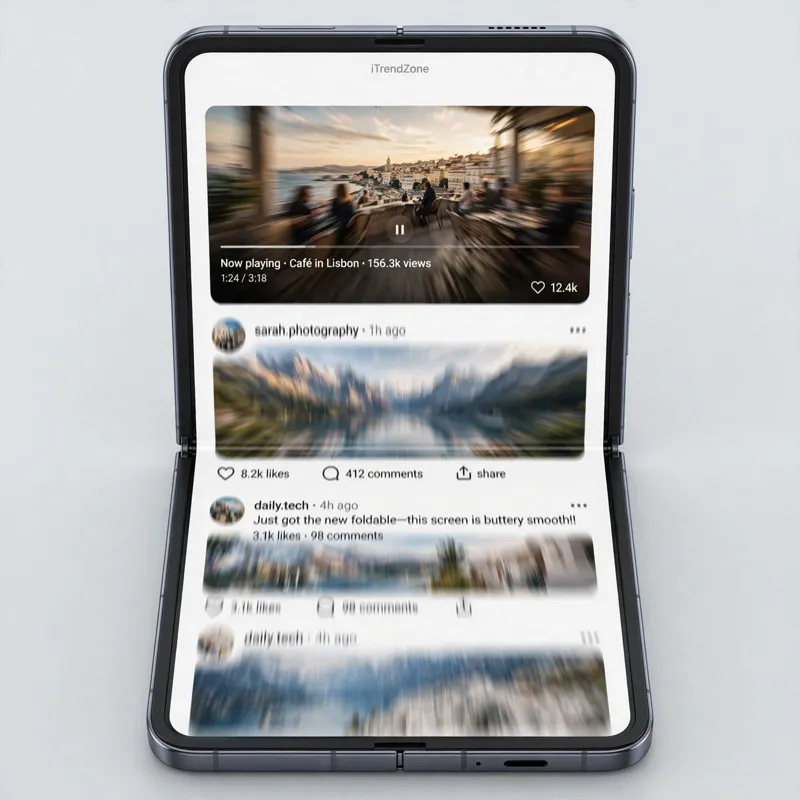
Both displays run at ProMotion 120Hz, which means the screen refreshes up to 120 times a second. In plain terms, scrolling looks smoother, animations look cleaner, and the phone feels more responsive under your finger. After a week on 120Hz, a 60Hz screen feels sluggish — your eyes get used to the smoothness.
You notice it most when scrolling, where content glides instead of juddering. ProMotion ramps up when things move and eases off when they do not, so it stays smooth without draining the battery like a fixed 120Hz screen. Should you turn it off to save battery? No — the bigger wins come from using the outer screen for quick jobs and not running full brightness indoors. For games, the inner display is the obvious choice, and the A20 Pro chip — 2nm, 6-core CPU, 7-core GPU — has the power to keep up. See our iPhone Duo performance and gaming guide for more.
iPhone Duo Displays at a Glance
Here is how the two Duo screens compare, with the iPhone 18 Pro alongside. The Duo is a different device from the iPhone 18 Pro — the Duo is the foldable, the 18 Pro is the regular flagship.
| Feature | iPhone Duo inner display | iPhone Duo outer display | iPhone 18 Pro display |
|---|---|---|---|
| Size | 7.6 inches | 5.4 inches | 6.3 inches |
| Panel | Super Retina XDR OLED, foldable | Super Retina XDR OLED | OLED |
| Resolution | 1878×2670 | 1398×2034 | Not listed here |
| Refresh rate | ProMotion 120Hz | ProMotion 120Hz | 120Hz |
| Peak brightness | 3,000 nits | 3,000 nits | Not listed here |
| Special finish | Anti-glare nano-texture | Standard | Standard |
| Best for | Reading, video, two apps at once | Quick replies, calls, checks | Everyday single-screen use |
| Video playback | Up to 31 hours | Up to 44 hours | Not listed here |
The Duo gives you a bigger screen than the 18 Pro when open and a smaller one when closed — the whole point of a foldable. Both Duo screens share the same refresh rate and peak brightness, so you are never punished for using the small one. The trade-off is battery.
How Screen Choice Changes Battery Life
The chart shows video playback time on each Duo screen, plus typical use. The outer display stretches furthest, the inner display sits in the middle, and typical mixed use comes in at 24 hours.
Video playback and typical use (hours)
Use the inner display on purpose: a two-hour film on the big screen is a good use of battery, but an afternoon of idle scrolling on it, when the small one would have done, is not. Charging is quick when you do need it: the Duo reaches 50% in about 20 minutes with a 60W or higher charger, and 50% in 30 minutes with 35W or higher MagSafe charging. Our iPhone Duo battery tips guide covers charging and battery care in detail.
Display Settings to Change in the First Ten Minutes
A few changes on day one, and the phone will feel like yours. First, check auto-brightness is on — it adapts both screens to the light around you. Second, pick a text size that suits your eyes, not the default. On the inner display you can afford slightly smaller text, so more of an article fits on screen; on the outer display, slightly larger text is easier to read at a glance.
Third, sort out notifications for the outer display, the screen you will glance at most often. Turn off the apps that interrupt you for no reason and keep the ones that need a quick reply. Fourth, check how apps hand over between screens. Most built-in apps continue where you left off, but some third-party apps restart when you unfold — if one does, open the phone before starting a long read in it. Fifth, set a screen timeout of a couple of minutes: too short and the display keeps going dark while you read, too long and it stays lit in your pocket, wasting battery.
Using Both Screens Together: The Real Trick
What makes the Duo worth its $1,999 starting price is not either screen alone, but how they work together. The Duo runs iOS 27 with foldable multitasking, so the inner display can show two things at once: a map beside your messages, a video beside your notes. That is where the 7.6-inch screen earns its keep.
Start small. Pick one pair of apps you use together every day and try them side by side for a week — messages and maps, notes and a browser, photos and messages for sharing pictures without losing your place. If a pair works, keep it. If it feels cramped, drop it and try another. Our iPhone Duo multitasking tips guide goes deeper into app pairs and layouts, our iPhone Duo complete guide covers the phone as a whole, and the iPhone Duo setup guide walks through the first steps, including the eSIM-only setup, since there is no physical SIM tray on this phone.
Looking After the Foldable Screen
A foldable screen needs a little more care than a flat one. Do not press hard on the inner display — it responds to a light touch. Do not put anything between the two halves when you close it: no coins, no cards, no crumbs. Even something small can leave a mark, and keep the phone away from sand and grit.
Close it gently and let it shut on its own weight; no need to snap it closed. Open it fully until it sits flat for reading. Half-open is fine too — the phone is designed to sit at an angle, handy for video calls with the under-display FaceTime camera and Center Stage. One more point: the Duo unlocks with Touch ID in the power button, not Face ID. There is no Face ID on this phone, unlike the iPhone 18 Pro. The XDA review, which scored the phone 7 out of 10, noted that Touch ID can be slow at times, so keep your finger dry and properly placed, and register the same finger twice with slightly different angles if the phone lets you.
Common Display Problems and Quick Fixes
Most display problems have boring causes and quick fixes. If the screen looks dim, check auto-brightness first, then the brightness slider. If an app looks wrong on the inner display — stretched, cut off, or stuck in a phone-sized box — close the app fully and reopen it unfolded. If it still looks wrong, check for an app update, because third-party app support for foldables is still improving. If an app restarts every time you fold or unfold, it probably has not been updated for foldables yet. If the screen feels unresponsive, a restart sorts out most glitches. If you see anything physical — a line, a mark, or damage along the fold — do not try to fix it yourself. Take it to Apple or an authorised service provider. Our iPhone Duo not working fix guide covers the common faults step by step.
Is the Duo Display Worth It?
At $1,999 for 256GB, rising to $2,199 for 512GB, $2,599 for 1TB, and $3,199 for 2TB — or $83.29 a month for 24 months — the Duo is not a casual purchase. The T-Mobile Black Friday offer of up to $1,200 off with trade-in softens that. Whether two screens are worth it depends on how you use your phone: if you mostly call, message, and scroll, the outer display will do most of the work. If you read a lot, watch a lot of video, or constantly switch between two apps, the inner display will change your day.
The Duo went on sale on October 23, 2026 in more than 70 countries, after being announced on September 9, 2026 and opening for pre-orders on October 16, 2026. Some shipments have been pushed to early 2027, so if you are still waiting, use the time to plan which apps you will pair. One last thought: pause for half a second before you unfold and ask whether this job needs the big screen. Half the time it does not, and the outer display will do it faster.
Quiz: Test Your iPhone Duo Display Knowledge
Question 1: How big is the iPhone Duo inner display?
A) 6.3 inches
B) 7.6 inches
C) 5.4 inches
D) 8.1 inches
Question 2: What is the peak brightness of both Duo displays?
A) 1,000 nits
B) 2,000 nits
C) 1,500 nits
D) 3,000 nits
Question 3: How long does video playback last on the outer display?
A) Up to 44 hours
B) Up to 31 hours
C) Up to 24 hours
D) Up to 20 hours
Question 4: What finish does the inner display have to reduce glare?
A) Matte glass
B) Ceramic coating
C) Anti-glare nano-texture finish
D) Frosted plastic
Question 5: How does the iPhone Duo unlock?
A) Face ID
B) Touch ID in the power button
C) A passcode only
D) An iris scanner
Quiz answers: 1 — B, 2 — D, 3 — A, 4 — C, 5 — B.
For more on this phone, read our iPhone Duo hidden features guide and our iPhone Duo camera tips guide. You can also check the latest details on Apple, and read foldable phone coverage on Tom’s Guide and TechRadar.