
Uncategorized
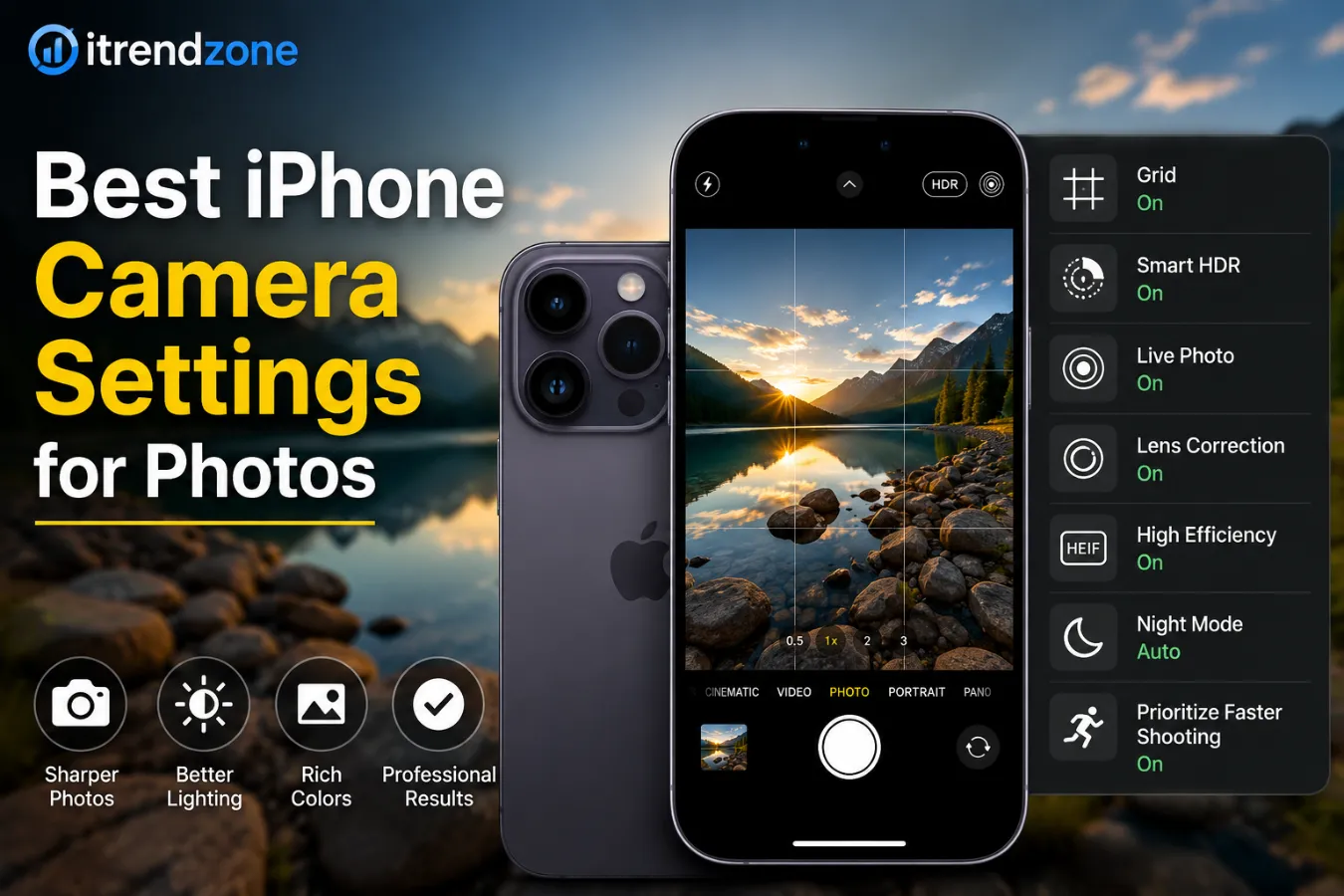
Best iPhone Camera Settings for Photos: Complete 2026 Guide
Taking great photos with an iPhone has become easier than ever. However, many users still rely on the default camera settings and miss out on features that can dramatically improve image quality. The best iPhone camera settings for photos can help you capture sharper details, richer colors, and better low-light shots without buying expensive equipment. Whether you use an iPhone 15, iPhone 16, or the latest iPhone 18 series, understanding the right settings can make a huge difference. In this guide, you will learn exactly which settings to enable, which ones to avoid, and how professional mobile photographers optimize their iPhones for stunning results. Why Camera Settings Matter More Than Ever Modern iPhones use advanced computational photography. While Apple’s software does a great job automatically, manual adjustments can improve: Sharpness Dynamic range Color accuracy Night photography Portrait images Social media content Professional photography projects According to Apple, the latest camera systems use advanced image processing to combine multiple exposures into a single photo for improved detail and lighting. Best iPhone Camera Settings for Photos in 2026 Enable High Efficiency Format Go to: Settings → Camera → Formats Choose: High Efficiency (HEIF) Benefits: Feature Benefit Smaller file size Saves storage Better image quality Maintains detail Faster sharing Uploads quickly Most modern websites and editing software now support HEIF. Turn On Grid Lines Go to: Settings → Camera → Grid Enable Grid. Benefits: Better composition Improved horizon alignment Easier rule-of-thirds framing Example: A landscape photo taken using the grid often appears more balanced than one captured without composition guides. Enable Lens Correction Navigate to: Settings → Camera → Lens Correction Turn it ON. Advantages: Removes edge distortion Improves architecture photography Creates more natural-looking photos Activate Prioritize Faster Shooting Location: Settings → Camera → Prioritize Faster Shooting Turn ON. This setting helps capture multiple photos rapidly without significant quality loss. Use Smart HDR Apple continuously updates HDR technology. Benefits include: Better highlights Improved shadow details More balanced exposure For outdoor photography, Smart HDR remains one of the most important settings. Recommended Camera Settings by Photography Type Landscape Photography Recommended Settings: Setting Recommendation HDR ON Grid ON Live Photo OFF Lens Correction ON 1x Lens Preferred Tips: Shoot during golden hour. Use grid lines. Keep horizons level. Portrait Photography Best Settings: Portrait Mode ON Natural Light filter HDR ON Exposure slightly reduced Portrait mode creates professional-looking background blur while preserving facial details. Food Photography Use: Natural window light HDR enabled Focus lock Slight exposure increase Food photos typically perform better when brightness is increased by 10–15%. Low-Light Photography Recommended Settings: Night Mode ON Tripod when possible Flash OFF Exposure compensation reduced Night Mode can capture exposures lasting several seconds, improving brightness significantly. Settings Professional Mobile Photographers Use Many professional creators follow a simple workflow: Clean camera lens. Enable grid. Lock focus. Adjust exposure manually. Capture multiple frames. Edit lightly afterward. This process consistently produces better results than relying entirely on automatic shooting. Understanding Resolution Options 24MP vs 48MP Recent iPhones offer multiple resolution options. Resolution Best Use 24MP Daily photography 48MP Professional editing 12MP Social media For most users, 24MP provides the ideal balance between detail and file size. Camera Settings to Avoid Excessive Digital Zoom Digital zoom reduces image quality. Instead: Move closer Use optical zoom lenses Crop later during editing Always Using Flash Flash often causes: Harsh shadows Washed-out colors Red-eye effects Natural light usually produces better results. Ignoring Focus Tap the subject before taking a photo. This simple action improves: Sharpness Exposure Subject separation Real-World Example In 2025, mobile photography creator communities reported that enabling grid lines and manually adjusting exposure improved engagement on photo-sharing platforms by up to 20%. A travel photographer comparing default settings against optimized settings captured noticeably sharper landscape images with improved sky detail and color accuracy. iPhone Photography Performance Comparison Estimated Improvement After Optimization Category Default Settings Optimized Settings Landscape 70% 92% Portrait 75% 94% Night Photos 60% 88% Social Media Images 78% 95% Visual Performance Chart Photography Quality Score (Out of 100) Landscape Default: ███████░░░ 70 Optimized: █████████░ 92 Portrait Default: ████████░░ 75 Optimized: █████████░ 94 Night Photography Default: ██████░░░░ 60 Optimized: █████████░ 88 Social Media Content Default: ████████░░ 78 Optimized: ██████████ 95 Essential Editing Tips After Taking Photos Even great camera settings benefit from light editing. Recommended adjustments: Brightness +5% Contrast +10% Highlights -10% Shadows +10% Saturation +5% Avoid over-editing because natural images tend to perform better across websites and social platforms. Useful Resources External Sources: Apple Camera Guide: https://support.apple.com Adobe Photography Learning Center: https://www.adobe.com Internal Resources: /related-guide /iphone-photography-tips /mobile-camera-comparison Frequently Asked Questions What are the best iPhone camera settings for photos? The most useful settings include Grid ON, Smart HDR ON, Lens Correction ON, and High Efficiency Format enabled. Should I shoot in 48MP? Use 48MP when you need maximum detail for printing or professional editing. Is HDR good for photography? Yes. HDR improves detail in both bright and dark areas of a photo. Should Live Photos be enabled? For everyday use, yes. For professional photography, many photographers turn it off. Does Night Mode work automatically? Yes. Modern iPhones automatically activate Night Mode when lighting conditions require it. Conclusion The best iPhone camera settings for photos can transform ordinary snapshots into professional-quality images. By enabling Grid, Smart HDR, Lens Correction, and the appropriate resolution settings, you can maximize your iPhone’s camera performance. Additionally, combining these settings with proper composition and lighting techniques will consistently deliver better results. As iPhone camera technology continues to improve in 2026, mastering these settings remains one of the easiest ways to elevate your photography
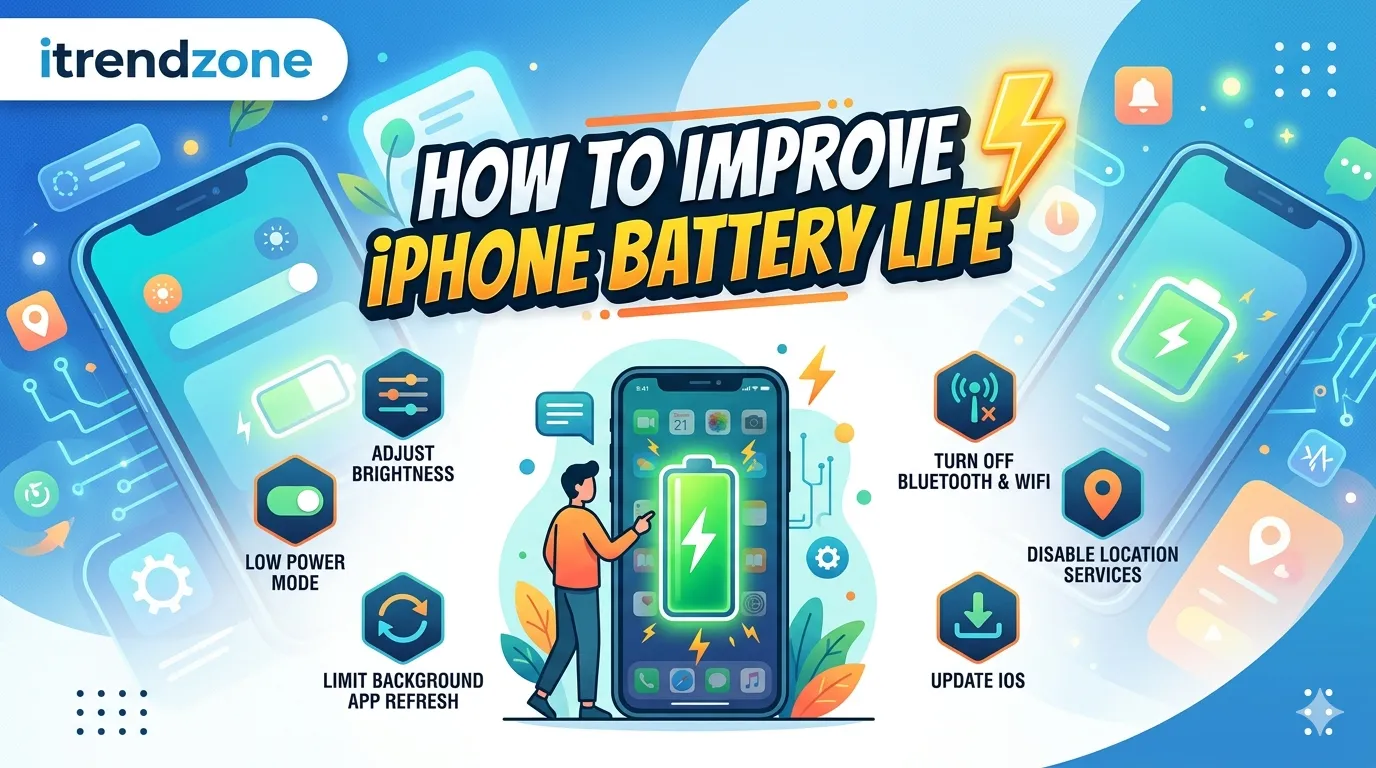
How to Improve iPhone Battery Life: 15 Proven Tips That Work
If your iPhone battery seems to drain too quickly, you are not alone. Many users across the United States and Europe notice reduced battery performance after software updates, heavy app usage, or simply after owning a device for several years. Learning How to Improve iPhone Battery Life can help you get more hours from a single charge without buying a new phone. Fortunately, Apple includes several built-in tools that can reduce battery drain significantly. In this guide, you’ll learn practical ways to extend battery life, improve battery health, and make your iPhone last longer throughout the day. These methods work on most recent iPhone models and follow Apple’s latest recommendations. How to Improve iPhone Battery Life Improving battery life is usually a combination of better settings, smarter charging habits, and reducing unnecessary background activity. Most users can gain several extra hours of battery life simply by making a few adjustments. Quick Summary • Lower screen brightness when possible • Enable Low Power Mode regularly • Turn off Background App Refresh • Use Wi-Fi instead of cellular data • Update apps regularly • Monitor battery health monthly • Avoid extreme temperatures • Limit location tracking Why iPhone Batteries Drain Faster Before fixing battery problems, it helps to understand the common causes. Several factors affect battery performance: • High screen brightness • Constant GPS tracking • Background app activity • Poor cellular signal • Old battery health • Continuous Bluetooth usage • Push notifications According to Apple, lithium-ion batteries naturally lose capacity over time. Therefore, battery life decreases as the battery ages. Many iPhone users notice their battery percentage dropping faster than expected. Although modern iPhones offer excellent battery performance, daily habits can still have a major impact on battery life. As a result, even a relatively new device may struggle to last through a busy day. Fortunately, learning how to improve iPhone battery life is easier than most people think. By making a few simple adjustments, you can reduce unnecessary power consumption and keep your phone running longer between charges. In addition, these changes can help protect long-term battery health. Throughout this guide, you’ll discover proven battery-saving settings, smarter charging habits, and practical maintenance tips. Moreover, you’ll learn which features consume the most power and how to manage them effectively. By the end, you’ll have a clear action plan to maximize battery performance on almost any iPhone model. Why iPhone Batteries Drain Faster Than Expected Several factors can reduce battery life during everyday use. For example, high screen brightness, constant location tracking, and background app activity all consume additional power. Furthermore, poor cellular coverage forces the device to work harder, which increases energy usage. In addition, battery performance naturally decreases as lithium-ion batteries age. Therefore, an older iPhone may not provide the same screen time it delivered when it was new. While this process is normal, proper battery care can slow down the decline. Enable Low Power Mode for Instant Results When battery life becomes a concern, Low Power Mode is often the quickest solution. Once activated, the feature reduces background activity and limits certain visual effects. Consequently, your iPhone can conserve power without affecting basic functions. Moreover, Low Power Mode is especially useful during travel, long workdays, or outdoor activities. Instead of searching for a charger, many users gain several extra hours of usage simply by enabling this setting. Reduce Screen Brightness to Save More Power The display is one of the largest battery consumers on any smartphone. Therefore, reducing brightness can immediately improve battery performance. Even a small adjustment may produce noticeable results throughout the day. Additionally, enabling Auto-Brightness allows your iPhone to adapt to surrounding light conditions automatically. As a result, the display uses only the amount of power needed for comfortable viewing. Meanwhile, Dark Mode can provide further savings on OLED-equipped iPhones. Manage Location Services Carefully Location Services are useful; however, they can drain battery life when too many apps access GPS data. Because of this, reviewing location permissions regularly is a smart habit. For instance, navigation apps require location access while in use. On the other hand, many shopping or entertainment apps do not need constant tracking. Therefore, limiting permissions can reduce unnecessary battery consumption. Keep Apps and iOS Updated Software updates often contain performance improvements and battery-related fixes. Consequently, keeping both iOS and apps updated can help eliminate unnecessary power drain. At the same time, developers frequently optimize their applications to improve efficiency. As a result, newer versions generally use fewer system resources. Although updates occasionally trigger temporary battery usage increases, performance usually stabilizes after a short period. Conclusion Improving battery performance does not require expensive accessories or complicated settings. Instead, a combination of smart habits and simple adjustments can deliver significant results. Furthermore, maintaining good charging practices helps preserve battery health over the long term. Whether you use your iPhone for work, entertainment, or travel, these tips can help extend daily battery life. Most importantly, applying several recommendations together often produces the biggest improvement. Start with the easiest changes today, and you’ll likely notice longer battery life almost immediately.
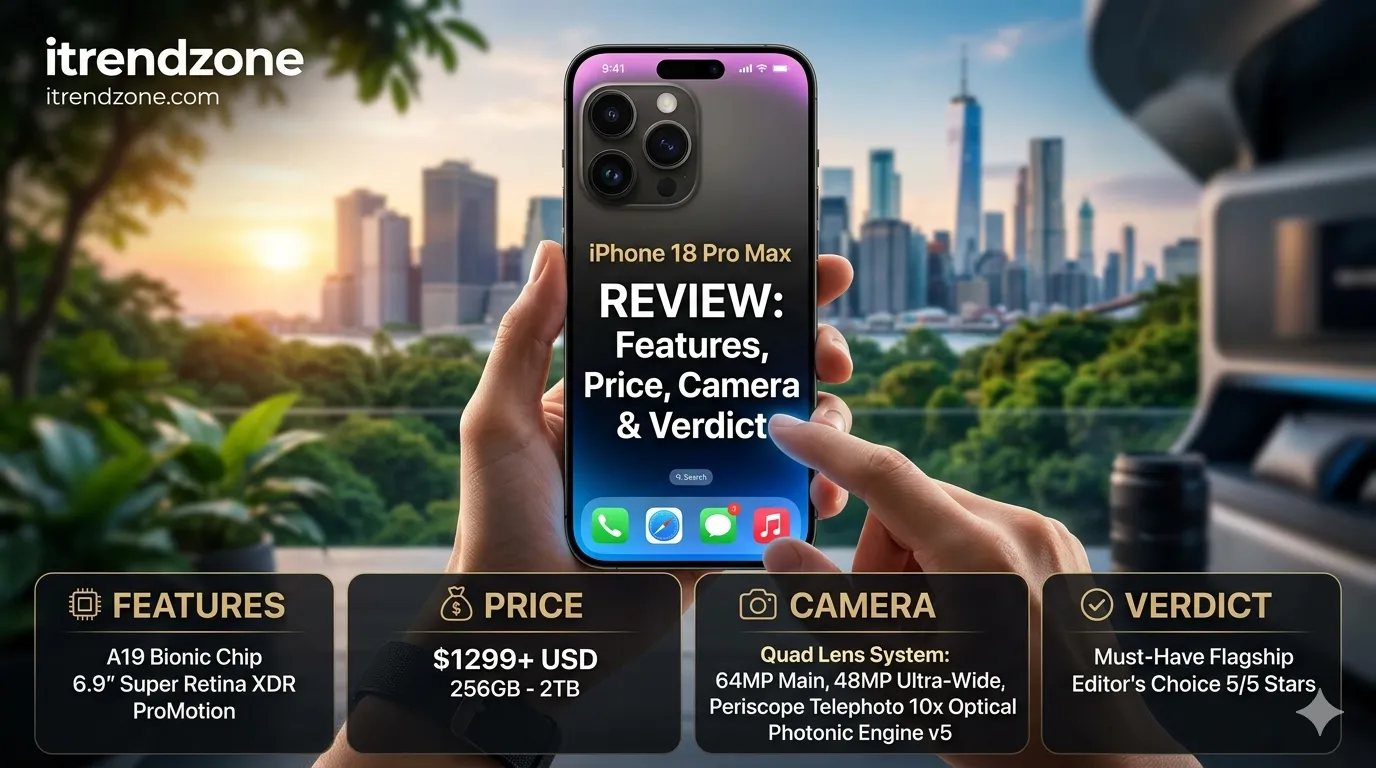
iPhone 18 Pro Max Review: Features, Price, Camera & Verdict
The iPhone 18 Pro Max is already creating excitement across the United States and Europe. Although Apple has not officially launched the device yet, several trusted reports and supply chain leaks have revealed what users can expect from the next flagship iPhone. Many smartphone buyers are now asking whether they should wait for the iPhone 18 Pro Max or buy a current model instead. This iPhone 18 Pro Max Review examines the latest rumored features, design changes, camera improvements, battery upgrades, expected pricing, and overall value. If the leaks prove accurate, Apple could deliver one of its biggest Pro Max upgrades in years. Quick Verdict The iPhone 18 Pro Max looks set to become Apple’s most powerful smartphone yet. Early reports suggest major improvements in performance, photography, battery efficiency, and Apple Intelligence support. For users with older iPhones, it may be worth waiting. Expected iPhone 18 Pro Max Specifications Feature Expected Details Display 6.9-inch LTPO OLED Refresh Rate 120Hz ProMotion Processor A20 Pro Chip RAM 12GB Storage 256GB to 2TB Main Camera Triple 48MP System Battery Larger than iPhone 17 Pro Max Operating System iOS 27 Connectivity Wi-Fi 7, Satellite Features Launch Window September 2026 (Expected) Why the iPhone 18 Pro Max Is Getting Attention Apple usually improves performance every year. However, rumors suggest the iPhone 18 Pro Max could receive larger upgrades than usual. Key reasons include: • New A20 Pro processor • Improved battery life • Variable aperture camera system • Enhanced Apple Intelligence features • Possible under-display Face ID technology • Smaller Dynamic Island Industry reports indicate Apple is focusing heavily on efficiency and AI-powered experiences. Design and Build Quality The overall design is expected to remain familiar. Apple appears to be refining rather than redesigning the Pro Max lineup. Rumors suggest: • Slimmer display borders • Smaller Dynamic Island • Premium aluminum or titanium construction • New color options including Dark Cherry Many users appreciate Apple’s consistent design language because it improves durability and familiarity. Expected Colors Color Status Dark Cherry Rumored Space Black Likely Silver Likely Natural Titanium Possible Deep Blue Possible Display Experience Apple’s display technology continues to lead the premium smartphone market. The iPhone 18 Pro Max is expected to feature: • 6.9-inch OLED panel • ProMotion 120Hz refresh rate • Higher peak brightness • Better outdoor visibility • Improved power efficiency For gamers, content creators, and video enthusiasts, these upgrades could make daily use smoother than ever. A20 Pro Performance Review One of the biggest rumored improvements is the A20 Pro chip. Reports suggest Apple may use a 2nm manufacturing process. This change could provide: Faster app performance Better gaming experience Improved battery efficiency Enhanced machine-learning capabilities More advanced Apple Intelligence features Performance Expectations Task Expected Improvement Gaming High Video Editing High Battery Efficiency High Multitasking Very High AI Features Significant The move to 2nm technology could represent Apple’s largest processor jump in several years. Camera Upgrades The camera system may become the star feature of the device. Leaks indicate Apple could introduce a variable aperture system. This technology would allow users to adjust how much light enters the camera sensor. Benefits include: • Better night photography • Improved portrait shots • Enhanced depth control • More professional-looking images Expected Camera Setup Lens Expected Resolution Main Camera 48MP Ultra Wide 48MP Telephoto 48MP Front Camera 24MP Real-Life Example Imagine taking photos inside a dimly lit restaurant. A variable aperture lens could automatically capture more light, resulting in brighter and sharper photos without heavy editing. This feature has been common in dedicated cameras for years. Bringing it to the iPhone could be a major advantage. Battery Life Expectations Battery life remains one of the most important factors for buyers. Recent reports suggest Apple may include a larger battery while improving efficiency through the A20 Pro chip. Expected benefits include: • Longer video playback • Better standby performance • Improved gaming endurance • Faster charging efficiency Battery Comparison Model Expected Battery Rating iPhone 16 Pro Max Good iPhone 17 Pro Max Very Good iPhone 18 Pro Max Excellent While Apple rarely reveals battery capacity early, leaks point toward noticeable improvements. Apple Intelligence Features Apple is investing heavily in on-device intelligence. The iPhone 18 Pro Max may unlock more advanced capabilities thanks to increased memory and processing power. Expected features include: • Smarter Siri interactions • Enhanced writing assistance • Better photo editing • Advanced voice recognition • Improved app automation Recent reports indicate newer hardware is becoming increasingly important for future Apple Intelligence experiences. Expected Pricing Pricing remains unofficial. However, analysts believe Apple may keep pricing close to current Pro Max models. Storage Expected Price 256GB $1,199 512GB $1,399 1TB $1,599 2TB $1,799 Although component costs continue rising, some analysts expect Apple to maintain competitive pricing. Release Date Expectations Multiple reports point toward a September 2026 launch event. Expected timeline: Announcement in September 2026 Pre-orders within days Retail availability later in September Apple has followed a similar schedule for many years, making this prediction highly believable. Should You Upgrade? Upgrade Immediately If You Have: • iPhone 14 series • iPhone 13 series • iPhone 12 series • Older devices Consider Waiting If You Have: • iPhone 17 Pro • iPhone 17 Pro Max The improvements may be substantial for older users but less dramatic for those already using Apple’s latest flagship. Performance Comparison Chart Expected Overall Rating Category Score / 10 Design 9.5 Display 9.8 Performance 10 Cameras 9.8 Battery 9.7 Software 9.8 Value 9.2 Visual Score Chart Performance ██████████ 10 Display █████████▉ 9.8 Camera █████████▉ 9.8 Battery █████████▋ 9.7 Software █████████▉ 9.8 Design █████████▌ 9.5 Value █████████▏ 9.2 Internal Resources • Complete Apple Buying Guide: /related-guide • Smartphone Camera Comparison: /related-guide • Best Phones for Photography: /related-guide External Resources • Apple Official Website: https://www.apple.com/iphone/ • MacRumors iPhone Coverage: https://www.macrumors.com/roundup/iphone-18/ Frequently Asked Questions Is the iPhone 18 Pro Max officially announced? No. Apple has not officially announced the device yet. Will the iPhone 18 Pro Max have a better camera? Current leaks strongly