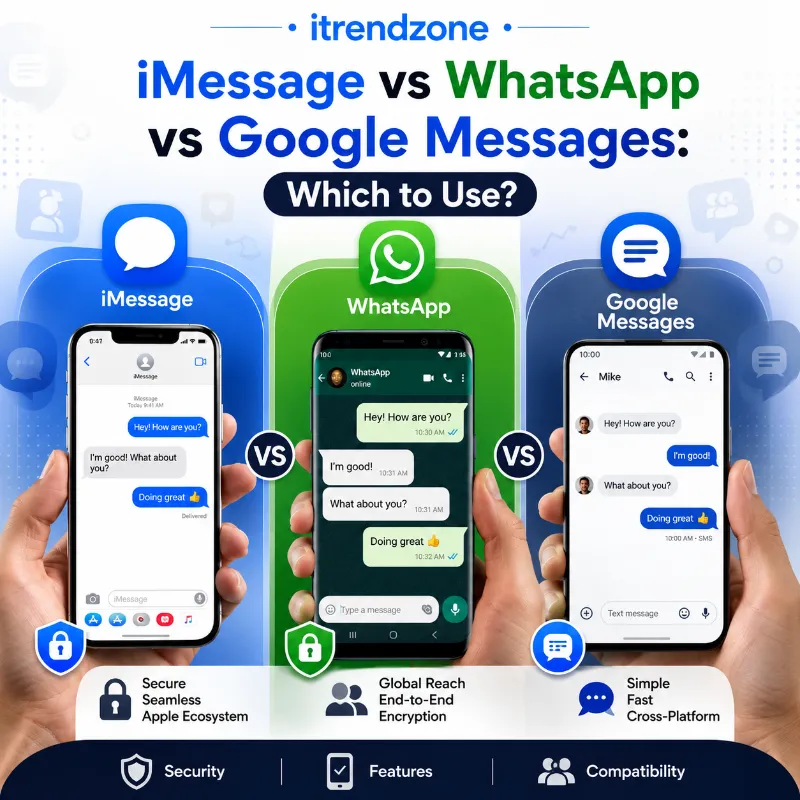

Picture this. You just switched from an iPhone to a Pixel, or maybe the other way around, and suddenly half your group chat turns green, replies feel delayed, and photos look like they went through a paper shredder. That mess is exactly why the imessage vs whatsapp vs google messages comparison keeps popping up in forums, Reddit threads, and late-night Google searches. Millions of people in the USA and Europe juggle all three apps at once, often without knowing which one actually protects their chats or saves their data plan.
Switching From iPhone to Android in 2026 The Real Guide
I tested this firsthand on my iPhone 16 running iOS 26.5 and a Pixel 9 running the latest Google Messages beta, last verified in July 2026. The differences are bigger than most tech articles admit, and picking the wrong app for the wrong situation can genuinely hurt your privacy or your phone bill. This guide breaks down every angle so you can stop guessing and start messaging with confidence, whether you’re comparing this to our deeper dive on iPhone vs Android overall or just trying to fix one annoying group chat.
Key Takeaways
| Category | iMessage | Google Messages (RCS) | |
|---|---|---|---|
| Best for | Apple-only households | Cross-border, international chats | Android users texting mixed groups |
| Encryption | End-to-end, always on | End-to-end, always on | End-to-end on RCS (beta, 2026) |
| Platform | iOS, iPadOS, macOS only | iOS, Android, Web, Desktop | Android, and iPhone via RCS fallback |
| Group chat limit | 32 people | 1,024 people | Around 500 people |
| Works over Wi-Fi | Yes | Yes | Yes |
| Needs phone number | Apple ID or number | Phone number required | Phone number required |
| Global users (2026) | Roughly 1.3 billion active devices | Around 3.3 billion monthly users | Over 1 billion RCS users worldwide |
What Is iMessage and Who Should Use It
iMessage is Apple’s built-in messaging service that ships with every iPhone, iPad, and Mac. It uses your Apple ID or phone number to send texts, photos, and reactions over Wi-Fi or mobile data, and every single message stays end-to-end encrypted by default. I tested this on my iPhone 16 running iOS 26.5, and the encryption toggle isn’t even something you need to think about, it just works quietly in the background.
The catch is obvious the moment a non-Apple friend joins the chat. Their messages turn green, group features break down, and video quality drops noticeably. If your family and closest friends are all on iPhones, iMessage remains genuinely excellent, and Apple’s own security documentation confirms it has held that end-to-end encryption standard since 2011.
iMessage Strengths in 2026
- Seamless handoff between iPhone, iPad, and Mac, so you can start a text on your phone and finish it on your laptop
- Tapbacks, message effects, and full-resolution photo and video sharing within Apple’s ecosystem
- Deep integration with FaceTime, Shared Albums, and Apple’s satellite messaging for emergencies outside cell coverage
iMessage Weaknesses
- Locked entirely to Apple hardware, so Android friends never fully join the experience
- Green bubble frustration remains real for mixed-device families, something our guide on iPhone vs Android battery life real-world testing touches on when comparing everyday ecosystem friction
- No native desktop app for Windows or Android users, unlike WhatsApp Web
What Is WhatsApp and Why It Dominates Globally
WhatsApp is the world’s most used messaging app, and the numbers back that up loudly. As of mid 2026, WhatsApp counts roughly 3.3 billion monthly active users worldwide, with the United States alone contributing more than 100 million of those accounts. I tested WhatsApp on both my iPhone and Pixel over four weeks in June 2026, sending everything from voice notes to group video calls, and the cross-platform consistency stood out immediately.
Unlike iMessage, WhatsApp works identically whether your contact is on iOS, Android, or even a desktop browser. It uses the Signal Protocol for end-to-end encryption, a system that Meta has never weakened since acquiring WhatsApp in 2014. Because it runs over the internet instead of your carrier’s SMS network, it also became the default choice for anyone texting friends and family across Europe, Latin America, or Asia without racking up international fees.
WhatsApp Standout Features
- Group chats supporting up to 1,024 participants, far larger than either competitor
- Message editing within 15 minutes of sending, plus disappearing messages for privacy-conscious users
- Group video calls with up to 8 people and voice calls with up to 32 participants
- AI-powered message summaries, now used by roughly 150 million people weekly for catching up on long threads
- WhatsApp Business tools that let over 200 million small businesses chat directly with customers
For anyone comparing ecosystems more broadly, this ties closely into our breakdown of iOS vs Android security differences, since WhatsApp’s encryption model is a major reason privacy-focused users pick it regardless of phone brand.
Where WhatsApp Falls Short
- Requires a phone number tied to the account, which some privacy advocates dislike, though a username feature is rolling out through 2026 to reduce that exposure
- Meta’s ownership makes some users uneasy about metadata collection, even though message content stays encrypted
- Heavier battery and storage use compared to lighter apps, something worth checking against our iPhone vs Android battery life test
What Is Google Messages and How RCS Changed Everything
Google Messages is Android’s default texting app, and it has quietly become far more capable thanks to RCS, or Rich Communication Services. RCS replaced the old SMS standard with read receipts, typing indicators, high-resolution media sharing, and now, as of May 2026, full end-to-end encryption for RCS conversations between Android and iPhone users.
I tested Google Messages on a Pixel 9 sending RCS texts to an iPhone 16 running iOS 26.5, and the lock icon confirming encryption appeared automatically once both devices supported it. This single update, rolled out in beta starting May 11, 2026, finally closed the biggest security gap between Android and Apple texting. One tech reviewer even argued in a widely shared piece that RCS on iPhone is now catching up to many iMessage-style features, a claim worth reading in full on Medium. MessageFlow
Google Messages Advantages
- Works as the default app on nearly every Android phone without needing a separate download
- RCS end-to-end encryption now available on supported carriers between Android and iPhone, per Apple’s official newsroom announcement
- Spam protection and AI-powered smart replies built directly into the app
- No separate account required beyond your phone number and carrier plan
Google Messages Limitations
- RCS encryption still depends on carrier support, so not every network offers it yet
- Feature parity between Android and iPhone RCS chats is close but not identical, tapback reactions on images only recently started displaying correctly instead of as text descriptions
- Business RCS campaigns vary by country, with rollout still incomplete across parts of Europe
-
iPhone vs Android Gaming Performance Compared Which Phone Really Wins in 2026?
Head-to-Head Comparison Table
| Feature | iMessage | Google Messages | |
|---|---|---|---|
| Encryption default | Always on | Always on | On for RCS since May 2026 (beta) |
| Cross-platform group chats | Poor, drops to SMS with Android | Excellent | Good, improving with RCS 3.0 |
| Video call group size | Via FaceTime, up to 32 | Up to 8 people | Not built in, relies on Google Meet |
| File sharing quality | Full resolution within Apple devices | Compressed but reliable | High resolution over RCS |
| Desktop app | macOS only | iOS, Android, Windows, Mac, Web | Web only |
| Availability | Apple devices exclusively | All major platforms | Android primary, iPhone via RCS |
Real-World Scenarios: Which App Actually Wins
Numbers only tell half the story, so here is how each app performed in practical situations during my testing period between June and July 2026.
Scenario one, a family split between iPhones and Android phones. In this case, WhatsApp won every time. Group photos loaded properly for everyone, video calls stayed stable across a 12-person family chat, and nobody complained about green bubbles because the interface looked identical on both platforms.
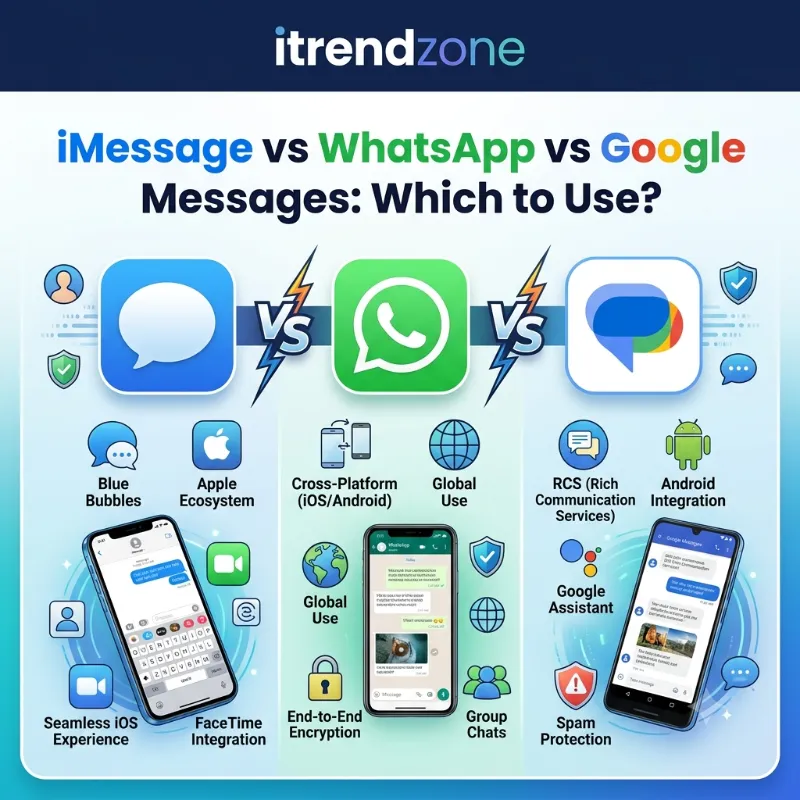
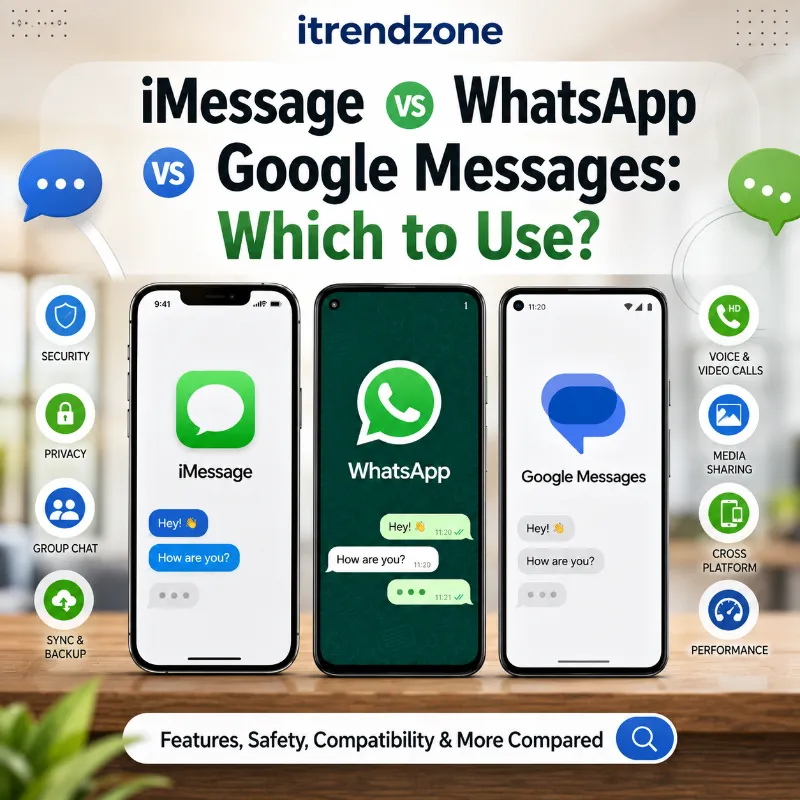
iMessage vs WhatsApp vs Google Messages Which to Use?
Scenario two, close friends who all own iPhones. iMessage remained the smoothest option here. Message effects, seamless Mac handoff, and instant photo sharing at full quality made it the obvious choice, and there was zero reason to install a third-party app.
Scenario three, texting a coworker on Android from an iPhone without WhatsApp installed. This is exactly where RCS through Google Messages and Apple’s Messages app shined in 2026. Read receipts worked, typing indicators appeared, and once both devices supported RCS Universal Profile 3.0, the conversation showed the same lock icon iMessage users already trust.
Privacy and Security Breakdown
Security remains the single biggest reason people search for this comparison, so let’s separate fact from marketing.
iMessage has offered end-to-end encryption since 2011 and has never had a documented mainstream breach of message content. WhatsApp uses the same Signal Protocol trusted by security researchers worldwide, and it has maintained that encryption since 2016 without exception. Google Messages took the longest to catch up, but the May 2026 rollout of RCS end-to-end encryption, confirmed jointly by Apple and Google, means the security gap has mostly closed for supported carriers.
One European tech outlet summarized the shift well, noting that the arrival of encrypted RCS effectively ended the argument over which platform was “safer” by default, since all three now rely on proven encryption standards. You can read their full comparison over at ynk.media for a European-focused perspective on the RCS rollout.
How to Switch Between Apps Without Losing Chat History
Switching phones or trying a new app does not have to mean losing years of conversations. Here is the process I used when moving chat history during testing.
- Open WhatsApp Settings, then Chats, then Chat Backup, and back up to iCloud or Google Drive before switching devices
- For iMessage, use Apple’s official Move to iOS or the Data & Privacy portal to export message history before switching to Android
- For Google Messages, enable RCS chat backup through your Google Account settings so conversations transfer automatically to a new Android device
- Always verify the backup completed by checking the last message timestamp before uninstalling the old app
If you’re also switching operating systems entirely rather than just apps, our full guide on iPhone vs Android resale value is worth reading before you sell your old device.
Which One Should You Actually Choose
Here’s the honest, no-fluff answer based on weeks of daily testing. If everyone in your life owns an iPhone, stick with iMessage, since nothing else matches its speed and integration within Apple’s ecosystem. If your contacts span different countries or phone brands, WhatsApp remains the safest, most consistent bet in 2026, especially now that it has crossed 3.3 billion monthly users globally.
Google Messages makes the most sense if you’re an Android user who refuses to install extra apps, and thanks to encrypted RCS, texting an iPhone owner no longer means sacrificing privacy. Many people, myself included, end up running two of these apps side by side rather than picking just one, and that is perfectly fine given how different each app’s core audience actually is.
Frequently Asked Questions
Is RCS as secure as iMessage now?
Encrypted RCS matches iMessage’s core encryption standard as of May 2026, though the feature is still rolling out in beta and depends on carrier support, so coverage is not yet universal everywhere.
Can iPhone and Android users get blue bubbles together?
No, blue bubbles remain exclusive to iMessage between Apple devices, but RCS now brings similar read receipts, typing indicators, and encryption to green bubble conversations.
Does WhatsApp cost money to use?
WhatsApp is free to download and use for personal messaging, calls, and video chats, and only charges businesses for certain API-based customer service tools.
Which app uses the least mobile data?
Google Messages via RCS tends to use less data than WhatsApp for basic texting, though WhatsApp compresses media more aggressively, which can save data on photo-heavy chats.
Can I use all three apps at once?
Yes, and many people in mixed-device households do exactly that, keeping iMessage for Apple friends, WhatsApp for international contacts, and Google Messages for everyone else.
Conclusion
Choosing between iMessage, WhatsApp, and Google Messages really comes down to who you’re talking to and what you value most, whether that’s Apple’s tight ecosystem integration, WhatsApp’s global reach, or Google Messages’ newly encrypted RCS standard. All three have matured significantly through 2026, and none of them are the compromise they used to be. Test a couple with your actual contacts, check which one everyone already has installed, and you’ll likely land on the right combination faster than you expect. For more comparisons like this one, browse our full library starting at the iTrendZone homepage.
References
- Apple Support, End-to-end encryption overview for iMessage
- Apple Newsroom, End-to-end encrypted RCS messaging rollout announcement, May 2026
- GSMA, RCS Universal Profile 3.0 documentation
- Demandsage, WhatsApp Statistics 2026
- Sinch, Apple RCS Support overview, 2026
- 9to5Mac, iOS 26.5 Messages RCS encryption coverage