
Google Pixel 11 Performance Tips: Speed, Gaming, and Staying Smooth
Google Pixel 11 performance tips matter the moment you stop babying your phone and start using it hard. You open twenty apps before lunch, you game on the train, you shoot video, and you expect the phone to keep up. Good news: the Pixel 11 is built for that.
The Tensor G6 chip is a real step up, with 50% more TPU compute than the G5, web browsing that is 25% faster, and app launches that are 15% faster. You feel that speed when a heavy app opens before you finish blinking. But a fast chip alone does not keep a phone smooth for a year. Storage, heat, background apps, and old habits all drag it down over time. This guide shows you how to get the speed out of the Tensor G6, how to game without the phone turning into a hand warmer, and how to keep it fast months after unboxing.
TL;DR: Google Pixel 11 performance tips in short: the Tensor G6 chip is 25% faster at browsing and 15% faster at launching apps than the G5, so keep Android 17 updated, keep at least 10% of your 256GB storage free, close heavy background apps, game with a case off and brightness down, and restart the phone once a week. The Pixel 11 has 12GB of RAM, a 6.3-inch 120Hz display, and a 4,985mAh battery that lasts 30+ hours.
What the Tensor G6 Actually Does for You
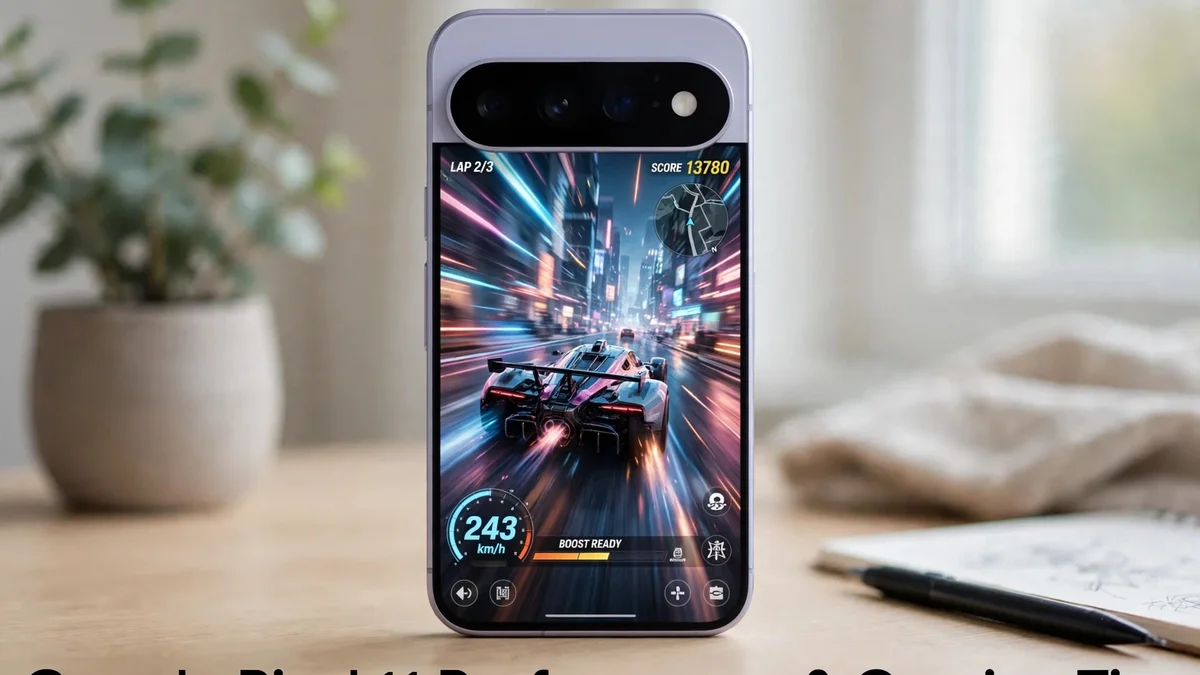
Let us get the chip talk out of the way, because it shapes everything else. The Tensor G6 is Google’s newest chip, and it is built around AI as much as raw speed. Its headline number is 50% more TPU compute than the G5, and that TPU runs AI jobs on the device, so Gemini features, photo processing, and voice tools all run faster. Then there is the everyday speed: 25% faster web browsing and 15% faster app launches. Open Chrome and the page is there. Tap the camera and it is ready. Start a game and you are at the menu before your friend’s loading screen clears. Google’s Pixel blog has the full announcement if you want the launch details.
It also runs the latest Gemini Nano on-device. That means AI features work without sending your data to a server first. So when you use Gemini to handle a multi-step task across 40+ apps, or when you dictate a message and Rambler strips out the “um” and “ah” filler words, that work happens on the phone in your hand. Our Google Pixel 11 Gemini AI features guide explains these tricks in full. For performance, the point is simple: the chip is fast, and your job is to stop slowing it down. The next sections show you how.
Keep Storage Free or Pay the Price
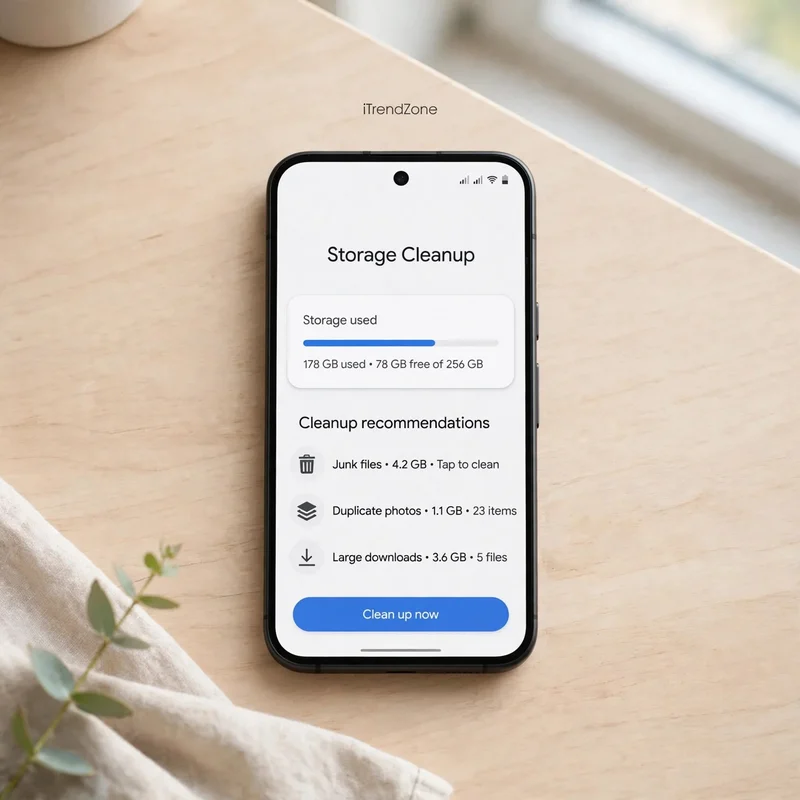
This is the number one performance tip, and it is boring, which is why people ignore it. A phone with 5GB free runs slower than a phone with 50GB free. That is not a guess. When storage gets full, the phone has less room to shuffle files, cache apps, and run updates. It stutters. Apps take longer to open. The camera hesitates. So check your storage today. Go to Settings, then Storage, and look at the number. The Pixel 11 starts at 256GB with 12GB of RAM, which is generous, but 4K video and big games eat it fast.
Here is a quick cleanup routine that takes ten minutes. First, delete apps you have not opened in three months. Be honest. If you have not opened it since September, you do not need it. Second, clear the cache of your biggest apps. Open Settings, then Apps, pick an app, and tap Storage and cache. Third, delete burst photos and duplicate shots. Keep the best one and delete the rest. Fourth, move old videos to Google Photos and free up device storage. Then set a monthly reminder to do it again. A clean phone is a fast phone.
Keep 10% free at all times
Also, do not fill the phone to the last gigabyte and then wonder why it crawls. Keep at least 10% free, which is about 25GB on the base model. That buffer is what the phone uses to work smoothly. If you are the kind of person who shoots a lot of video, consider the 512GB model. The Pro has 16GB of RAM at 512GB and 1TB, which helps when you jump between heavy apps. Our Google Pixel 11 tips complete guide compares all three models, including prices from $899 for the Pixel 11 to $1,299 for the Pro XL.
Gaming on the Pixel 11: Settings That Matter
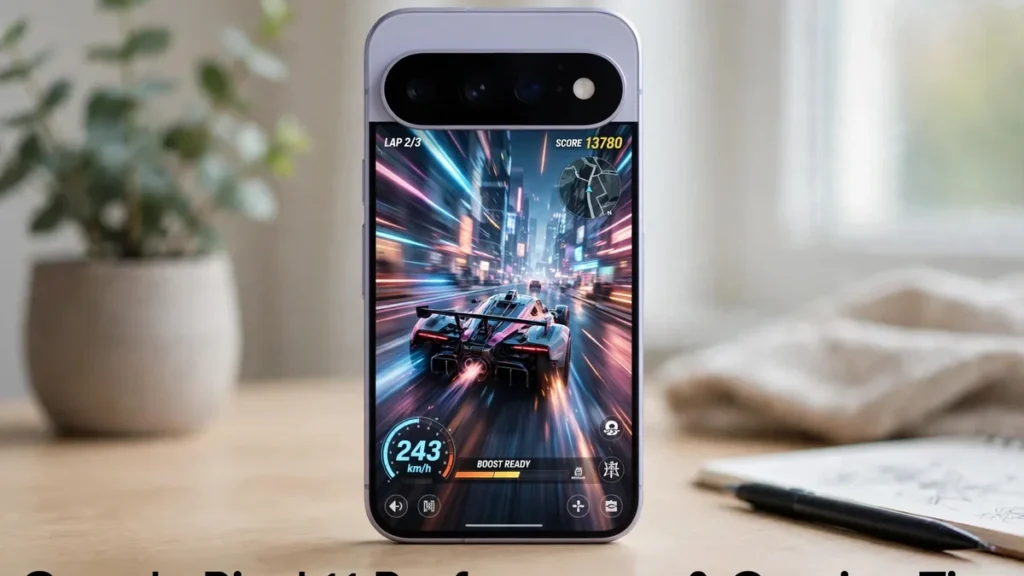
Gaming is where performance gets tested hardest, and the Pixel 11 holds up well. Its 6.3-inch OLED display runs at 60-120Hz, so motion looks smooth. Pro models use an LTPO display that drops to 1Hz when nothing moves, which saves battery between games. With 12GB of RAM, big games stay loaded, and the Tensor G6 handles the graphics without breaking a sweat in most titles. PhoneArena’s Pixel 11 review backs that up, praising the smooth everyday speed. But a few settings make a real difference, so change them before your next session.
First, turn on Do Not Disturb or Game Mode before you play. A call in the middle of a match is not just annoying. It can cost you the game. Second, lower the brightness a notch. The Pixel 11 display hits 3,000 nits at peak, but you do not need that indoors. Brightness is the biggest battery drain in a game, and the biggest source of heat. Third, close other apps before you play. A game plus a video app plus a browser in the background is a lot for any phone to juggle. Fourth, take the case off for long sessions. A thick case traps heat, and heat is what makes a phone throttle.

Heat Is the Enemy: How to Keep It Cool
Heat is the silent killer of gaming performance, so let us talk about it plainly. Every phone gets warm when it works hard. The question is how warm, and for how long. The Pixel 11 handles heat well, but you can help it. Play in a cool room when you can. Do not game while the phone is charging, because charging adds heat on top of gaming heat. And if the phone does get hot, pause for five minutes. Let it cool. A five-minute break beats a phone that throttles for the rest of the match.
Battery matters here too. The Pixel 11 has a 4,985mAh battery that lasts 30+ hours in normal use, but gaming is not normal use. Expect a few hours of heavy gaming, not a full day. The Pro XL has a bigger 5,115mAh battery, and Expert Reviews measured 25 hours and 44 minutes of looping video on it, which is a strong result. If you game a lot, the Pro XL is worth a look. Our Google Pixel 11 battery tips guide covers charging habits, including the 30W wired charging that gets you to 55% in about 30 minutes with a 30W USB-C PPS charger.
Speed Tricks for Everyday Use
Gaming is only half the story. Most of your day is apps, messages, photos, and browsing. Here are the speed tricks that help there. First, update Android 17 whenever a new version lands. Google ships performance fixes in updates, and the Pixel 11 gets 7 years of OS and security updates, so there will be plenty of them. Turn on automatic updates and stop thinking about it. Second, restart the phone once a week. It sounds old-fashioned, but it clears out stuck processes and frees memory.
Third, check which apps drain your battery and slow things down. Go to Settings, then Battery, and look at the list. If an app you barely use sits near the top, restrict its background activity. Tap the app, then Battery, then Restricted. It will still work when you open it, but it will stop running in the background all day. Fourth, turn off animations if you want the phone to feel snappier. Go to Developer options and set the animation scales to 0.5x. The transitions take half as long, so the phone feels twice as fast. This is a cosmetic change, not a real speed boost, but it feels great.
Fifth, use the 120Hz display properly. The Pixel 11 runs at 60-120Hz, which means it can refresh the screen up to 120 times per second. Scrolling looks butter-smooth. Leave it on. On the Pro, the LTPO display drops to 1Hz when the screen is still, so you get the smoothness without the battery cost. That is the best of both worlds.
Photos and Video Without the Lag
The Pixel 11 camera is one of its best features, and it is also one of the hungriest. The 48MP main camera, the 13MP ultrawide, and the 10.8MP 5x telephoto with OIS all demand processing power. Super Zoom goes up to 30x, and Magic Capture analyzes around 400 frames to build a better 12MP photo. That is a lot of work for the chip, and it is why the camera can feel slow if the phone is already busy. So give it room. Close heavy apps before a photo session, and keep storage free. Our Google Pixel 11 camera tips guide covers every mode in full.
Video is the same story. The Pro shoots 8K Video Boost, which is stunning and huge. If you shoot 8K, expect big files and warm hands. For everyday clips, 4K at 30 frames per second is the sweet spot. It looks great, it edits easily, and it does not fill your storage in a week. Save 60 frames per second for sport, kids, or pets. And if you edit video on the phone, do it while the phone is cool and charged. Editing is one of the hardest jobs a phone does, and it will throttle fast if the battery is low and the phone is hot.
| Performance area | Pixel 11 spec | What it means in daily use |
|---|---|---|
| Chip | Tensor G6, 50% more TPU than G5 | Faster AI, Gemini, and photo processing |
| Web browsing | 25% faster than G5 | Pages load noticeably quicker |
| App launches | 15% faster than G5 | Apps open before you finish blinking |
| RAM | 12GB (16GB on Pro at 512GB/1TB) | More apps stay loaded in memory |
| Storage | Starts at 256GB | Room for games, photos, and 4K video |
| Display | 6.3-inch OLED, 60-120Hz, 3,000 nits peak | Smooth scrolling, readable in bright sun |
| Battery | 4,985mAh, 30+ hours | All-day use, a few hours of heavy gaming |
| Updates | 7 years of OS and security updates | Stays fast and safe for years |
Tensor G6 Speed Gains Over the G5
The table above is the spec sheet in plain English. The chart below shows the three speed gains that matter most, so you can see at a glance where the Tensor G6 beats the G5.
Tensor G6 improvement over Tensor G5, in percent
TPU compute: 50% more
Web browsing speed: 25% faster
App launch speed: 15% faster
When Your Phone Slows Down Anyway
Even a fast phone can slow down, and when it does, work through this list. First, restart it. That fixes more problems than any other single step. Second, check storage. If you are under 10% free, delete something. Third, check for an Android 17 update. A pending update can leave the phone sluggish while it waits. Fourth, look at your apps. One badly behaved app can drag the whole phone down. If a single app crashes or lags, clear its cache first, then reinstall it.
If none of that helps, the problem might be the network, not the phone. Slow Wi-Fi feels like a slow phone, because every app waits for data. Test your speed, restart your router, and try mobile data. If the phone is fast on mobile data and slow on Wi-Fi, the router is the problem. If it is slow everywhere, back up your data and try a factory reset as a last resort. That wipes the phone clean and starts fresh. If the slowness survives a reset, it is a hardware problem. Our Google Pixel 11 not working fix guide walks through every common problem step by step.
Charging Fast Without Cooking the Battery
Speed is not only about the chip. Charging speed matters too, because a phone that charges fast is a phone you can use hard. The Pixel 11 charges at 30W wired, and with a 30W USB-C PPS charger it reaches 55% in about 30 minutes. The Pro XL charges at 45W wired. That is fast enough that a quick top-up before you leave the house actually matters. But remember the charger is sold separately, so buy a proper 30W USB-C PPS charger, not a cheap one from a market stall. Google’s Pixel support pages cover charging checks if yours ever behaves oddly.
Wireless charging works through Pixelsnap, Google’s Qi2.2 magnetic system, at up to 25W. It is slower than wired, but it is convenient. Drop the phone on the pad at night and wake up full. For gaming, though, use wired charging. Wireless charging adds heat, and heat plus gaming is a bad mix. Also, avoid charging to 100% every night if you can. The phone has adaptive charging, which slows down overnight so the battery stays healthy. Leave it on. A battery that lasts three years beats a battery that charges five minutes faster.
Five Habits That Keep the Pixel 11 Fast for Years
Here is the short version of everything above, as habits. One, keep 10% of storage free. Two, update Android 17 the day it lands. Three, restart once a week. Four, restrict background activity for apps you barely use. Five, keep the phone cool when you game. Do those five things and the Pixel 11 will feel fast in year two, not just week one. The Tensor G6 is a strong chip, and the 7 years of updates mean Google will keep improving it.
One last thing. Do not install a task killer or a RAM booster app. They promise speed, and they deliver the opposite. Android 17 already manages memory well, and a third-party app that kills background tasks just forces the phone to reload them, which uses more battery and more time. The same goes for cleaner apps that promise to speed up your phone. The real speed tools are the ones in Settings, and they are free. Trust the phone. It knows what it is doing.

Google Pixel 11 Performance Tips Quiz
Test what you learned. Pick one answer for each question.
1. How much more TPU compute does the Tensor G6 have than the G5?
A) 15% more
B) 25% more
C) 50% more
D) 100% more
2. How much free storage should you keep on the Pixel 11?
A) At least 10% free
B) At least 1% free
C) At least 50% free
D) Storage does not matter
3. What is the main reason a game gets choppy after twenty minutes?
A) The screen is too bright
B) Heat, which makes the chip throttle
C) The battery is too big
D) The Wi-Fi is too fast
4. How fast does the Pixel 11 charge with a 30W USB-C PPS charger?
A) 25% in 30 minutes
B) 55% in about 30 minutes
C) 100% in 30 minutes
D) 10% in 30 minutes
5. How many years of OS and security updates does the Pixel 11 get?
A) 3 years
B) 5 years
C) 7 years
D) 10 years
Quiz answers: 1-C, 2-A, 3-B, 4-B, 5-C.
Keep storage free, keep the phone cool, update on time. That is the whole secret. The Tensor G6 does the rest.