
Google Pixel 11 Tips Complete Guide
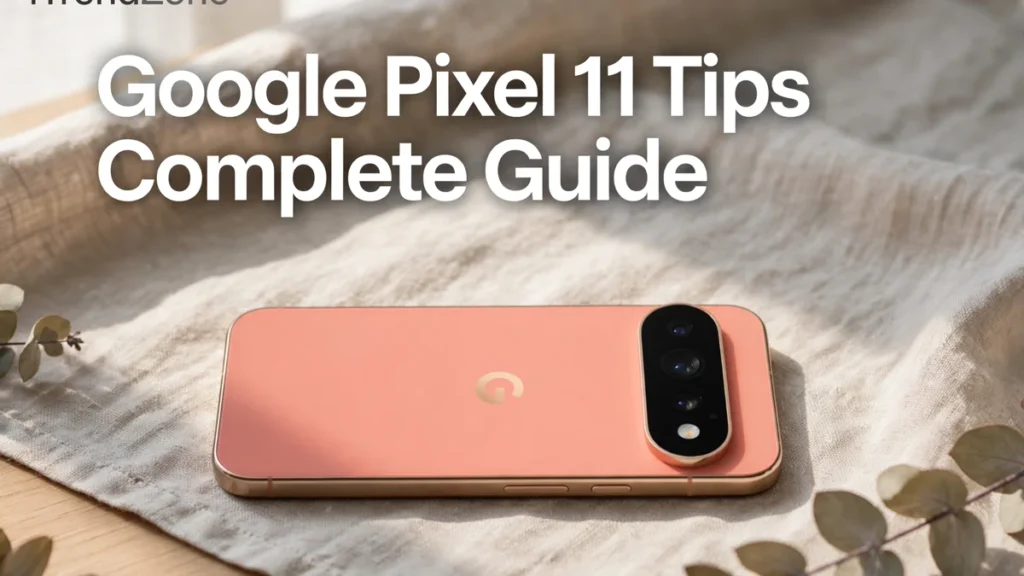
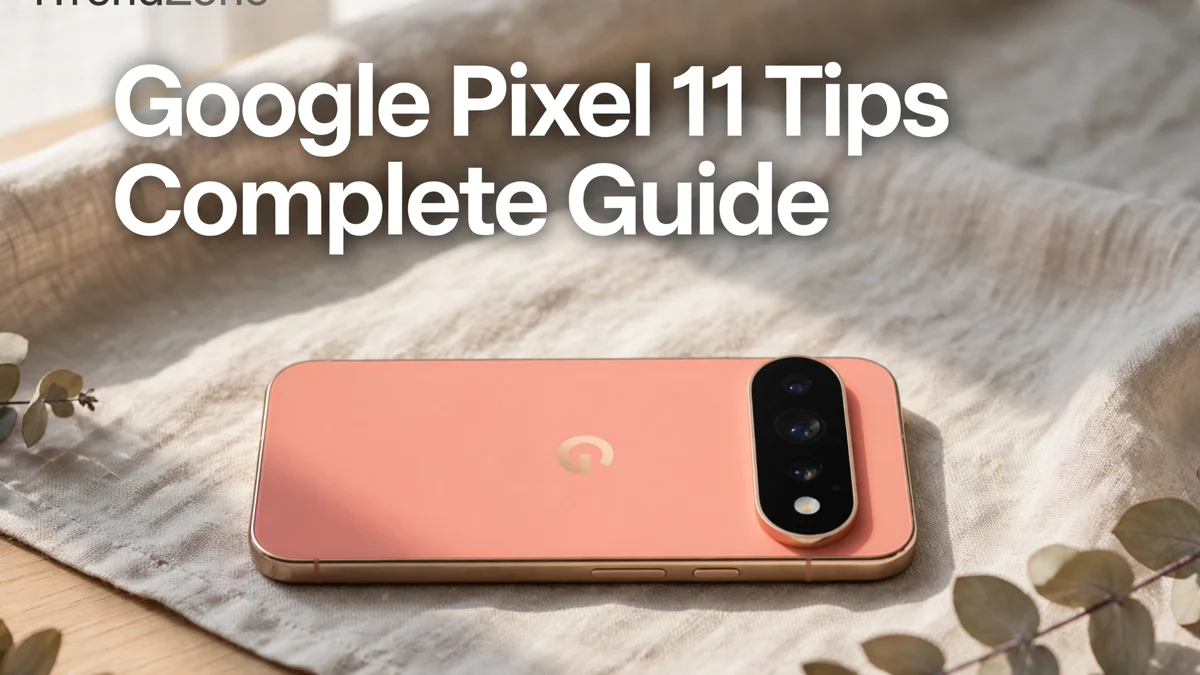
Google Pixel 11 tips start with a simple truth: this phone is less about raw specs and more about what Google’s software does for you every day. The launch happened on August 12, 2026, at the Made by Google event, and the phone went on sale on August 20, 2026. It ships with Android 17, runs on the new Tensor G6 chip, and leans hard on Gemini AI. On paper it looks like another yearly refresh. In your hand it feels different. The phone answers calls for you, cleans up your photos, and translates videos on the fly. This guide walks through the price, the three models, the cameras, the battery, Gemini, setup, and the daily habits that make the Pixel 11 worth its money.
TL;DR: Google Pixel 11 tips in short: the Pixel 11 starts at $899 with a 6.3-inch display, Tensor G6 chip, and 4,985mAh battery; the Pro starts at $1,099 and the Pro XL at $1,299; charge with a 30W USB-C PPS charger for 55% in about 30 minutes; turn on Gemini features first, set up Pixelsnap accessories, learn Magic Capture and Camera Looks, and keep seven years of updates in mind when you pick storage. Black Friday deals dropped the Pro XL to $949 and the base model to $699.
What the Pixel 11 Lineup Actually Is
Google sells three Pixel 11 phones, and the names can trip you up if you skim them. The base Pixel 11 is the regular phone. Step up to the Pixel 11 Pro and you get the same size but better cameras and a sharper screen. The Pixel 11 Pro XL is the big one, with the largest battery and the fastest charging. There is also a Pixel 11 Pro Fold, with an 8-inch Super Actua Flex display that opens like a book, but this guide focuses on the three slab phones. Pick the size first, then the cameras, then the storage. That order saves you from paying for things you will never use.
Seven years of updates and storage
All three run Android 17 out of the box, and all three get seven years of OS and security updates. That is a long runway. A phone you buy in 2026 will still get new Android versions into 2033. So think about storage like a long-term choice, not a one-year choice. The base model starts at 256GB now, which is a welcome change from the old 128GB starting point. Photos, 8K video, and on-device AI models all eat space. If you shoot a lot of video, go bigger. Mostly streaming and using cloud backup? 256GB will carry you fine.
All three phones are IP68 rated, so rain and a quick dunk should not ruin your day. They all use the Tensor G6 chip, and they all get the same Gemini features. That matters, because the smart stuff is not locked to the most expensive model. The differences sit in the screen, the cameras, the battery, and the charging speed. Keep that in mind as you read the rest of this guide. Most of the tips below work on every Pixel 11, and I will flag the ones that only work on the Pro models.
Pixel 11 Price, Storage, and Deals
Price is where most people start, so let us get it out of the way. The Pixel 11 costs $899 with 256GB of storage. Step up to the Pro and it costs $1,099 with 256GB. The Pixel 11 Pro XL costs $1,299. Those are the US launch prices, and they held through the first months on sale. Then Black Friday 2026 changed the math. Amazon dropped the Pro XL to $949, which is $400 off. The base Pixel 11 fell as low as $699, and the Pro saw $350 off. If you missed those deals, do not panic. Pixel prices drop often, and the next sale is rarely far away.
How much storage do you need?
Before you buy, check your current storage use. Look at your old phone and see how much space you actually fill. If you sit at 200GB on a 256GB phone, the base Pixel 11 will feel tight within a year. Photos grow, apps grow, and video grows fastest of all. The Pro offers 16GB of RAM at 512GB and 1TB, while the 256GB Pro has 12GB, so storage can change the memory too. For most buyers, 256GB is fine with cloud backup turned on. For heavy shooters, 512GB is the sweet spot. Check carrier trade-in offers as well. Many carrier deals pay you back as monthly credits, so you need to stay with that carrier to get the full saving.
| Feature | Pixel 11 | Pixel 11 Pro | Pixel 11 Pro XL |
|---|---|---|---|
| Price (256GB) | $899 | $1,099 | $1,299 |
| Display | 6.3-inch OLED, 1080×2424, 60-120Hz | 6.3-inch LTPO OLED, 1280×2856, 1-120Hz | Larger LTPO OLED, 1-120Hz |
| Chip | Tensor G6 | Tensor G6 | Tensor G6 |
| Main camera | 48MP wide | 50MP main | 50MP main |
| Telephoto | 10.8MP 5x, Super Zoom to 30x | 48MP 5x, Pro Zoom to 120x | 48MP 5x, Pro Zoom to 120x |
| Battery | 4,985mAh | 4,850mAh | 5,115mAh |
| Wired charging | 30W | 30W | 45W |
| RAM | 12GB | 12GB (16GB at 512GB/1TB) | 12GB (16GB at 512GB/1TB) |
Tensor G6: What the New Chip Does for You
The Tensor G6 is the heart of the Pixel 11, and Google built it around AI rather than raw speed. It has 50% more TPU compute than the Tensor G5, which is the part of the chip that runs AI jobs. Web browsing runs 25% faster, and apps launch 15% faster. Those numbers sound modest on a spec sheet, but they add up across a day. Pages load quicker, apps open without a pause, and the AI features run on the phone instead of waiting on the cloud. That last point matters for privacy too, because on-device work keeps your data on your device. Early hands-on coverage from Engadget’s smartphone coverage matches this picture: a chip tuned for AI first, speed second.
Gemini Nano runs on-device
The chip also runs the latest Gemini Nano on-device. Gemini Nano is the small AI model that lives inside the phone. It powers live transcription, smart replies, and some of the camera tricks without an internet connection. So even on a plane or in a dead zone, parts of Gemini still work. That is a real change from older phones, where AI features died the moment the signal did. Turn on the on-device features in Settings and give them a week. They get better as they learn your voice and your habits.
One warning is worth repeating, because old rumours still float around. Some early pre-launch sources said the Pixel 11 would use a Tensor G5 chip and a 6.7-inch display. Both are wrong. The real chip is the Tensor G6, and the base Pixel 11 display is 6.3 inches. If a shop listing, a video, or a forum post says otherwise, trust the launch specs in this guide. Google’s own Pixel blog confirms the launch details, and the specs match the phones on sale now.
The Display: Bright, Smooth, and Easy on the Eyes
The base Pixel 11 has a 6.3-inch OLED display at 1080×2424 resolution and 422 pixels per inch. It refreshes at 60 to 120Hz, so scrolling feels smooth, and it hits up to 2,000 nits in HDR and 3,000 nits at peak. That peak brightness is the number to care about. In direct sunlight, a dim screen is useless, and 3,000 nits keeps the Pixel 11 readable outdoors. The Pro steps up to a 6.3-inch LTPO OLED at 1280×2856 and 495 pixels per inch, with a 1 to 120Hz range and a 3,600-nit peak. LTPO means the screen can drop to 1Hz when nothing moves, which saves battery on the always-on display.
Brightness and always-on display
Here is the habit that helps most: leave adaptive brightness on and let the phone do the work. It learns your taste over a few days, so it stops being too dim in the evening or too bright at night. Next, turn on the always-on display if you like glancing at the time and notifications, but know it costs a little battery. The Pro handles it better thanks to LTPO, so Pro owners can leave it on without thinking twice. Base model owners should try it for a week and check the battery stats. If the drain bugs you, switch to tap-to-wake instead.
Night Light is worth a look too. It warms the screen after sunset, which feels easier on the eyes in a dark room. Set it to turn on automatically at sunset rather than a fixed time, so it follows the seasons. And if your eyes get tired during long reading sessions, bump the font size one notch in Settings.
Pixel 11 Camera Tips: The Cameras in Plain English
The Pixel 11 camera setup is the biggest reason many people buy this phone. On the base model you get a 48MP wide camera with a larger sensor that takes in 56% more light, a 13MP ultrawide, and a 10.8MP 5x telephoto with optical image stabilisation. Super Zoom reaches up to 30x. The Pro models go further: a 50MP main camera, a 48MP ultrawide with Macro Focus, and a 48MP 5x telephoto, with Pro Zoom up to 120x and a 42MP front camera. The Pro also gets 8K Video Boost and Night Sight that runs up to 4.5x faster than before.
Main, ultrawide and telephoto
Start with the main camera for almost everything. It is fast, sharp, and strong in low light thanks to that bigger sensor. In dim rooms, hold still for half a second after you tap the shutter. Night Sight does the heavy lifting, but it still needs a steady hand. Use the ultrawide for tight rooms, big landscapes, and group shots where you cannot step back. On the Pro, the ultrawide doubles as a macro camera, so get close to a flower or a watch and let Macro Focus kick in.
The 5x telephoto is the lens for portraits and distant subjects. At 5x, shots stay sharp and clean. Push past that and the phone leans on digital zoom, so step closer with your feet when you can. Your photos will look better for it. For video, shoot in 4K at 30 frames per second for everyday clips. It looks great and does not fill your storage as fast as 60 frames per second. Save 60 for sport, kids, and pets. For the full camera walkthrough, read our Google Pixel 11 camera tips guide, which covers settings, modes, and low-light shooting in full.
Camera Looks and Magic Capture
Two camera features deserve their own moment, because they change how your photos look without any editing skill. Camera Looks gives you nine built-in styles. The defaults are Natural, Shadows, and Vanilla, and six more sit behind them: Digi, Black Tie, Minimal, Editorial, Classic, and Velvet. Try each one on the same scene and see which fits your taste. Natural keeps things honest. Velvet warms everything up. Editorial adds contrast and a magazine feel. Pick one as your default and stop thinking about it. Your photos will look consistent, and that consistency is what makes a camera roll feel polished.
Magic Capture: never miss the moment
Magic Capture is the wilder trick. It looks at around 400 frames around your shot and builds a 12MP photo from the best of them. From those frames it can crop, unblur, and clean up a moment that would have been lost. It also turns the burst into a short video. So the next time a kid or a pet moves at the wrong second, do not delete the shot right away. Open Magic Capture first and see what it can save. It will not fix every blurry photo, but it rescues more than you would expect. For even more camera tricks, our Google Pixel 11 hidden features guide covers the ones Google barely mentions.
Battery Life and Charging: How to Get 30+ Hours
Google promises 30+ hours of battery life on the Pixel 11, and the numbers back it up. The base Pixel 11 has a 4,985mAh battery. Next, the Pro has a 4,850mAh battery. And the Pro XL has the biggest cell at 5,115mAh, and Expert Reviews measured 25 hours and 44 minutes of looping video on it. That is a serious result. In normal use, most owners will end the day with charge to spare. Heavy days with lots of video, maps, and camera use will still get you through, but you will feel the drain by bedtime.
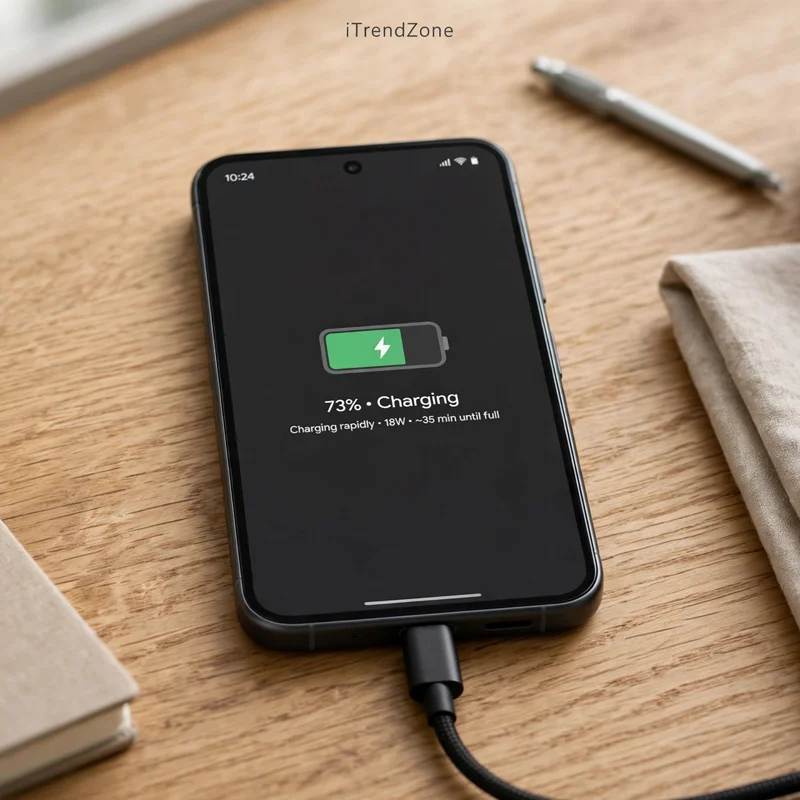
Charging is fast enough if you use the right brick. The base Pixel 11 and the Pro charge at 30W wired, reaching 55% in about 30 minutes with a 30W USB-C PPS charger. Note the charger is sold separately, so do not expect one in the box. Meanwhile the Pro XL charges at 45W wired. All three support Pixelsnap Qi2.2 wireless charging at up to 25W, which is quick for wireless and makes magnetic accessories click into place. Buy a proper PPS charger rather than an old 5W brick. An old charger will work, but it will crawl. For the full battery playbook, read our Google Pixel 11 battery tips guide.
Battery size compared
Pro XL: 5,115mAh
Base model: 4,985mAh
Pro: 4,850mAh
Two habits stretch the battery further than any setting tweak. First, keep the screen brightness in check, because the display is the biggest drain on every phone. Adaptive brightness handles most of this for you. Second, turn on Adaptive Battery and let the phone learn which apps you actually use. It limits the ones you ignore, and you will never notice. If you need a real boost on a long day, switch on Extreme Battery Saver. It cuts background work hard, but it keeps calls, texts, and maps running.
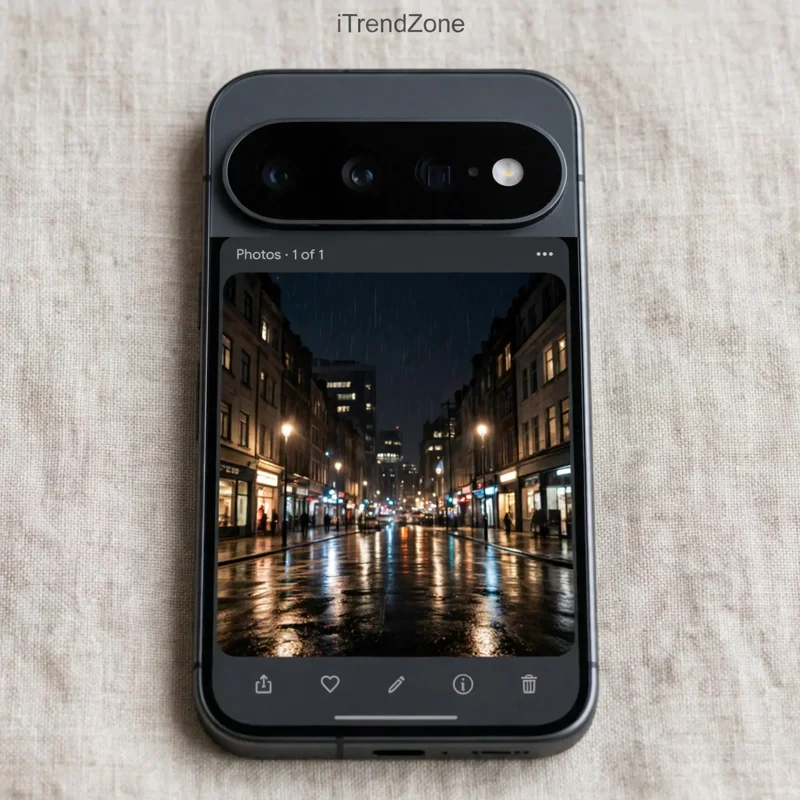
Gemini AI: The Features That Do the Work for You
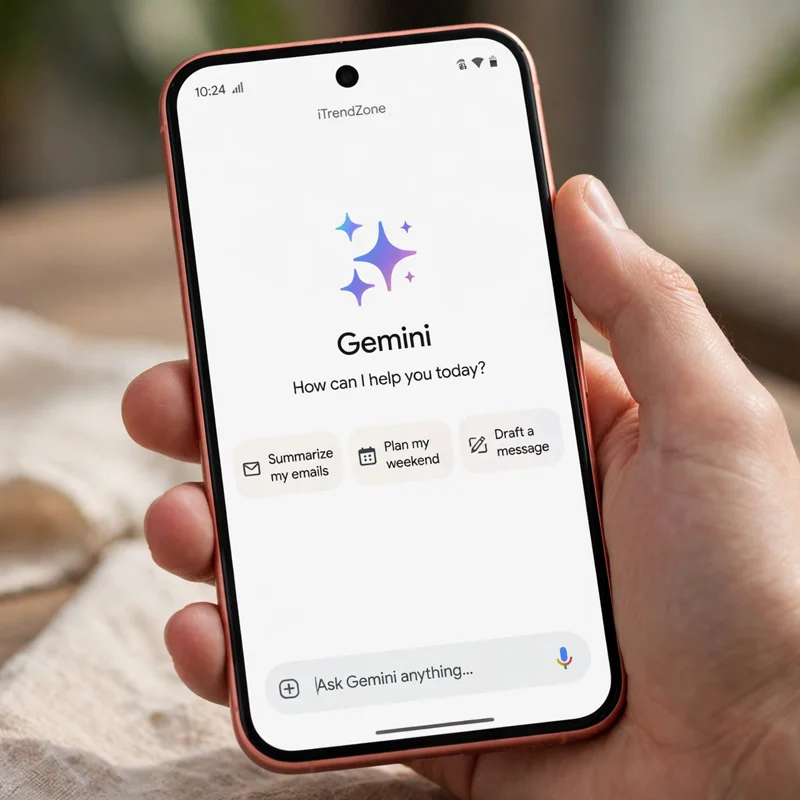
Gemini is the reason the Pixel 11 feels like a different kind of phone. It is not a single app or a single button — it is woven through the whole system, and it handles multi-step tasks across more than 40 apps. Ask it to order food, book a ride, or sort your groceries, and it works through the steps for you. Some of the agentic tasks are US-only for now, so your mileage may vary by country. Still, the core idea is simple: you ask in plain words, and the phone does the legwork. Check the Pixel support pages if a feature seems missing, because Google rolls these out in waves.
One of my favourite tricks is the proactive glanceable cards. Gemini spots what you need and shows it as a card inside your apps. A flight card before a trip. Then a delivery card when a parcel is on its way. And a reminder card when a meeting is close. You do not have to open anything or search for anything. It just shows up. Next, try letting Gemini dial a business for you. It can call, ask a question, and show you a live transcript while it talks.
Rambler, Live Translate and sign-to-text
Rambler is a smaller feature with a big payoff. It is Gemini voice input that strips filler words like “um” and “ah” from what you say. So your dictated messages come out clean instead of full of pauses. If you dictate texts or notes a lot, turn Rambler on and leave it on. Sign-to-text is another quiet win. The SL2T model in Gboard and Live Transcribe turns sign language into text, which opens the phone up to more people. And Live Translate works across videos, podcasts, and voice messages, so a clip in another language stops being a wall. For the deep dive, read our Google Pixel 11 Gemini AI features guide.
One more thing: every Pixel 11 comes with a 6-month Google AI Pro trial. Use it. The trial unlocks the fuller Gemini experience, and six months is long enough to know if it is worth paying for. Set a reminder a week before the trial ends, so you can decide with a clear head instead of getting a surprise charge. That reminder takes ten seconds to set and saves a lot of annoyance later.
Setup Guide: Your First Hour With the Pixel 11
Setup is quick if you do it in the right order. First, charge the phone to at least 50% before you start. Next, sign in with your Google account and let the phone copy your apps, photos, and messages from your old device. The transfer tool handles most of it, but give it time on Wi-Fi. Rushing it over mobile data is how things get lost. Then turn on backup right away, so your photos and settings are safe from day one.
Security and Gemini setup
After the basics, set up your security. Add your fingerprint and face unlock, then turn on two-factor authentication for your Google account. After that, open the Gemini settings and switch on the features you want. Rambler, glanceable cards, and Live Translate are the three I would turn on first. Then pick your Camera Look default and set your video quality. Finally, pair your Pixelsnap accessories, because magnetic cases and chargers snap on in seconds once they are set up. For the step-by-step version, read our Google Pixel 11 setup guide.
Security and Privacy: Lock It Down Properly
Seven years of updates only help if you install them, so turn on automatic updates and stop putting them off. Android 17 handles most updates quietly in the background, and a restart is all it asks for. Next, check your app permissions. Go through the list once and ask yourself if each app really needs your location, your microphone, or your contacts. Most do not. Take the permission away and see if anything breaks. It usually does not, and your data stays tighter.
The Pro models have a small hardware detail worth knowing about. HiLight LED is a light ring around the camera flash. It glows when Gemini is listening or processing, and you can set it to flash for custom contact notifications. So you can tell at a glance if the phone is listening, and you can spot a call from your partner without looking at the screen. That is a neat privacy signal, and it is the kind of detail that makes the Pro feel considered. For the full lockdown checklist, read our Google Pixel 11 security privacy tips guide.
Customization: Make the Pixel 11 Yours
Pixel phones have always been the most customisable Android phones, and the Pixel 11 keeps that crown. Start with Material You, which pulls colours from your wallpaper and spreads them across the whole system. Pick a wallpaper you love, then let the phone build a theme around it. Change the wallpaper again in a month and the whole phone feels fresh. It is a free makeover, and it takes seconds.
Next, sort your home screen like you mean it. Put the four apps you open every day on the dock, and move the rest into folders or the app drawer. Add one or two widgets that actually help: a calendar widget, a weather widget, and maybe a Gemini widget for quick questions. Skip the widgets you never look at. A clean home screen is faster to use and easier on the eyes. Then dig into the lock screen. Change the clock style, add shortcuts, and pick what shows up when the phone is locked. Set the shortcuts to the two things you reach for most, like the camera and the torch.
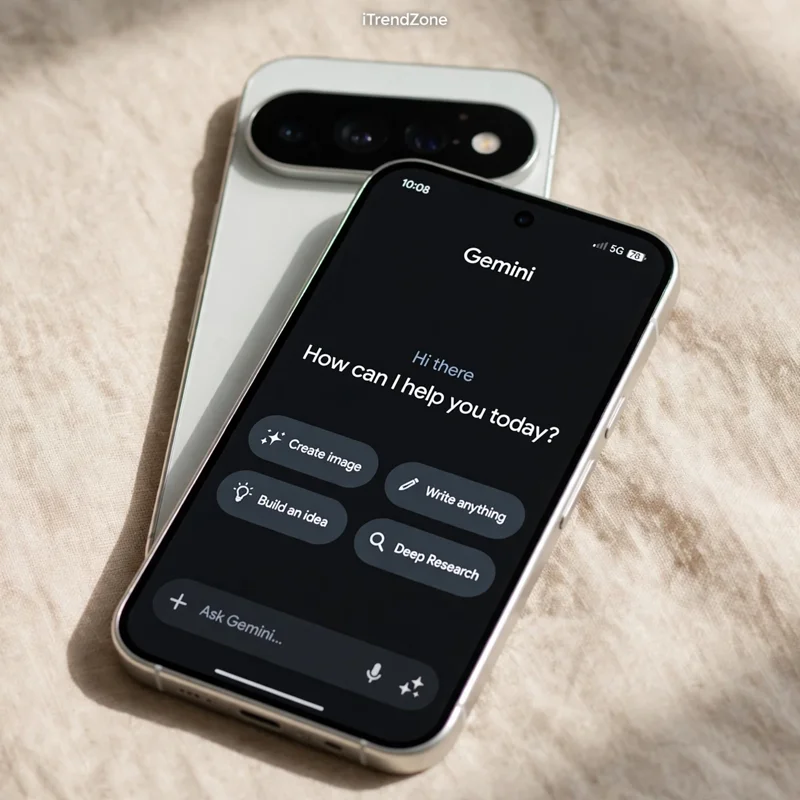
Finally, play with the little things. Change the icon shapes, try a new font size, and set a different ringtone for the people who matter. For the full ideas list, read our Google Pixel 11 customization tips guide.
Performance and Gaming: Keep It Fast
The Tensor G6 is not built to win benchmark races. It is built to stay smooth while AI runs in the background, and it does that job well. Apps launch 15% faster than on the Tensor G5, and web browsing is 25% faster. For daily use, that means less waiting and fewer stutters. The 12GB of RAM helps too, because it keeps more apps in memory. Switch between your browser, your maps, and your messages, and they pick up where you left them.
For gaming, the Pixel 11 is good but not a gaming phone. Most titles run smoothly at high settings, and the 120Hz display keeps motion fluid. Also, close the apps you are not using before a long gaming session, and turn on Do Not Disturb so a call does not drop you out of a match. If a game stutters, drop the graphics one notch before you blame the phone. Most stutters are settings, not hardware. For the full speed guide, read our Google Pixel 11 performance tips guide.
One habit keeps any phone fast for years: do not let storage fill up. A phone with 5GB free runs slower than one with 50GB free. Delete apps you have not opened in three months, clear out old downloads, and move big videos to the cloud. Restart the phone once a week too. It clears out the small glitches that build up over time.
Hidden Features Worth Finding
The Pixel 11 hides some of its best tricks in places you would never look. Circle to Search now works inside the Pixel Camera, so you can circle an object in your viewfinder and search for it without taking a photo first. Creator Suite makes video the default camera mode, which tells you where Google thinks the future is. Instant Night Sight takes low-light shots much faster than before, so you miss fewer moments in dark rooms. These are the features that make owners smile, and they are easy to miss if you never dig past the home screen.
Take an hour one weekend and tap through Settings with no goal in mind. You will find things you did not know existed, and at least one of them will become a daily habit. That is how most Pixel fans learn their phones. For the full list, read our Google Pixel 11 hidden features guide, which covers the tricks Google barely mentions.
When Something Goes Wrong
Even a great phone has bad days. The most common Pixel 11 problems have simple fixes. If an app crashes, force-stop it and clear its cache. When the phone feels slow, restart it and check your free storage. For fast battery drain, look at the battery stats and find the app at the top of the list. It is almost always one app misbehaving. If Wi-Fi or Bluetooth acts up, toggle it off and on, then forget the network or device and reconnect. That fixes most connection gremlins.
For the full fix list, read our Google Pixel 11 not working fix guide.
Who Should Buy the Pixel 11?
The Pixel 11 is the right phone for people who want the smartest Android experience, not the flashiest hardware. If you love Google’s AI, take lots of photos, and want a phone that gets better with updates for seven years, this is an easy yes. The base model at $899 is the best value in the lineup, and at $699 on Black Friday it was a steal. Photo lovers should look at the Pro, with its 120x Pro Zoom, 42MP front camera, and 8K Video Boost. And the Pro XL is for people who want the biggest battery and the fastest 45W charging.
It is not the right phone for everyone. If you game hard for hours every day, a dedicated gaming phone will run cooler. Foldable fans should look at the Pixel 11 Pro Fold with its 8-inch Super Actua Flex display instead. And if your current phone is only a year old, the jump may not feel big enough yet. But for anyone coming from a phone that is three or four years old, the Pixel 11 is a large step up. The cameras, the AI, and the seven years of updates add up to a phone that will feel current for a long time. Check the Google Store Pixel 11 page for current prices and colours before you decide.
Test Yourself: Google Pixel 11 Tips Quiz
Quick check — five questions, three answers each. The answers sit at the very end.
1. What chip powers the Pixel 11?
a) Tensor G5
b) Tensor G6
c) Snapdragon 8 Gen 5
2. How much does the base Pixel 11 cost at launch?
a) $699
b) $799
c) $899
3. How big is the Pixel 11 Pro XL battery?
a) 4,850mAh
b) 4,985mAh
c) 5,115mAh
4. What does Rambler do?
a) It strips filler words like “um” from voice input
b) It charges the phone faster
c) It takes 8K video
5. How many years of OS and security updates does the Pixel 11 get?
a) 3 years
b) 5 years
c) 7 years
Answers: 1-b, 2-c, 3-c, 4-a, 5-c.