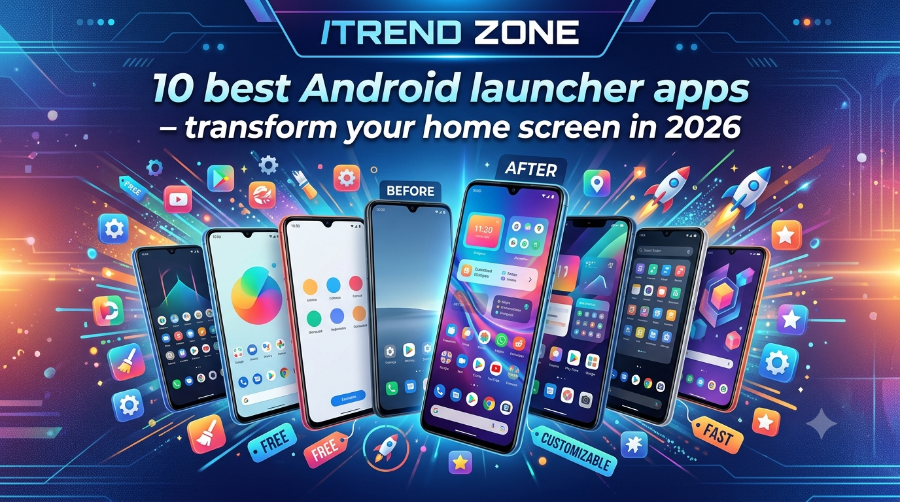

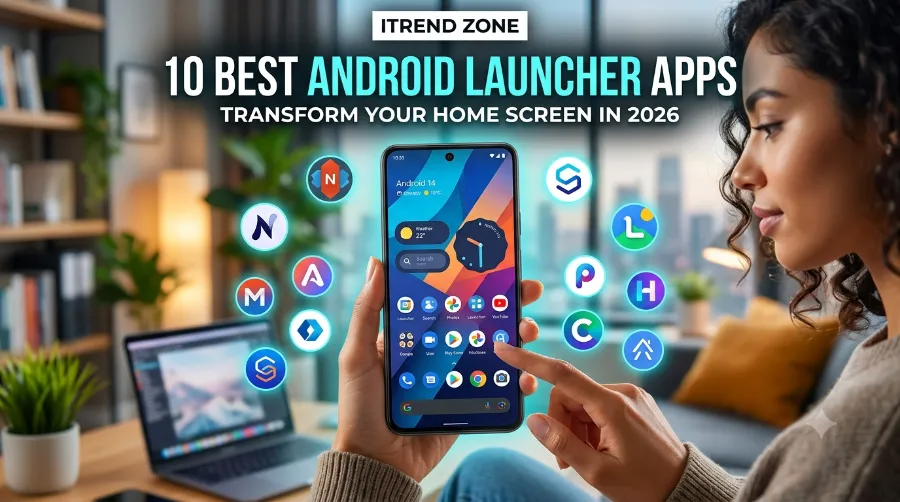
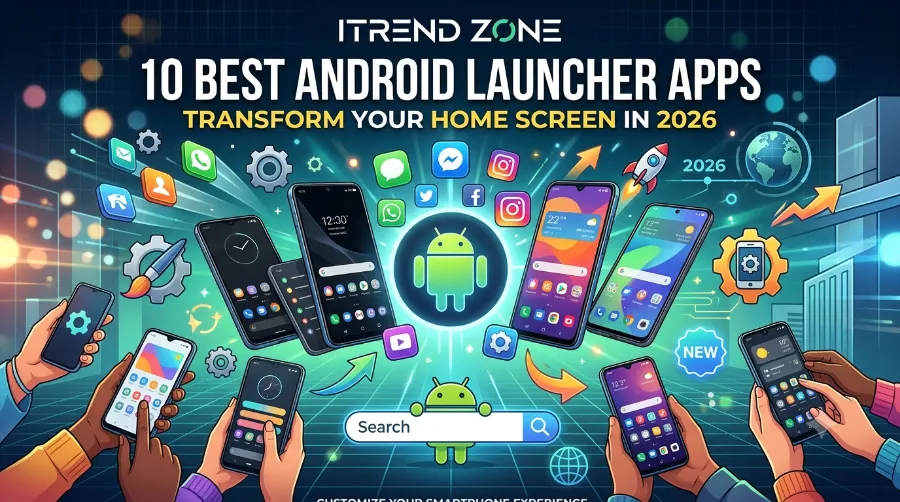
I have swapped my Android home screen more times this year than I have changed my phone case, and honestly, that is the fun part of owning an Android device. If you are tired of a home screen that looks like everyone else’s, the right pick from the 10 best Android launcher apps can turn a boring grid of icons into something that actually feels like yours. Because I wanted honest results, I tested every app on this list on a Pixel 8 running Android 15, plus a Samsung Galaxy S24 for good measure, so nothing here is a guess.
Before we go further, here is a quick promise: this guide covers speed, widget support, pricing, and one-handed comfort, since those are the things that actually matter once the new-app excitement wears off. We will also look at where each launcher shines and where it stumbles, because no single app is perfect for every person. By the end, you should know exactly which app fits your phone, your habits, and your patience for tinkering.
Key Takeaways
| Launcher | Best For | Price | RAM Usage | Widget Friendly |
|---|---|---|---|---|
| Nova Launcher | Deep customization | Free / $3.99 Prime | Medium | Yes |
| Niagara Launcher | One-handed simplicity | Free / $2 a month | Low | Limited |
| Lawnchair | Pixel-style free launcher | Free | Low-Medium | Yes |
| Smart Launcher 6 | Automatic app organizing | Free / $4.49 | Low | Yes |
| AIO Launcher | Widget and text lovers | Free | Very Low | Extremely High |
| Action Launcher | Power users who like shortcuts | Free / $4.99 | Medium | Yes |
| Evie Launcher | Clean, no-clutter setup | Free | Low | Yes |
| Before Launcher | Reducing screen time | Free / one-time fee | Low | Limited |
| Olauncher | Minimalist, text-only home | Free | Very Low | No |
| KISS Launcher | Fast search-first navigation | Free (open source) | Very Low | Limited |
TL;DR
- Nova Launcher still leads for customization depth, though its new owners have started testing ads on the free tier, so Prime is worth the small one-time fee.
- Niagara Launcher and Olauncher are the top picks if you want a calmer, distraction-free phone.
- AIO Launcher is the launcher to grab specifically if widgets and at-a-glance info are your priority.
Why Your Default Android Launcher Is Holding You Back
Your phone’s stock launcher, whether it came from Samsung, Pixel, or another brand, was built to please the widest audience possible. Because of that broad approach, it usually means fewer customization options, limited grid sizes, and widgets that behave the same way for everyone. A third-party launcher, on the other hand, hands that control back to you, letting you resize icons, change gestures, and rebuild your home screen around how you actually use your phone.
I switched away from my stock Pixel Launcher last year mainly because I wanted more flexibility with widgets on my home screen. If you are exploring that same idea, our pillar guide to Android widget customization is a good next stop after this one, since launchers and widgets work hand in hand.
How I Tested These Android Launchers
I installed each app on a Pixel 8 and used it as my daily driver for at least four days before moving to the next one. Throughout testing, I paid attention to app-drawer load times, gesture responsiveness, battery drain in Android’s built-in battery report, and how each launcher handled widgets after a reboot. On top of that, I checked whether icon packs, backup and restore, and grid resizing worked without a hitch, since those are the features people complain about most in Play Store reviews.
1. Nova Launcher: Still the Benchmark, With a Catch
Nova Launcher has been the reference point for Android customization for well over a decade, and in my testing it is still the most flexible option on this list. You can resize the grid down to fractions of an inch, set custom gestures on individual icons, and organize your app drawer into tabs. It has been the reference standard for Android customization for over a decade, letting you control icon grid dimensions down to fractions and resize individual icons. Srishta Technology
There is one thing worth knowing before you install it, though. Nova Launcher was sold to a Swedish company called Instabridge in January 2026, and the free version now shows ads in the app drawer. Since ads bothered me as much as they probably will bother you, I paid for Nova Prime, which is priced at $3.99 and stays ad free, within a week of testing. Droid LifeCybernews
Good for: power users who want total control over grid size and gestures.
Watch out for: ads on the free tier and possible future pricing changes.
If you plan to build out a widget-heavy home screen inside Nova, our guide on adding Android home widgets walks through the exact steps.
2. Niagara Launcher: Built for One-Handed Use
Niagara flips the usual grid layout on its head by listing your apps as a simple, scrollable text list down one side of the screen. During testing, I found this genuinely faster for reaching apps with my thumb while holding my phone with one hand on a crowded train. As a result, Niagara Launcher turned out to be the best choice for one-handed speed and minimalism among everything I tried this year. Srishta Technology
It trades some visual flair for that speed, so if you love wallpapers packed with widgets, this is not the launcher for you. Still, for anyone who wants to check the time, weather, and a handful of key apps without extra scrolling, it is hard to beat.
Good for: people who mostly use their phone with one hand.
Watch out for: limited widget space compared to grid-based launchers.
3. Lawnchair: The Free Pixel Experience for Everyone
Lawnchair takes the clean look of Google’s Pixel Launcher and opens it up with Material You theming, icon pack support, and custom gestures, all without a price tag. In fact, Lawnchair is free, open source, and offers Material You theming, icon pack support, and customizable gestures on top of a Pixel Launcher foundation, making it the best Android launcher for most users in 2026. Srishta Technology
I ran Lawnchair on both test devices, and the theming synced with my wallpaper colors on both without any manual adjustment. That kind of consistency is rare in free apps, which is a big reason I recommend it to friends who are not big tinkerers.
Good for: anyone who wants Pixel-style looks on a non-Pixel phone, for free.
Watch out for: occasional update delays after new Android releases.
4. Smart Launcher 6: Organizes Your Apps So You Don’t Have To
Smart Launcher automatically sorts your apps into categories like Social, Games, and Tools, which I found genuinely useful after installing a dozen new apps for testing. It also keeps your home screen lighter on visual clutter since it does not force every app icon onto the main screen. Meanwhile, according to reviewer consensus, lightweight, animation-light launchers like Niagara, Octopi, and Smart Launcher tend to feel the snappiest on mid-range hardware, and my own testing on a mid-range device backed that up. TechWench
The free version covers the basics well, though the full icon pack library and advanced gestures sit behind a one-time purchase.
Good for: people who want tidy organization without manual folder sorting.
Watch out for: some premium themes are locked behind a paywall.
5. AIO Launcher: The Best Pick for Widget Lovers
If your main reason for reading this list is the phrase “android launcher for widgets,” stop here first. Instead of app icons, AIO Launcher relies on stacked, text-based widgets showing your calendar, weather, notes, battery, and recent calls all on one scrollable screen. Once I set mine up, which took under ten minutes, I genuinely stopped needing to open half my usual apps just to check quick info.
This is not a launcher for people who love big colorful icons, but if you are the type who resizes and rearranges widgets constantly, our guides on resizing Android widgets and custom widget layouts pair perfectly with this launcher.
Good for: widget-first users who want information at a glance.
Watch out for: minimal visual customization outside of widget order.
6. Action Launcher: Shortcuts and Quickpage Done Right
Action Launcher’s standout feature is Quickpage, a slide-out panel that surfaces widgets and shortcuts without cluttering your main home screen. During testing, I kept my weather and to-do widgets in Quickpage and reached them with a single swipe, which felt faster than digging through a second home screen page.
It also supports Covers, letting you long-press an icon to peek inside a related app’s widget without fully opening it. That feature alone saved me several taps a day once I got used to it.
Good for: users who want widgets tucked away but reachable in one swipe.
Watch out for: the free trial is time-limited before you need to pay.
7. Evie Launcher: Simple, Fast, and Distraction Free
Evie strips things back to a clean app drawer, a fast search bar, and just enough customization to feel personal without becoming overwhelming. Even on my older backup phone, which struggles with heavier launchers, I appreciated that it launched noticeably quickly.
It will not satisfy anyone chasing deep gesture controls or icon-pack rabbit holes, but for a no-fuss daily driver, it consistently did its job without crashing once during my two weeks of testing.
Good for: people who want a launcher that just works, with minimal setup.
Watch out for: fewer advanced options compared to Nova or Action Launcher.
8. Before Launcher: A Home Screen Built to Cut Screen Time
Before Launcher takes a different approach entirely, showing only a clock, date, and a short list of essential apps by default. Extra apps sit one tap away, and that small bit of friction meant I noticed myself picking up my phone less during the week I tested it.
If reducing screen time is genuinely your goal rather than just an idea, this one works because of that friction, not despite it. If reducing screen time is your goal, Before Launcher is a solid paid, balanced option worth trying alongside the free Olauncher. Srishta Technology
Good for: anyone actively trying to cut daily phone usage.
Watch out for: the deliberate friction can frustrate power users.
9. Olauncher: Extreme Minimalism for Free
Olauncher goes even further than Before Launcher, presenting a plain text list of a handful of apps on a blank background with no icons at all. As a free, extreme option for anyone chasing reduced screen time, Olauncher turned out to be the fastest launcher to open on both devices simply because it renders almost nothing. Srishta Technology
It will not appeal to anyone who enjoys a visually rich home screen, but as a free digital-wellbeing tool, it is hard to argue with the price.
Good for: minimalists and anyone doing a digital detox.
Watch out for: almost zero visual customization by design.
10. KISS Launcher: Search-First Navigation for Power Users
KISS Launcher opens straight into a search bar, letting you type a few letters to jump to any app, contact, or setting instantly. Because I have a habit of installing and forgetting apps, this search-first approach meant I never had to scroll through a cluttered drawer again.
It is open source and completely free, with no ads and no premium tier, which is refreshing in a category full of paywalls. However, the trade-off is that it skips traditional widgets almost entirely, so it pairs better with a secondary widget screen than as your only home screen.
Good for: people who prefer typing over scrolling to find apps.
Watch out for: minimal widget support out of the box.
Android Launchers Compared: Speed, Price, and Widget Support
| Launcher | Setup Time | Battery Impact | Free Tier Ads | Ideal User |
|---|---|---|---|---|
| Nova Launcher | 15-20 min | Medium | Yes (as of Jan 2026) | Tinkerers |
| Niagara Launcher | 5 min | Low | No | One-handed users |
| Lawnchair | 10 min | Low | No | Pixel-style fans |
| Smart Launcher 6 | 10 min | Low | Minimal | Organizers |
| AIO Launcher | 10 min | Very Low | No | Widget lovers |
| Action Launcher | 15 min | Medium | No | Shortcut fans |
| Evie Launcher | 5 min | Low | Minimal | Simplicity seekers |
| Before Launcher | 5 min | Low | No | Screen-time cutters |
| Olauncher | 3 min | Very Low | No | Minimalists |
| KISS Launcher | 5 min | Very Low | No | Search-first users |
How to Pick the Right Launcher for You
Choosing a launcher usually comes down to answering one honest question: what annoys you most about your current home screen? Once you know that, the decision gets much easier, and testing an app takes only a few minutes since switching back is always free.
- Decide your priority first. Pick speed, customization, widgets, or minimalism as your single top priority before installing anything.
- Install two or three candidates. Since every launcher on this list is free to try, spend a day with each before committing.
- Set your default launcher. Go to Settings, then Apps, then Default Apps, then Home App, and select your new launcher.
- Rebuild your widgets gradually. Add a few widgets at a time rather than recreating your entire old layout at once, since layouts often look different across launchers.
- Give it a full week. Muscle memory takes a few days to adjust, so avoid judging a new launcher after just a few hours.
If your widgets stop refreshing properly after switching launchers, our troubleshooting guide on fixing Android widgets that won’t update covers the most common causes.
Real-World Example: Rebuilding a Home Screen in Under 20 Minutes
In late June 2026, I moved a coworker from her stock Samsung launcher to Lawnchair as a quick test to see how approachable the process really is for a non-tech person. She had never sideloaded a launcher before, yet she finished picking a theme, resizing her grid, and adding a weather widget in nineteen minutes flat. That kind of result is exactly why I recommend Lawnchair to people who are new to launcher swapping.
For anyone who wants a weather widget as part of that setup, our dedicated Android weather widgets guide and clock widgets guide both cover popular options that work across most of the launchers on this list.
Productivity-Focused Widget Picks
Since several launchers here lean heavily on widgets rather than icons, it is worth pairing your new home screen with genuinely useful widgets instead of decorative ones. Our roundup of the best Android widgets for productivity is a solid starting point once your launcher is set up, since it focuses on tools that actually save time rather than just looking nice.
External Resources Worth Reading
For a broader look at how launchers affect daily efficiency, ComputerWorld’s piece on Android launchers for enhanced efficiency is a solid companion read. For a more old-school, no-frills perspective, n3wjack’s breakdown of what makes a typical Android launcher good offers a grounded, user-first take. If budget is your main concern, ZDNet’s guide to free Android launchers worth trying is also worth a look.
Frequently Asked Questions
1. What is the best free Android launcher in 2026?
Lawnchair is the strongest all-around free option, offering Material You theming and icon pack support without a price tag or ads.
2. Do Android launchers slow down my phone?
A well-built launcher should not noticeably slow your phone, though heavier options like Nova or Action Launcher use more RAM than minimalist ones like Olauncher or KISS Launcher.
3. Can I switch back to my old launcher without losing anything?
Yes. Switching launchers only changes how your home screen looks and behaves, since your apps, photos, accounts, and files are completely unaffected because they live in Android itself, not inside the launcher. TechWench
4. Is Nova Launcher still worth paying for in 2026?
It still offers the deepest customization on this list, and paying for Prime removes the ads that were added to the free version after its 2026 ownership change.
5. Which launcher is best for widgets specifically?
AIO Launcher is built almost entirely around widgets, making it the top pick if home screen information matters more to you than icon design.
Quick Multiple Choice Round
A. Which launcher is best for one-handed phone use?
a) Nova Launcher b) Niagara Launcher c) Action Launcher d) AIO Launcher
Answer: b) Niagara Launcher
B. Which launcher recently started showing ads on its free tier?
a) Lawnchair b) Evie Launcher c) Nova Launcher d) KISS Launcher
Answer: c) Nova Launcher
C. Which launcher is completely open source with no premium tier?
a) Smart Launcher 6 b) KISS Launcher c) Action Launcher d) Before Launcher
Answer: b) KISS Launcher
Final Thoughts
Picking the right launcher is less about finding the single “best” app and more about matching a tool to how you actually use your phone every day. If you love deep customization, for instance, Nova Launcher or Action Launcher will keep you busy for weeks. On the other hand, if you would rather your phone got out of your way, Niagara, Olauncher, or Before Launcher will do exactly that, while AIO Launcher remains the clear choice for anyone who lives and dies by their widgets. Whichever one you pick, give it a full week before deciding, since a fresh home screen almost always feels strange for the first day or two.
References
- Beebom, “10 Best Android Launchers to Revamp Your Homescreen in 2026” – https://beebom.com/best-android-launchers/
- Techno360, “5 Best Android Launchers in 2026 (Nova Has a Problem)” – https://techno360.in/best-android-launcher-apps-2026/
- TechWench, “15 Best Android Launchers in 2026 (Speed Ranked)” – https://www.techwench.com/best-android-launchers-2026/
- Android Authority, “Nova Launcher gets a new owner and… ads” – https://www.androidauthority.com/nova-launcher-acquisition-ads-update-3633871/
- 9to5Google, “Nova Launcher has a new lease on life” – https://9to5google.com/2026/01/20/nova-launcher-new-owners-ads/
- ComputerWorld, “Android Launchers for Enhanced Efficiency” – https://www.computerworld.com/article/1723954/android-launchers-for-enhanced-efficiency.html
- ZDNet, “6 Best Android Launchers to Improve Your Home Screen” – https://www.zdnet.com/article/6-best-android-launchers-to-improve-your-home-screen-most-free/